
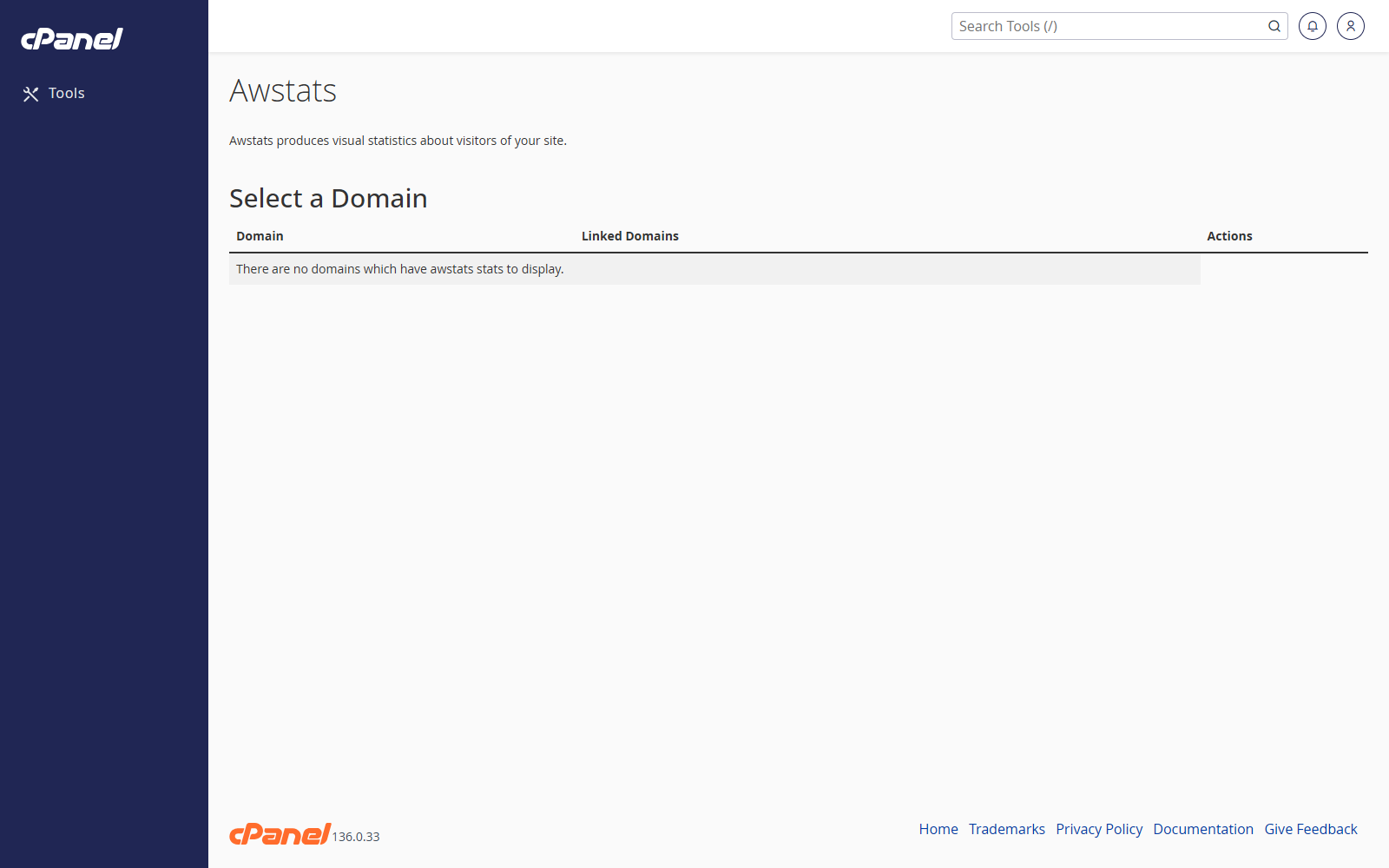
Open AWStats
- Go to Metrics > AWStats.
- Find the domain you want to check.
- Click View.
Change the Report Period
- Open the AWStats report for the domain.
- Use the month and year options at the top of the report.
- Select the period you want to view.
Check Visitor Totals
- Open the report.
- Review Unique visitors, Number of visits, Pages, Hits, and Bandwidth.
- Scroll down to see daily and hourly activity.
Check Traffic Sources
- Open the report.
- Scroll to the sections for referrers, search phrases, browsers, and operating systems.
- Use these sections to see how people and bots reached the site.
Notes
- AWStats reports are based on server logs, so figures may differ from tools such as Google Analytics.
- Statistics may not update instantly.
- Large numbers of hits do not always mean large numbers of human visitors.