
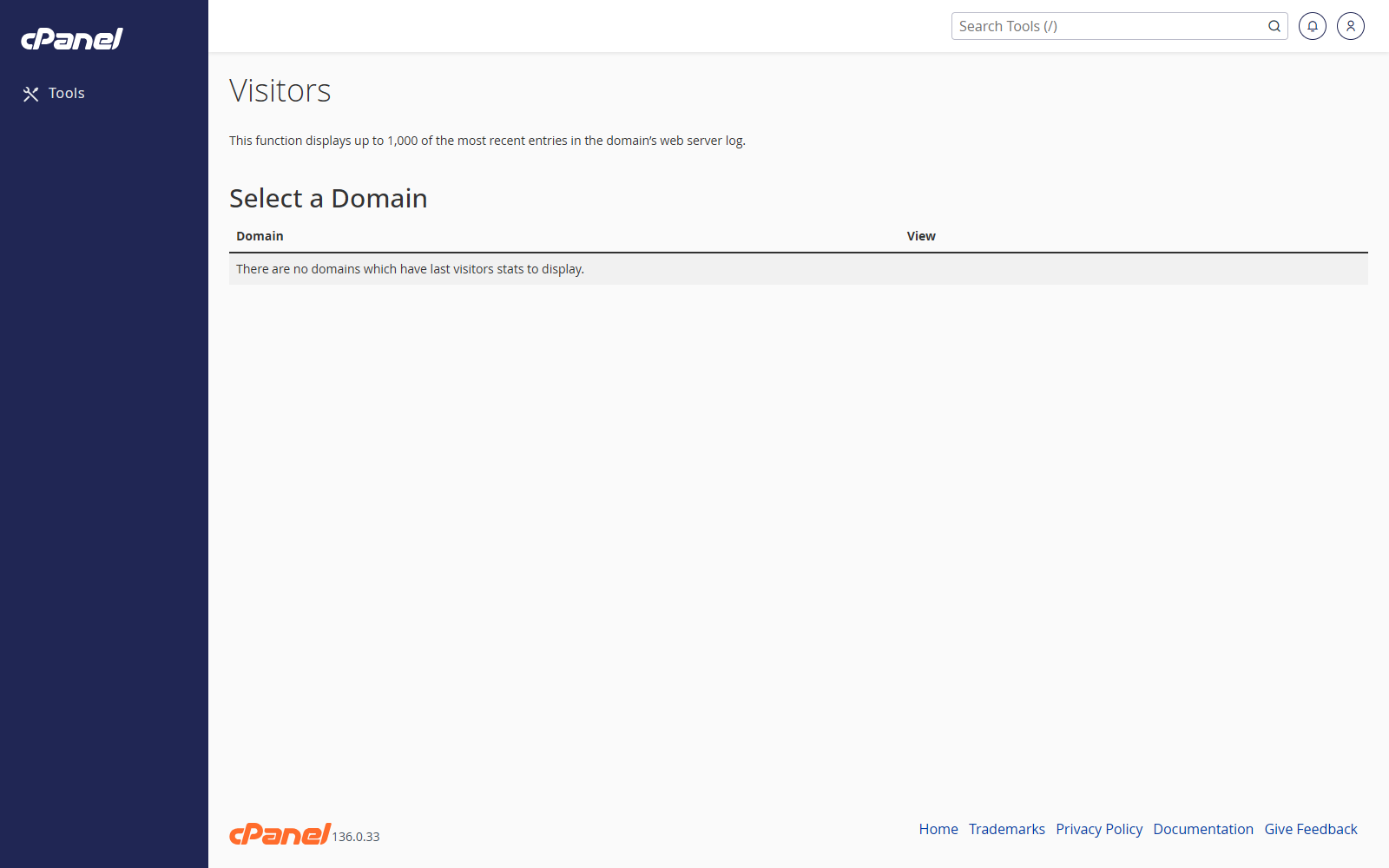
Open Visitors
- Go to Metrics > Visitors.
- Find the domain you want to check.
- Click View.
Read the Visitor Report
- Check the visitor IP address.
- Check the URL that was requested.
- Check the time of the visit.
- Review the browser or user agent if it is shown.
Use Visitors for Troubleshooting
- Open the report for the affected domain.
- Look for repeated requests, missing files, or unusual traffic.
- Compare visitor activity with any errors or bandwidth changes.
Notes
- Visitors shows recent access log entries.
- It may include bots as well as real people.
- Use AWStats for a broader traffic summary.