
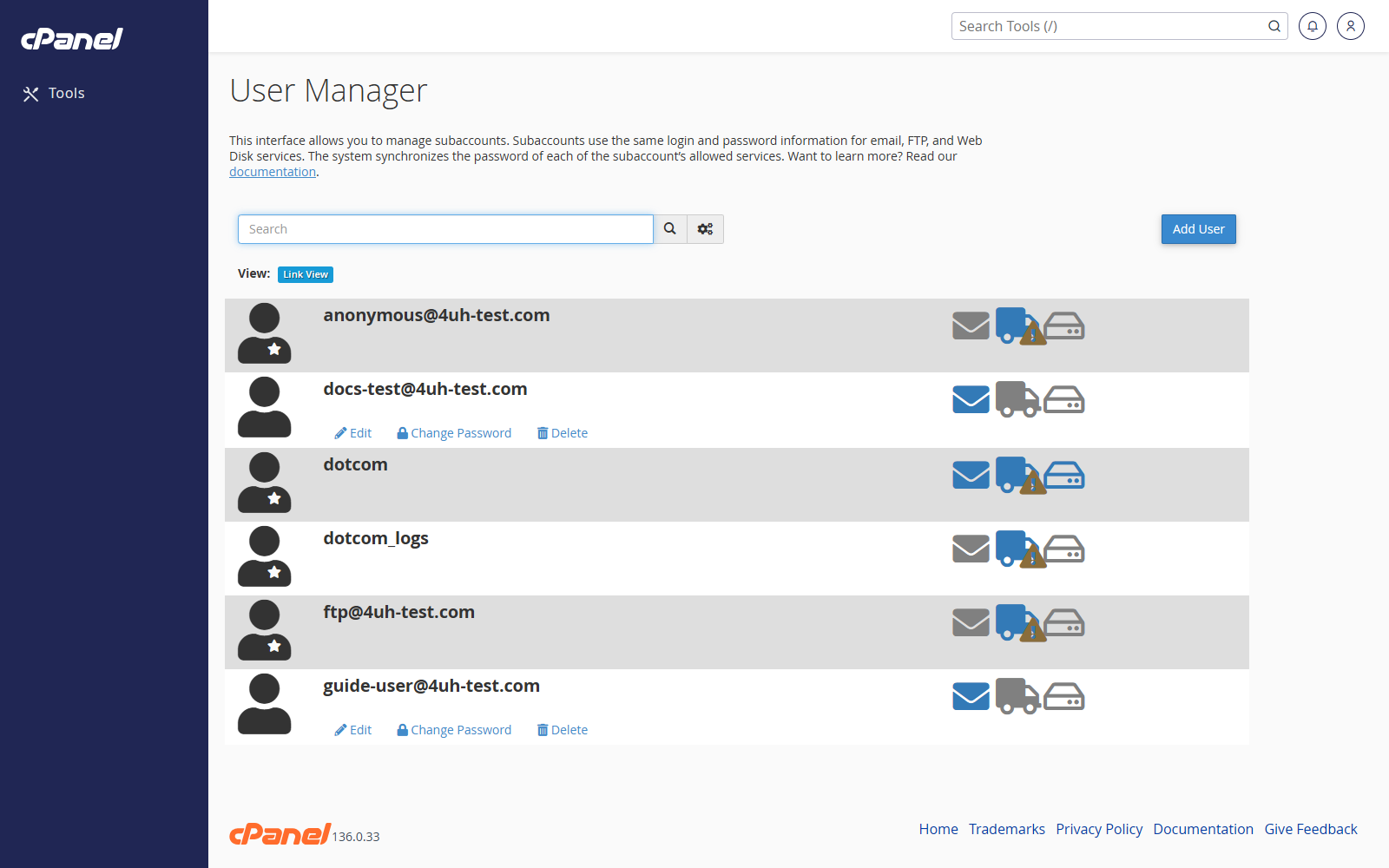
Open User Manager
- Go to Preferences > User Manager.
- Review the users listed on the page.
Add a User
- Click Add User.
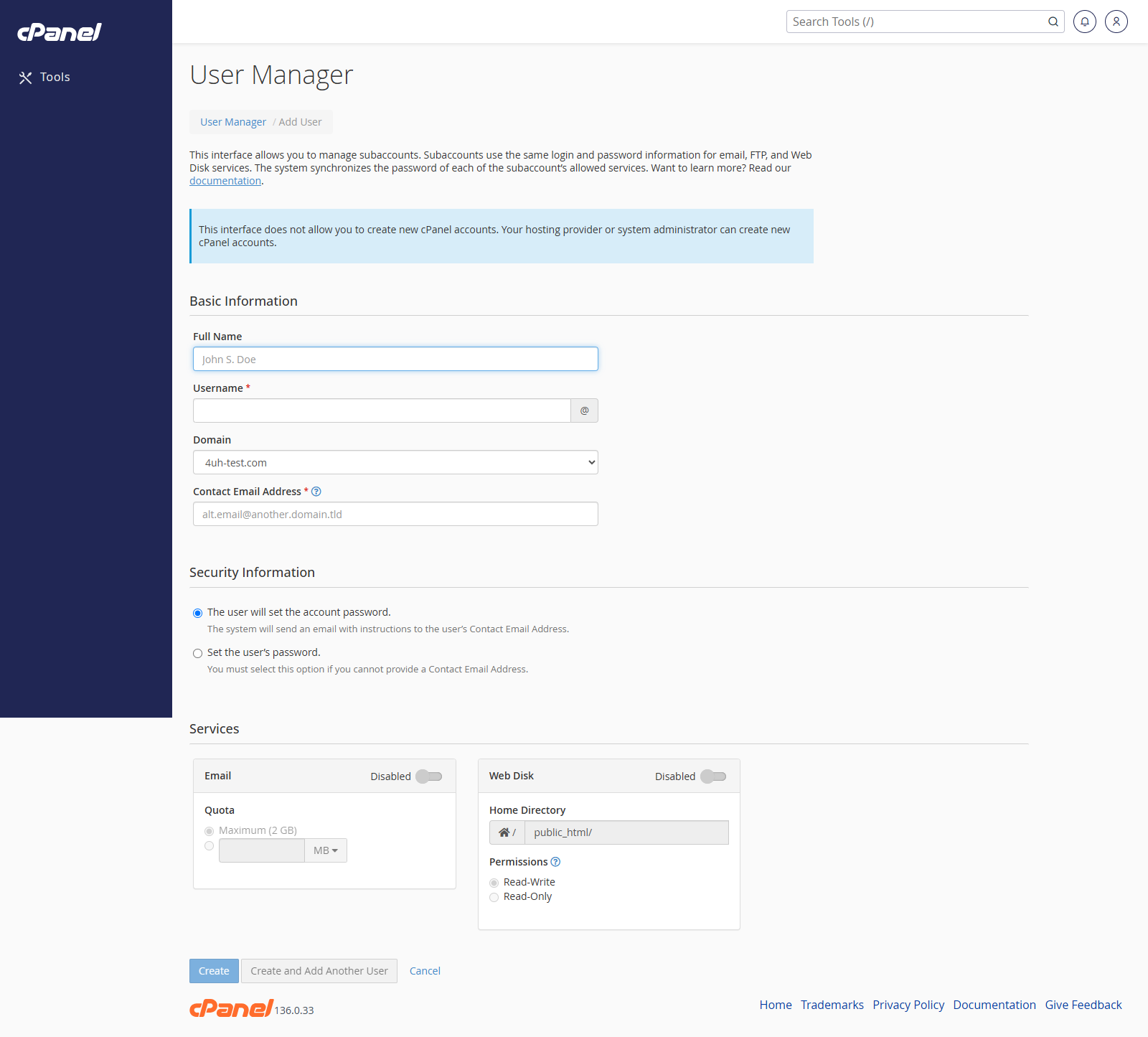
- Enter the user’s name and contact email address.
- Set the username.
- Enter and confirm a strong password.
- Choose which services the user can access.
- Click Create.
Edit a User
- Find the user in User Manager.
- Click Edit.
- Change the user’s details, password, or services.
- Save the change.
Delete a User
- Find the user in User Manager.
- Click Delete.
- Confirm the deletion.
Notes
- Only create users for people who genuinely need access.
- Disable or delete users who no longer need access.
- Give each person their own login rather than sharing passwords.