
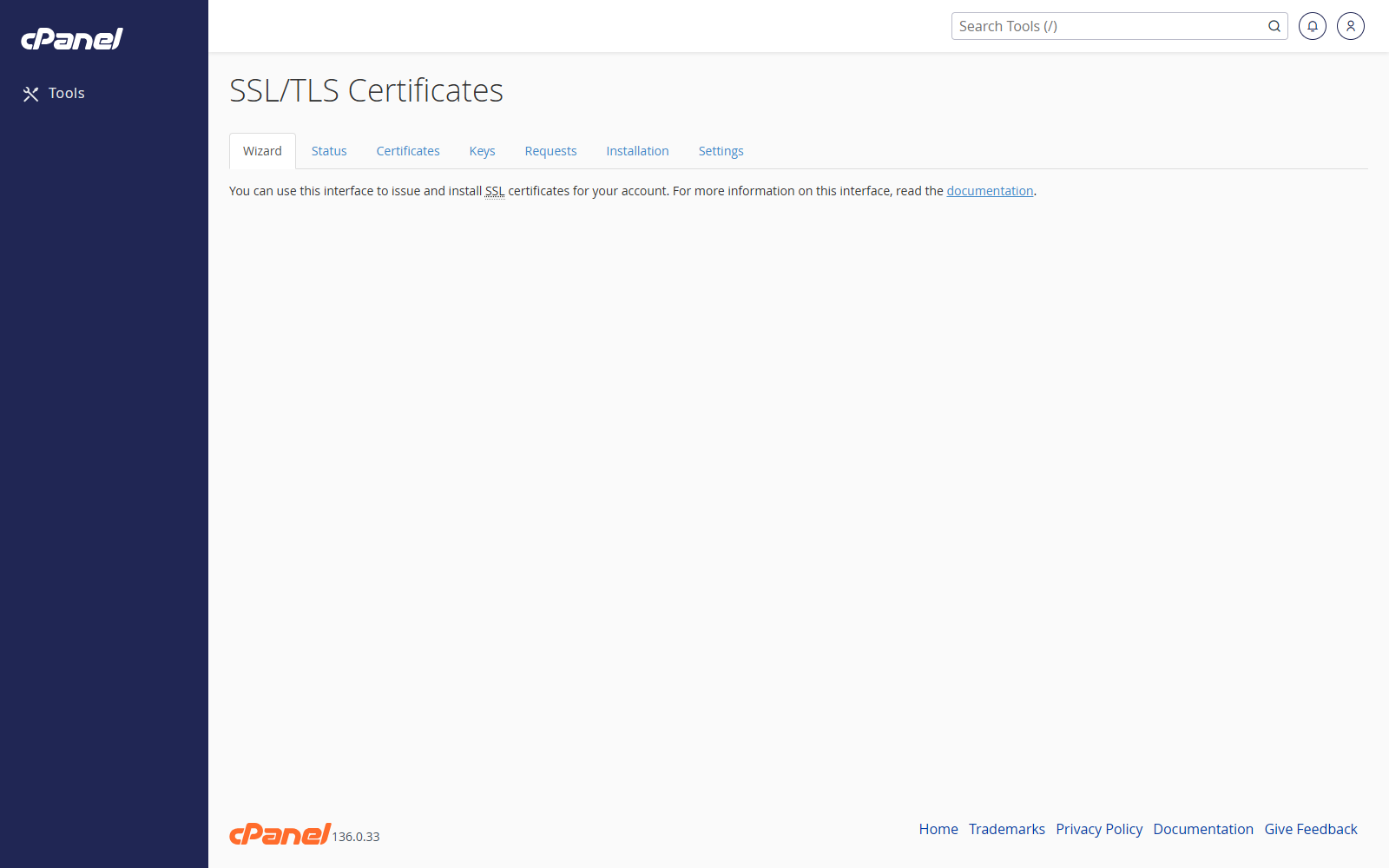
Open SSL/TLS Wizard
- Go to Security > SSL/TLS Wizard.
- Review the available certificate options.
Choose Domains
- Select the domains you want to secure.
- Choose whether to include wildcard coverage if that option is available.
- Continue to the next step.
Choose a Certificate
- Review the certificate products shown by cPanel.
- Select the certificate you want.
- Continue through the checkout or installation steps shown on screen.
Notes
- This tool may not appear if your hosting provider does not sell certificates through cPanel.
- Many hosting accounts use AutoSSL instead of the SSL/TLS Wizard.
- If the wizard is not available, use SSL/TLS Status to check AutoSSL or contact support.