
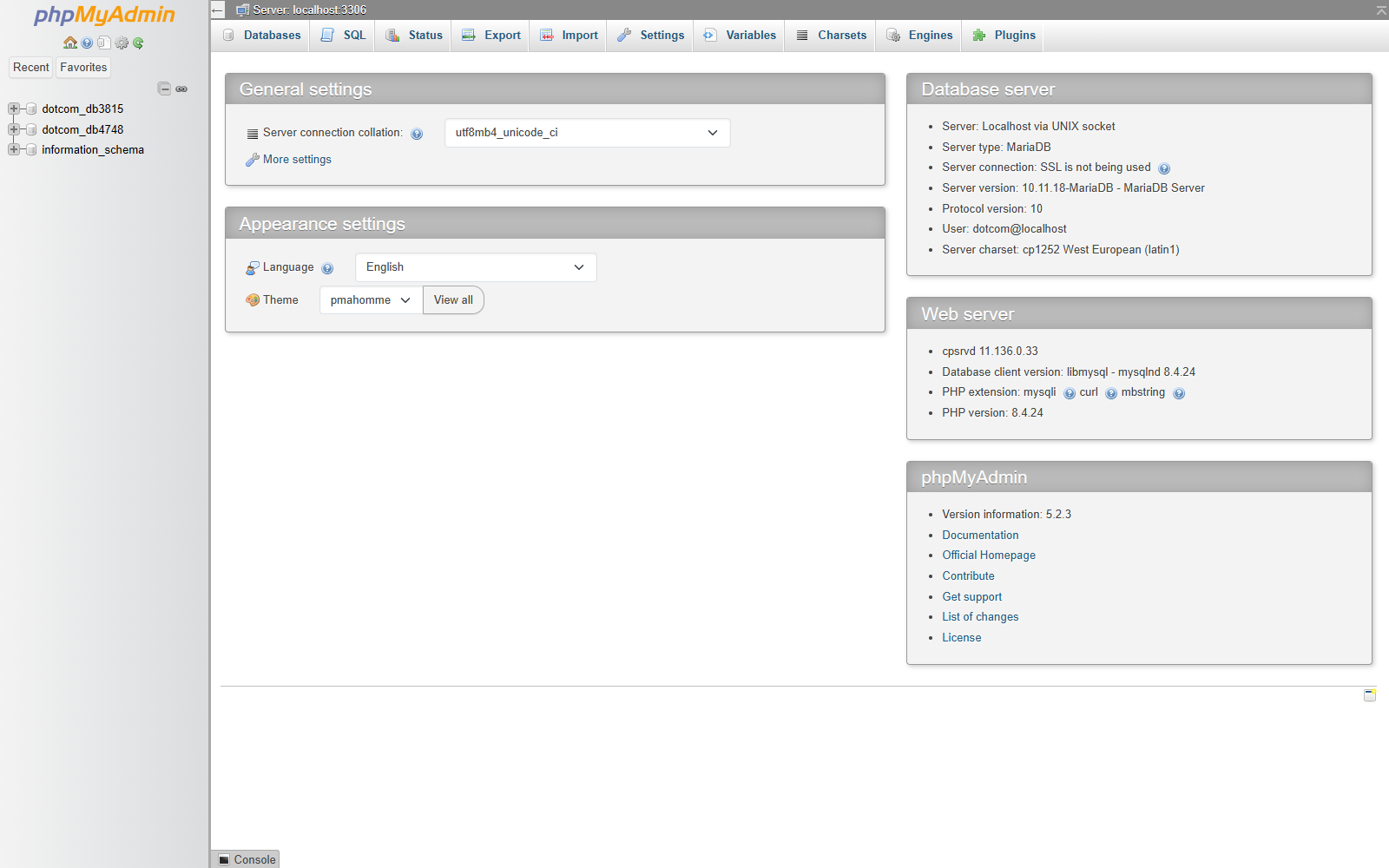
Open phpMyAdmin
- Go to Databases > phpMyAdmin.
- Wait for phpMyAdmin to open in a new screen or tab.
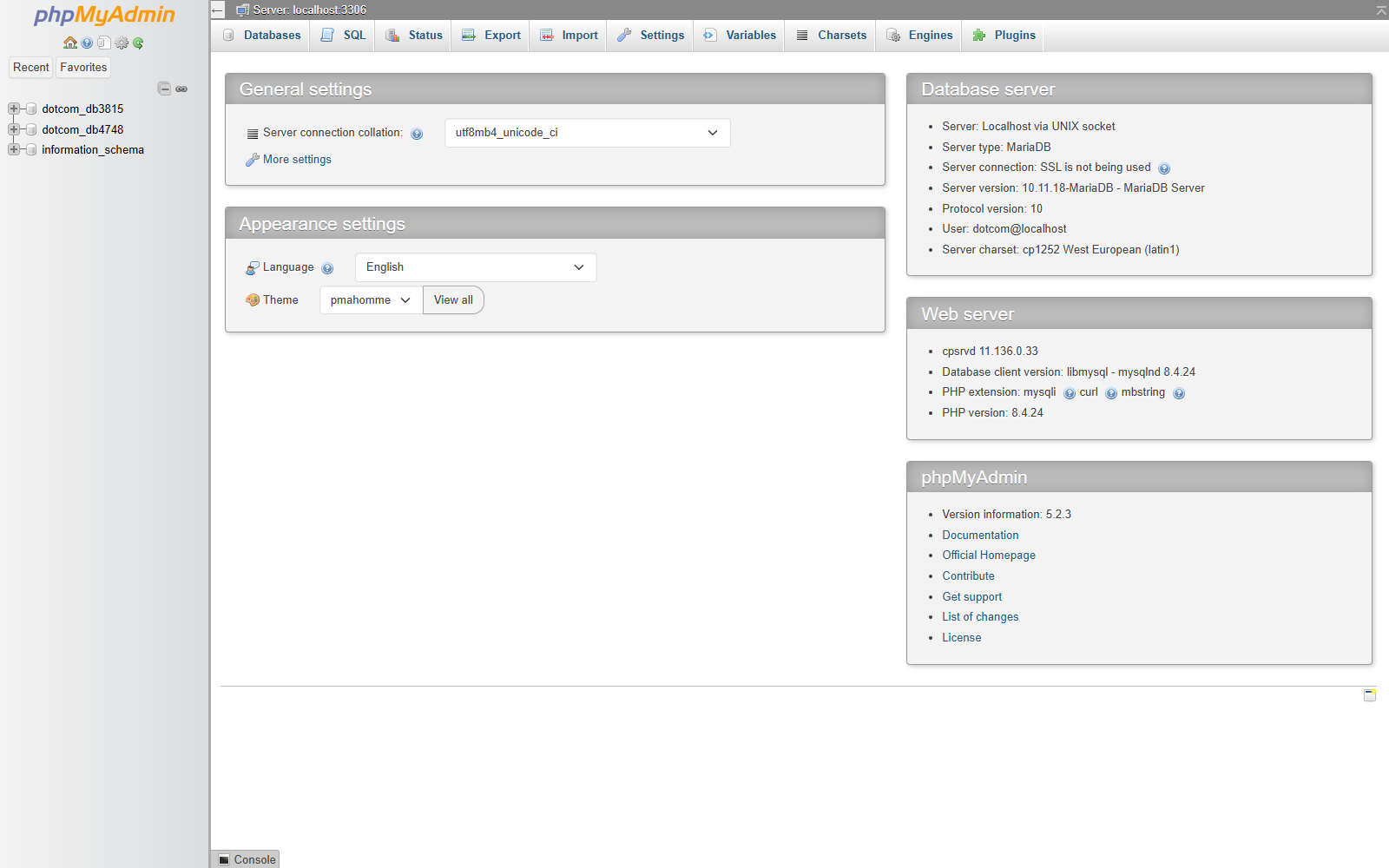
- Select the database from the left menu.
Browse a Table
- Select the database.
- Click the table name.
- Click Browse.
- Review the rows in the table.
Run a SQL Query
- Select the database.
- Click SQL.
- Enter the query.
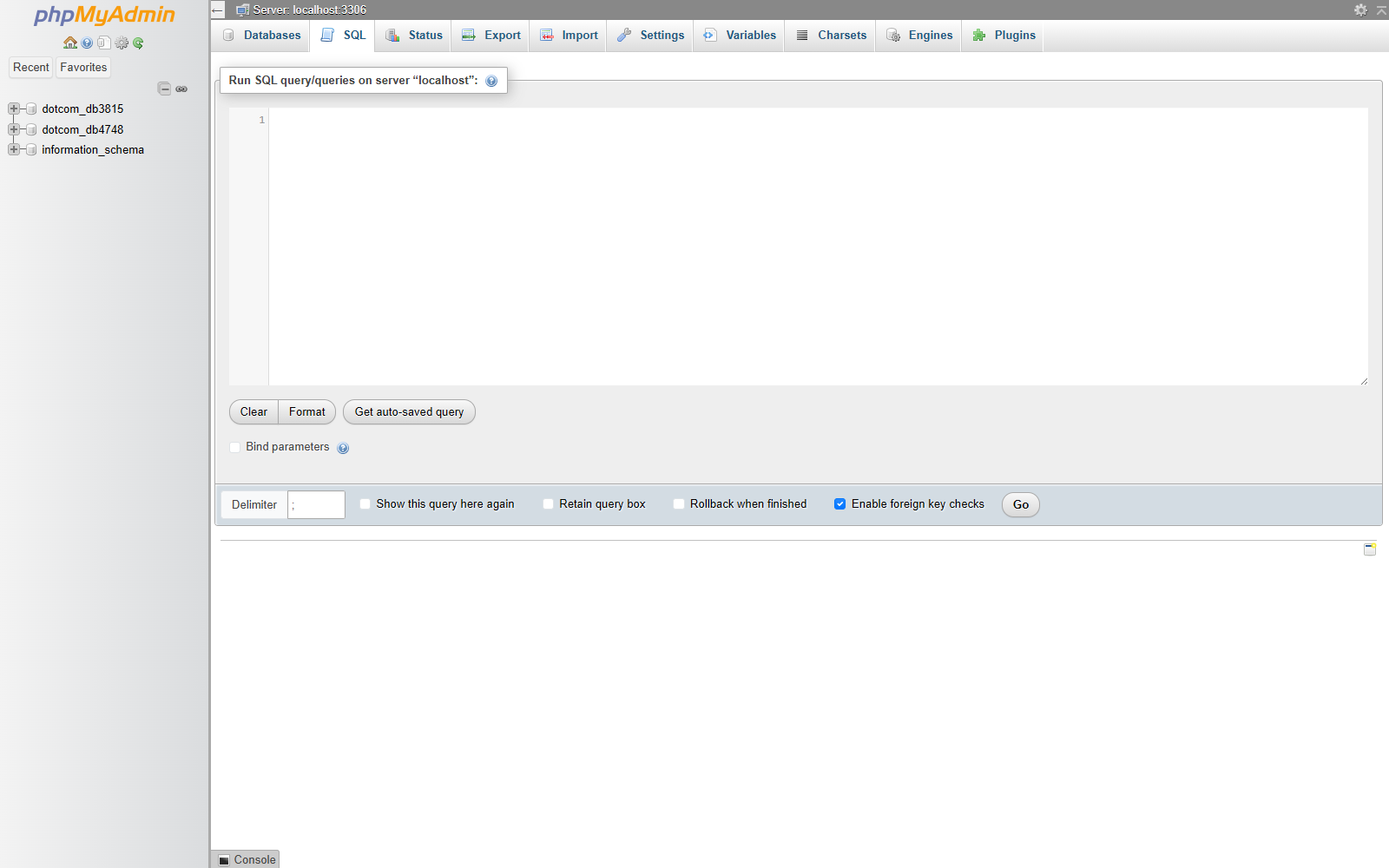
- Click Go.
Export a Database
- Select the database.
- Click Export.
- Choose Quick for a standard export.
- Choose SQL as the format.
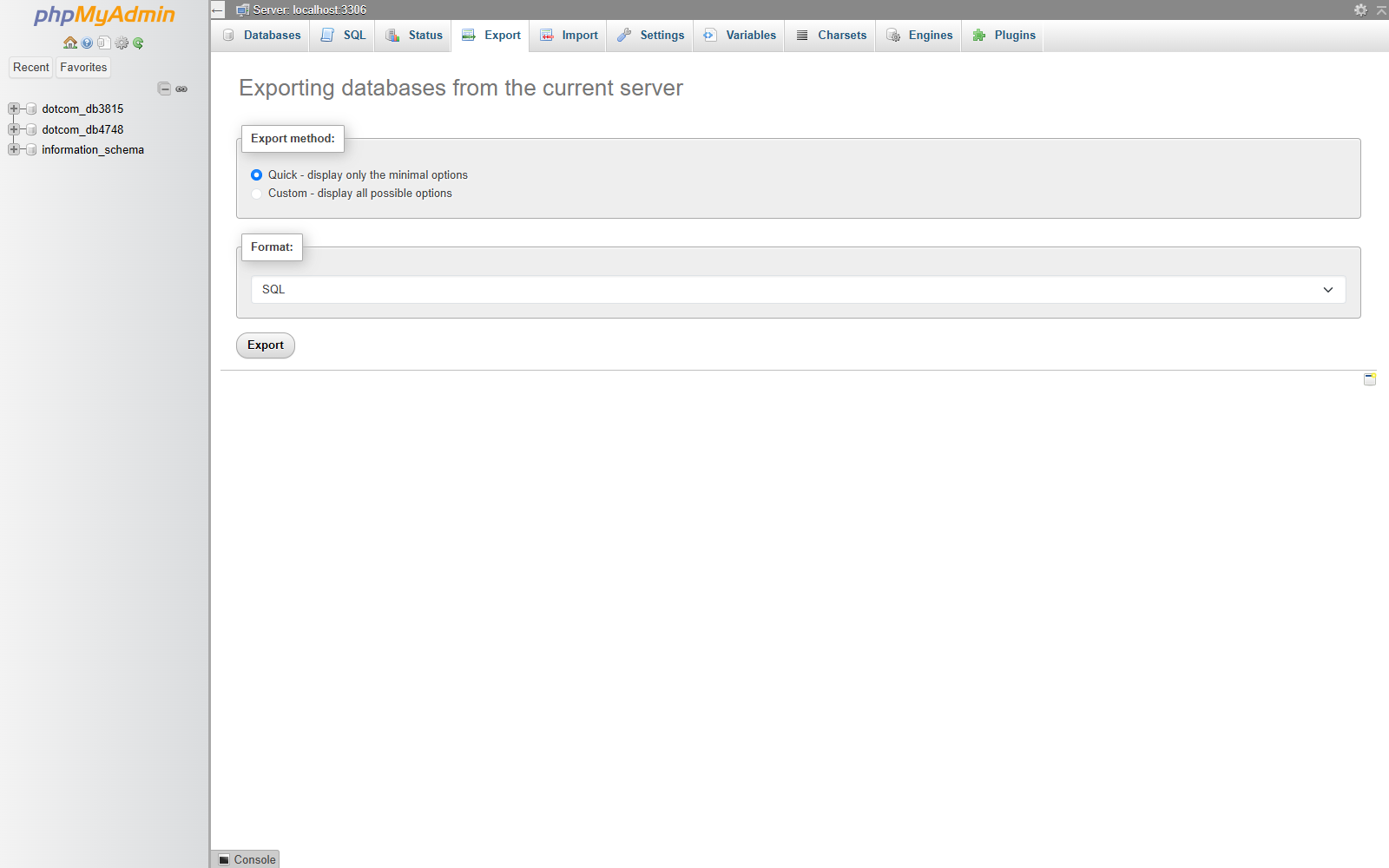
- Click Export.
Import a Database
- Select the database.
- Click Import.
- Click Choose File.
- Select the SQL file from your computer.
- Click Import or Go.
Notes
- phpMyAdmin works directly with database data.
- Export a copy before making major changes.
- Be careful with SQL queries, especially DELETE, DROP, and UPDATE queries.