
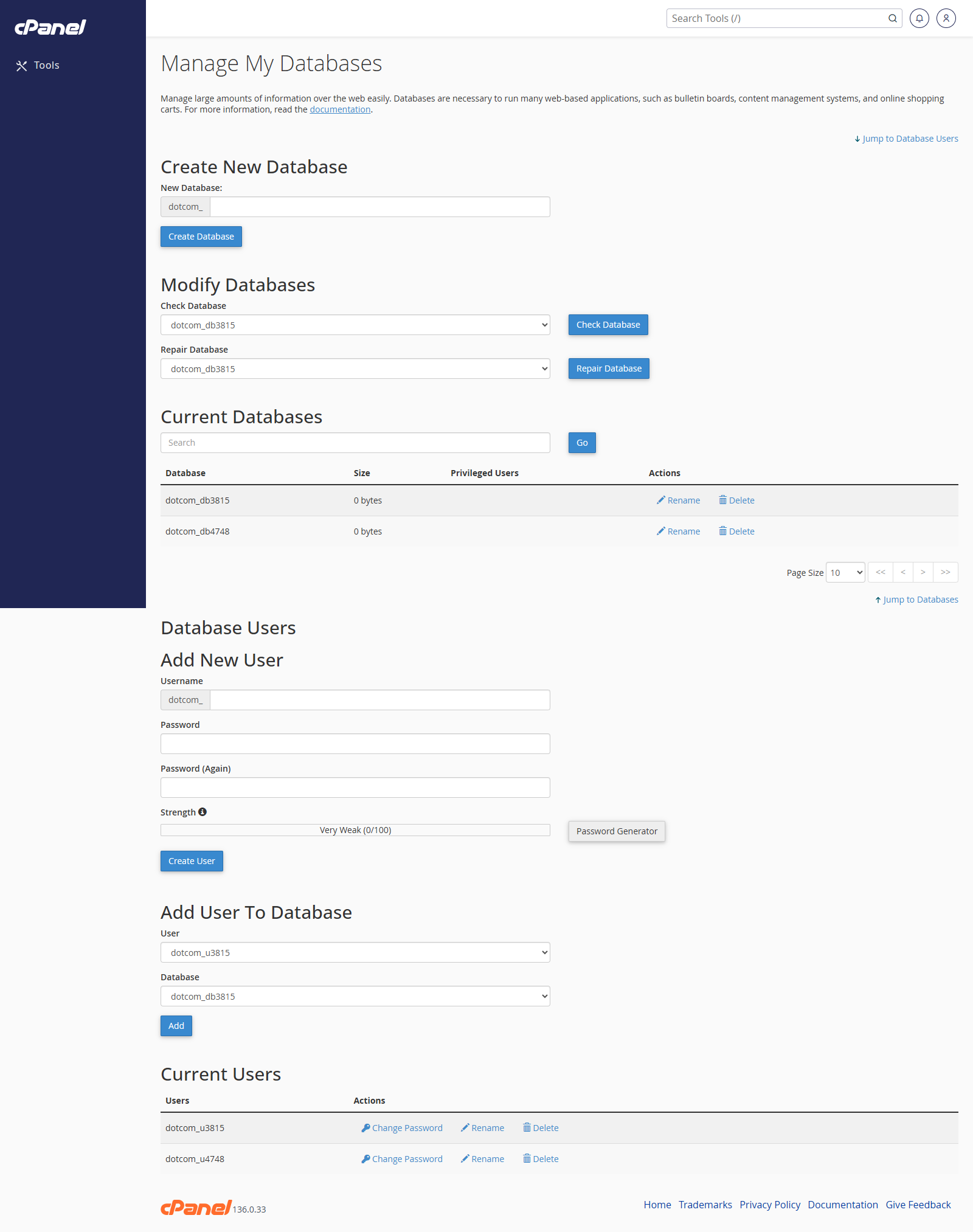
Open MySQL Manager
- Go to Databases > MySQL Manager.
- Review the databases and users listed on the page.
Create a Database
- Click the option to create a database.
- Enter the database name.
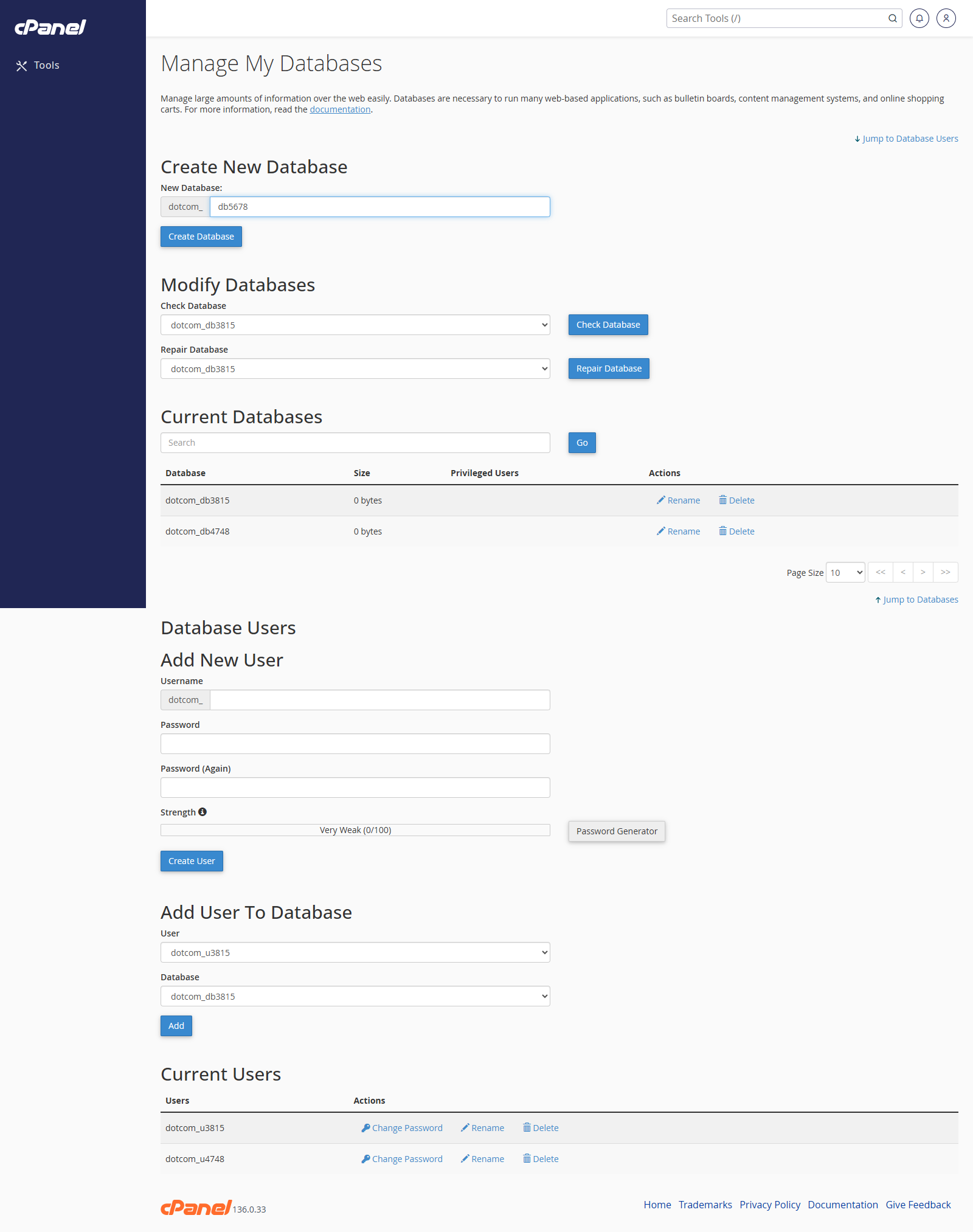
- Submit the form.
Create a User
- Click the option to create a user.
- Enter the username.
- Enter and confirm a strong password.
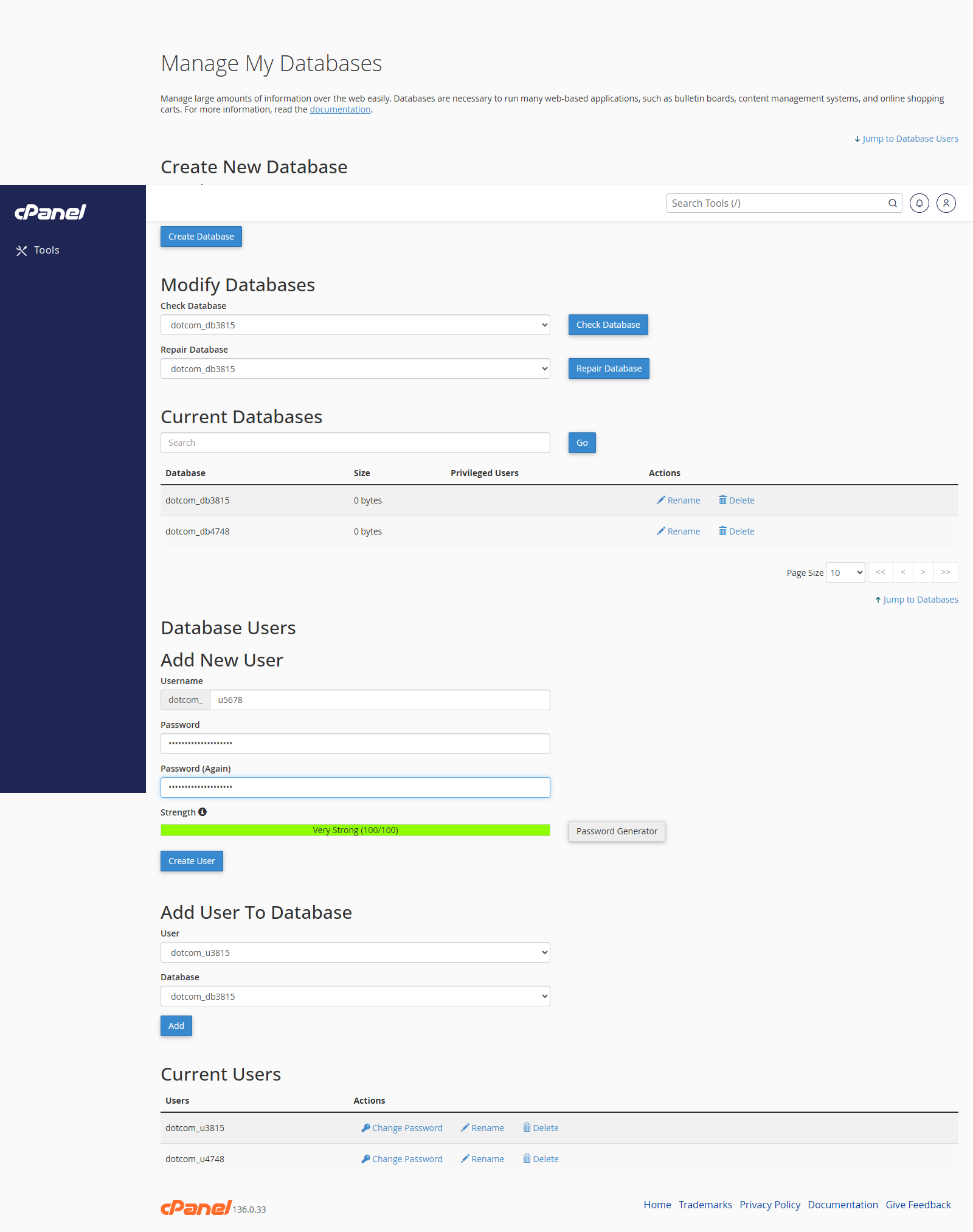
- Submit the form.
Manage User Access
- Open the database or user you want to change.
- Choose the database user.
- Set the required privileges.
- Save the change.
Notes
- MySQL Manager may not appear on every cPanel account.
- If you do not see it, use MySQL Databases or MySQL Database Wizard instead.