
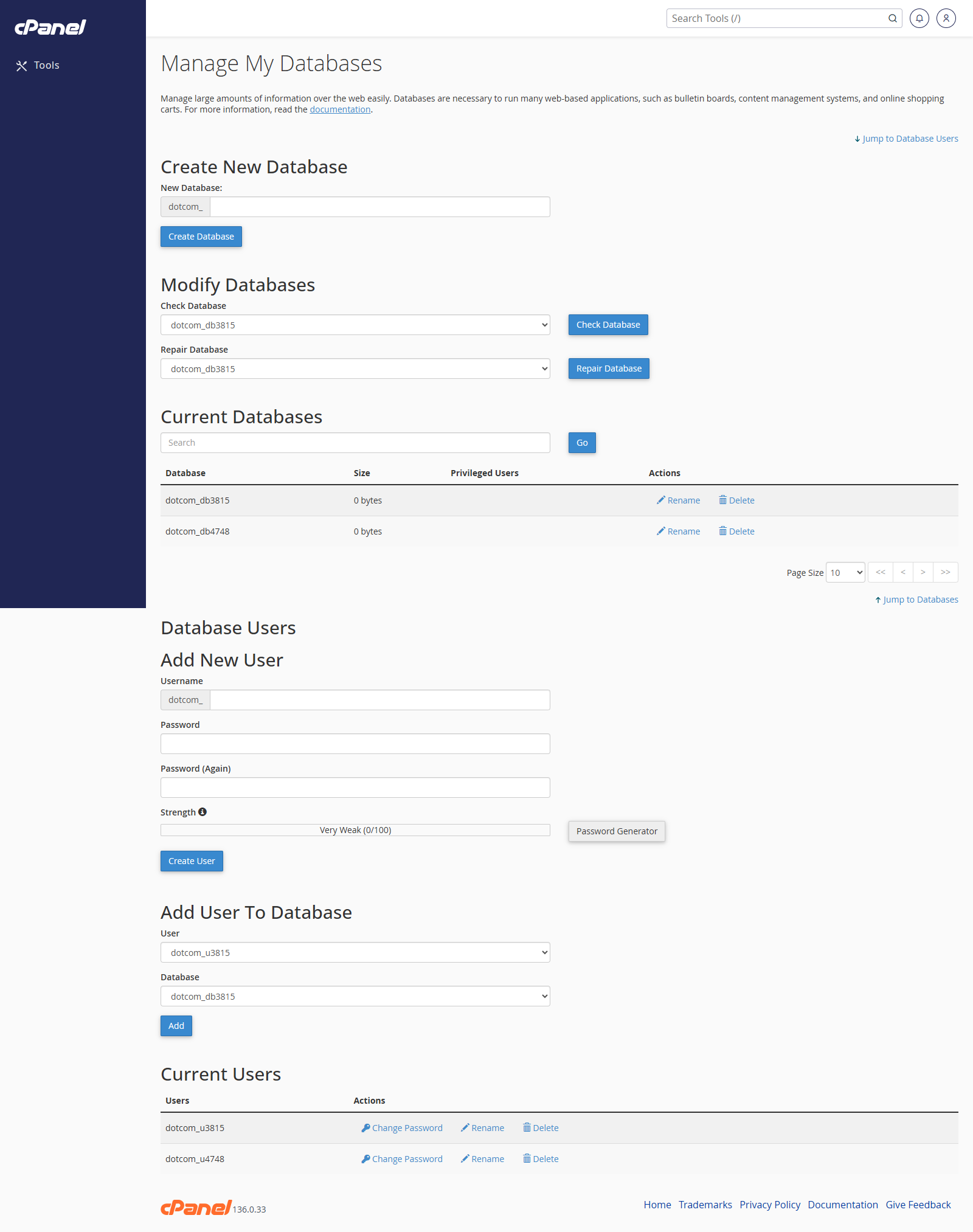
Create a MySQL Database
- Go to Databases > MySQL Databases.
- Enter the database name.
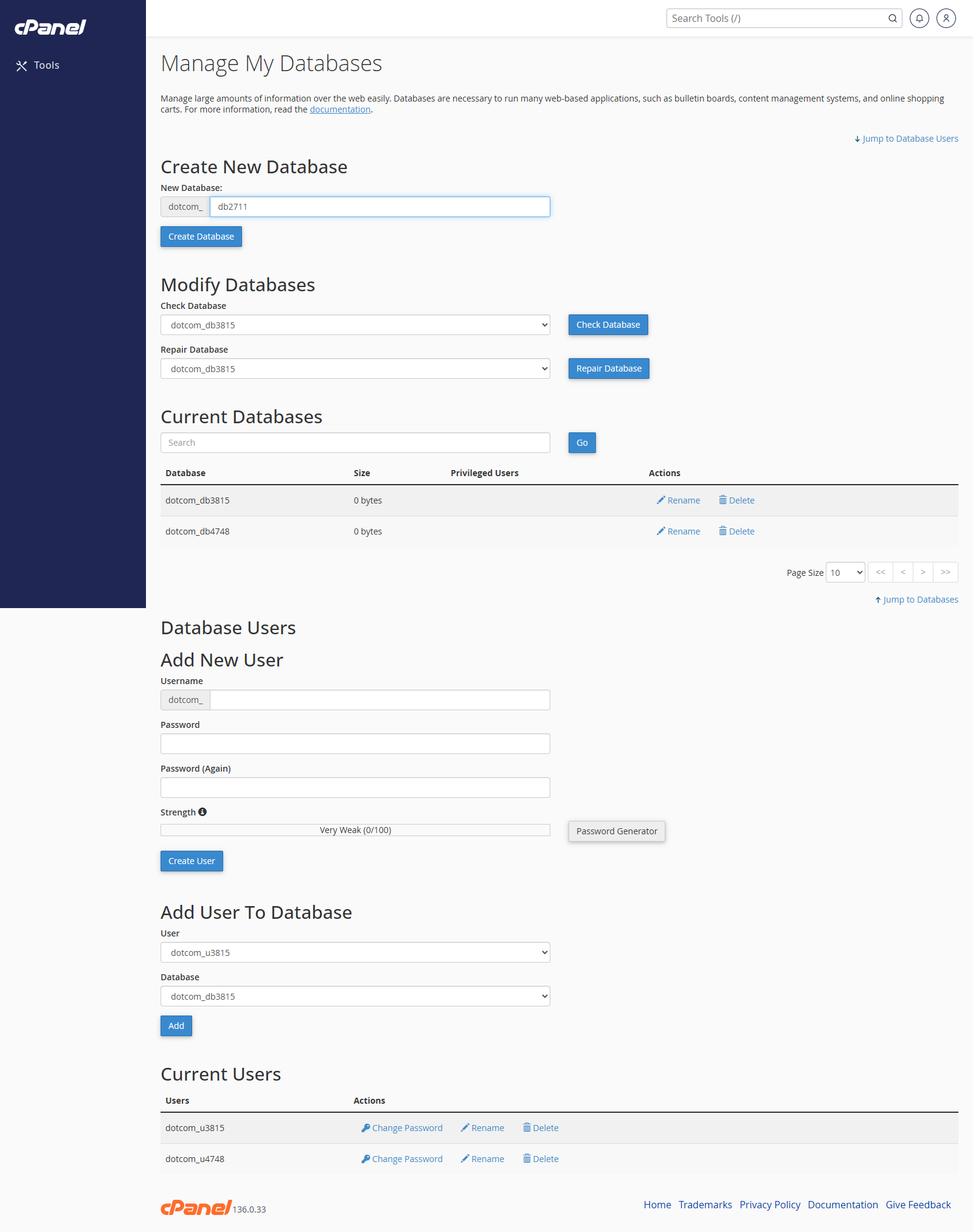
- Click Create Database.
- Click Go Back.
Check a Database
- Find Modify Databases.
- Choose the database from Check Database.
- Click Check Database.
Repair a Database
- Find Modify Databases.
- Choose the database from Repair Database.
- Click Repair Database.
Create a MySQL User
- Scroll to MySQL Users.
- Enter the username.
- Enter and confirm a strong password.
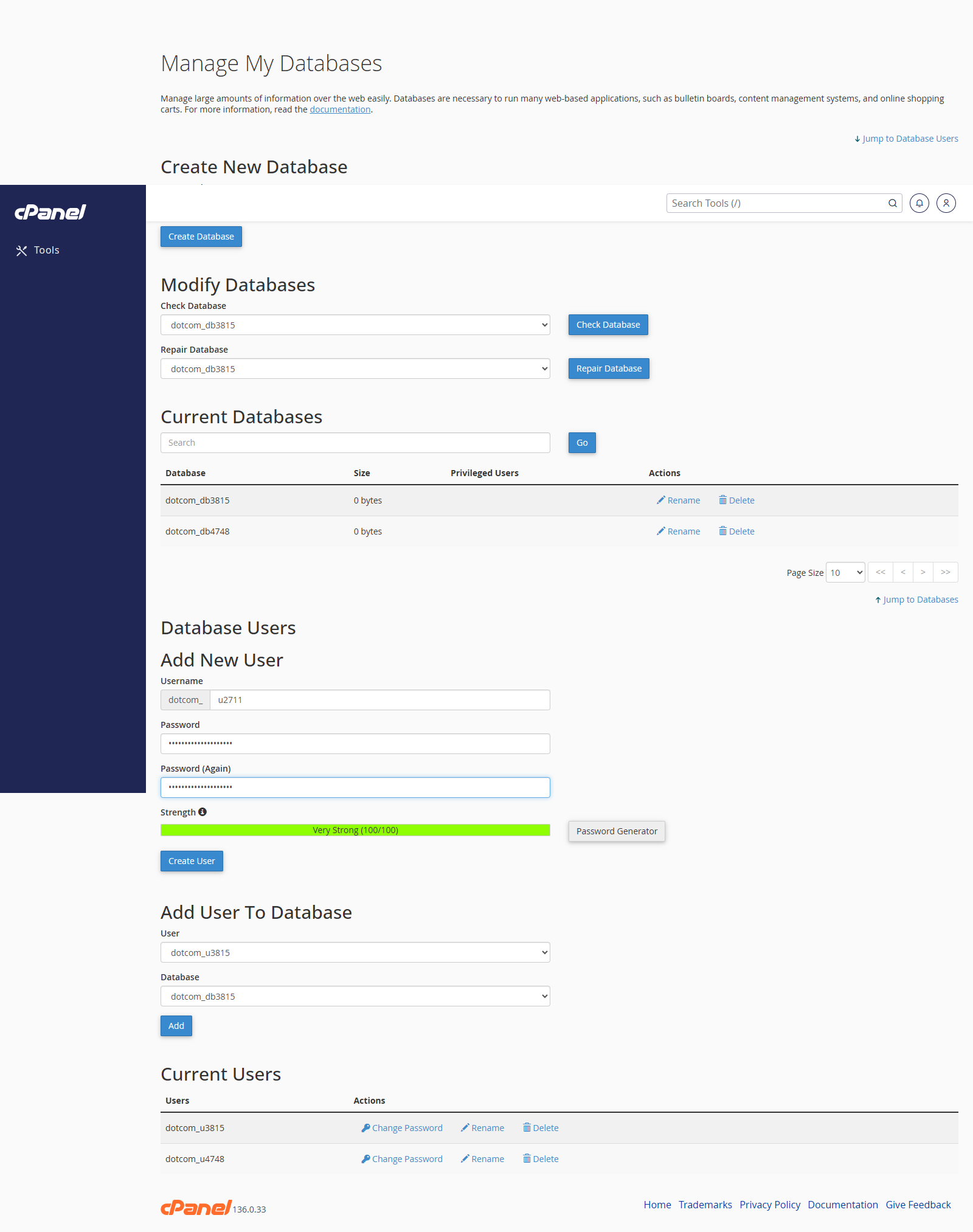
- Click Create User.
- Click Go Back.
Add a User to a Database
- Scroll to Add User To Database.
- Select the user.
- Select the database.
- Click Add.
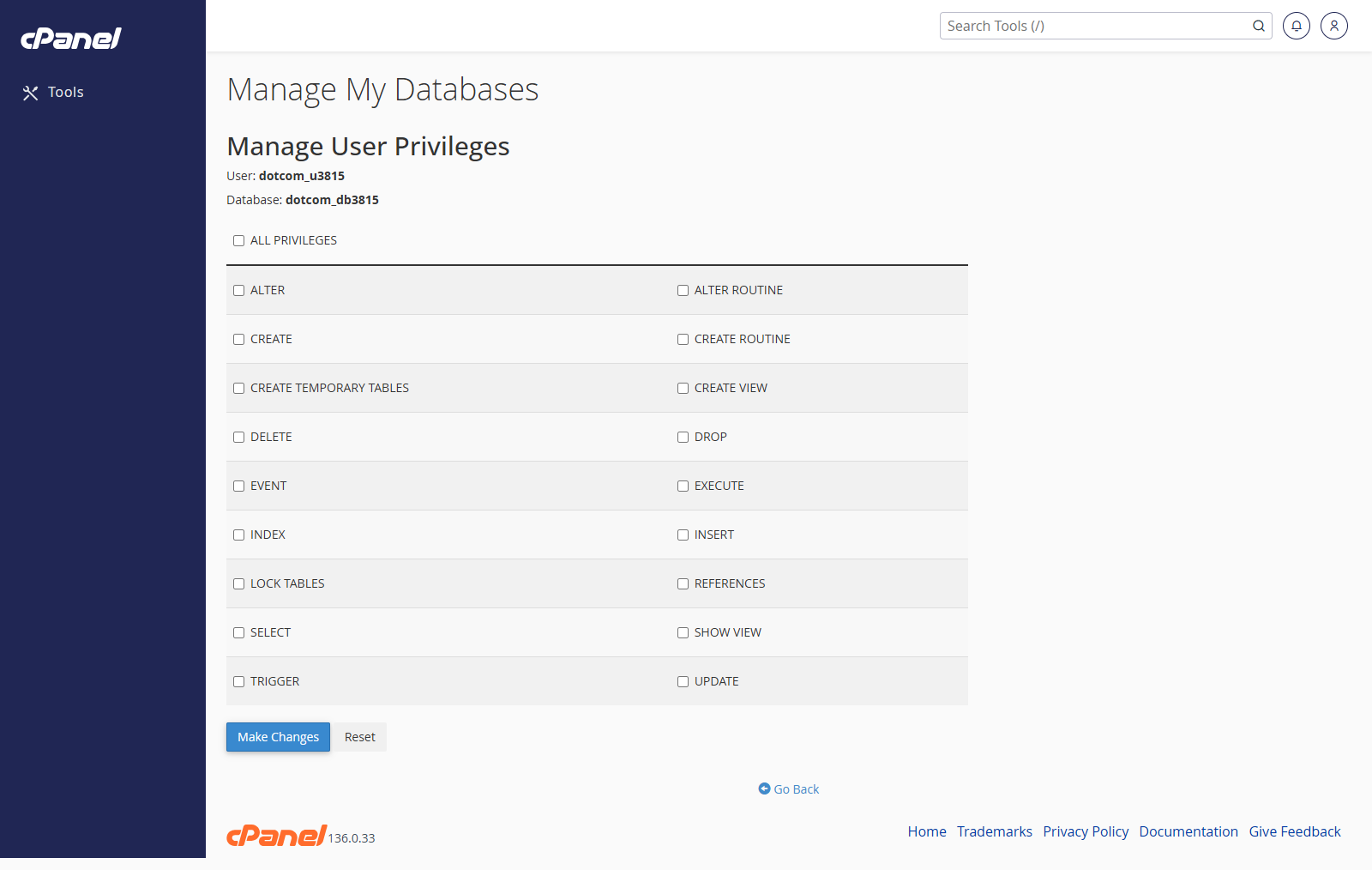
- Tick the privileges the user needs.
- Click Make Changes.
Remove a User from a Database
- Scroll to Current Databases.
- Find the database.
- Find the user under that database.
- Click the remove option next to the user.
- Confirm the change.
Delete a Database
- Scroll to Current Databases.
- Find the database.
- Click Delete.
- Confirm the deletion.
Notes
- Most websites need a database, a database user, and privileges linking the two together.
- Keep database passwords somewhere secure.
- Do not delete a database unless you are certain it is no longer needed.