
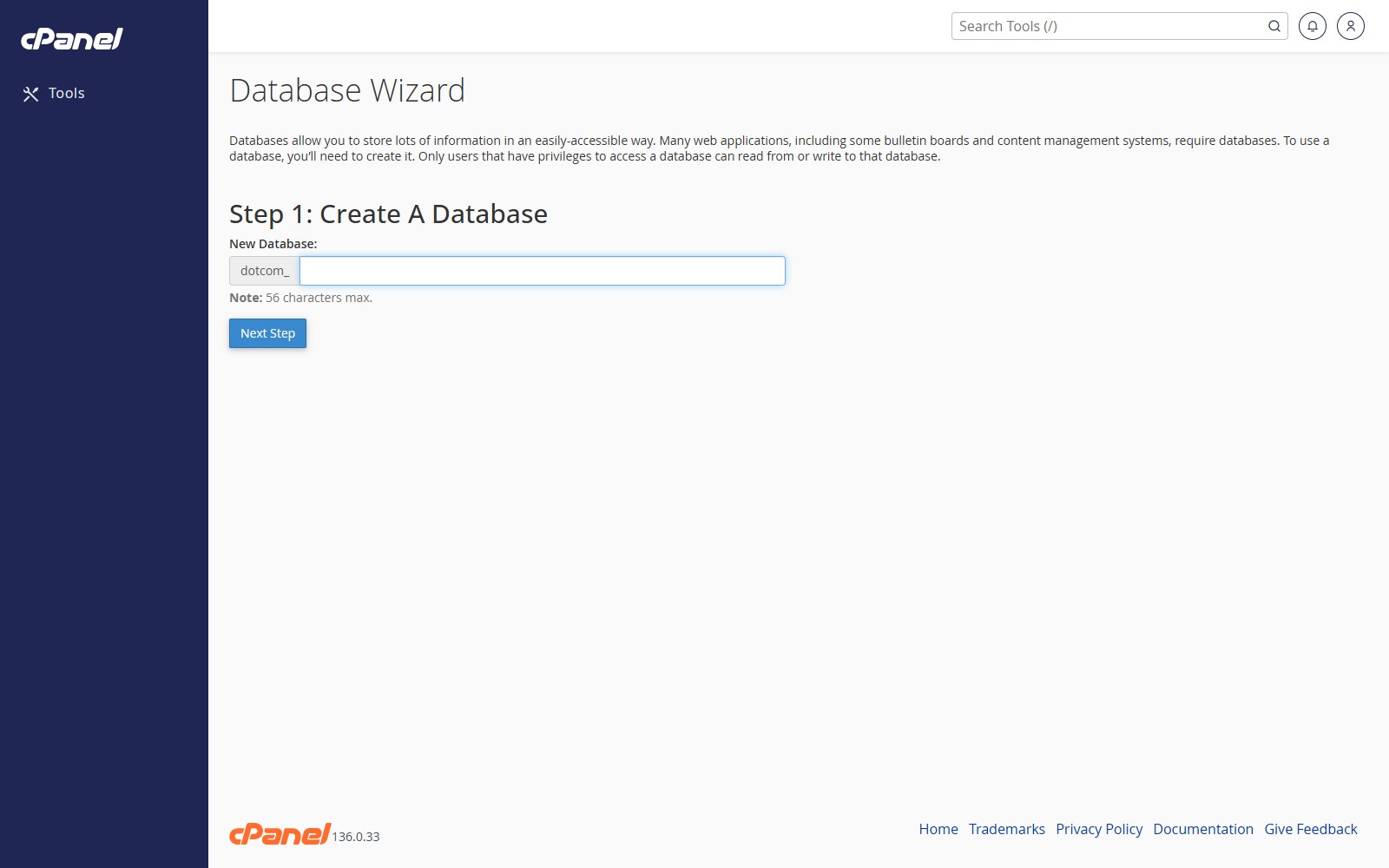
Create the Database
- Go to Databases > MySQL Database Wizard.
- Enter the database name.
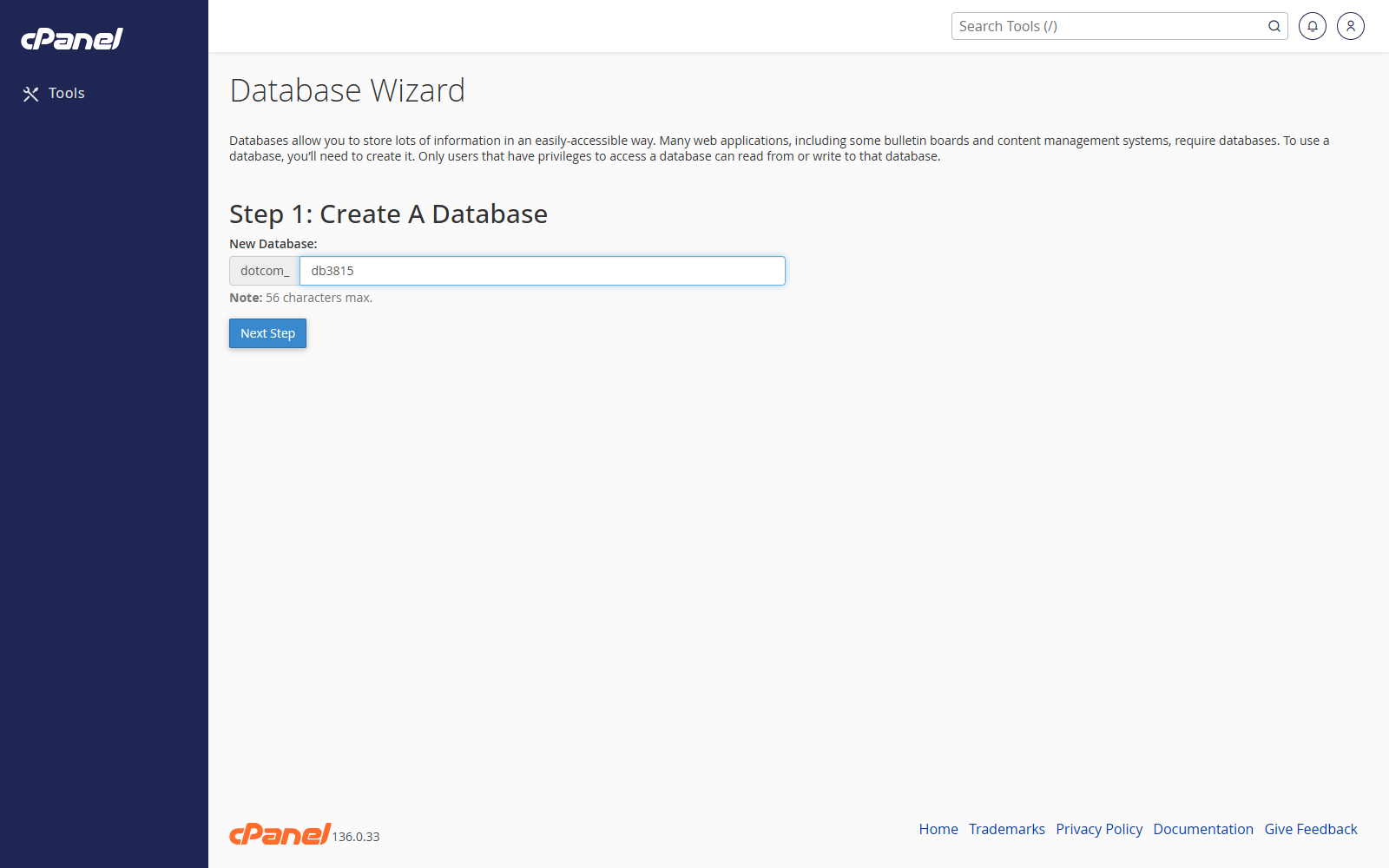
- Click Next Step.
Create the User
- Enter the database username.
- Enter and confirm a strong password.
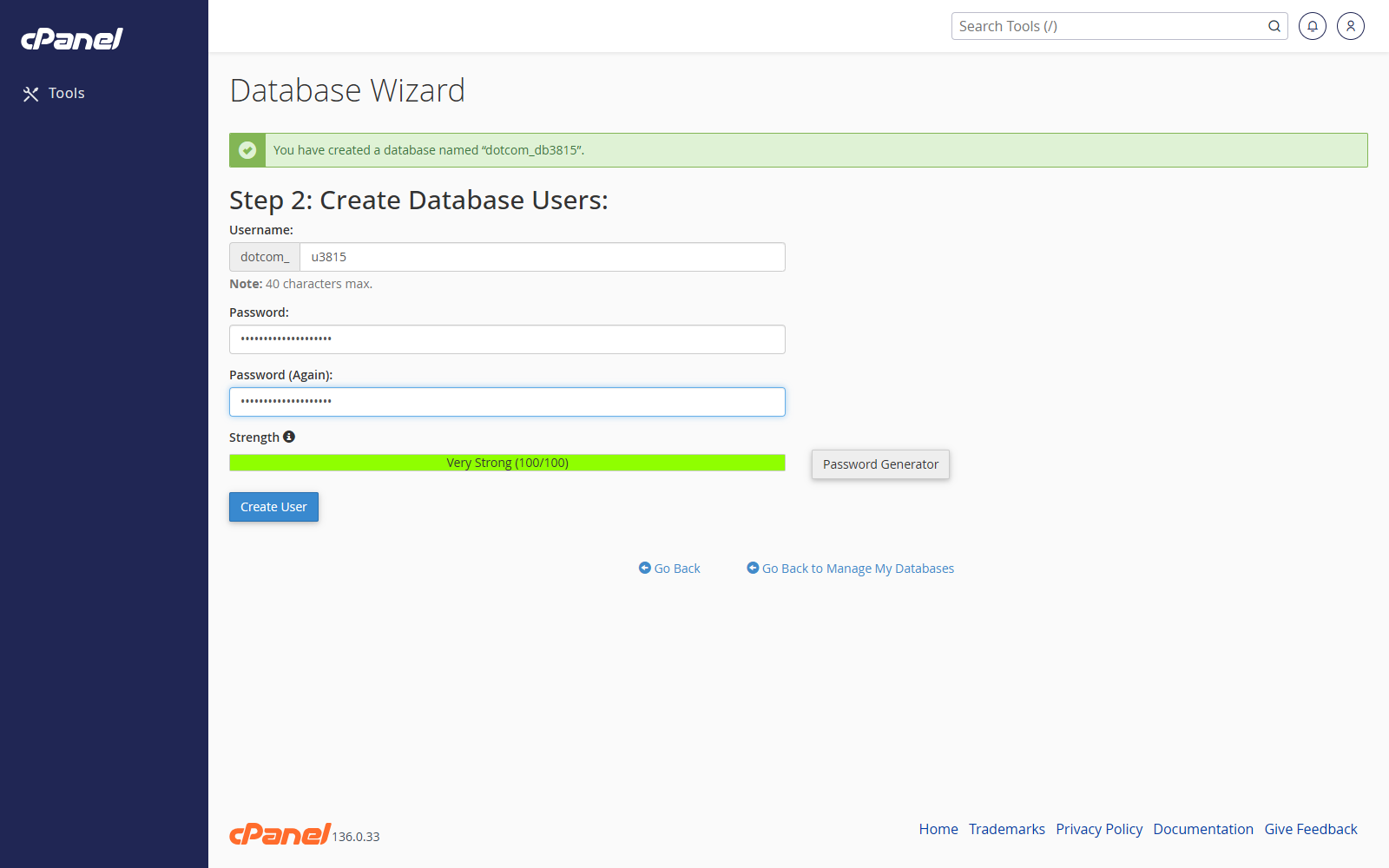
- Click Create User.
Choose Privileges
- Tick All Privileges for a normal website database user.
- Or choose only the privileges required.
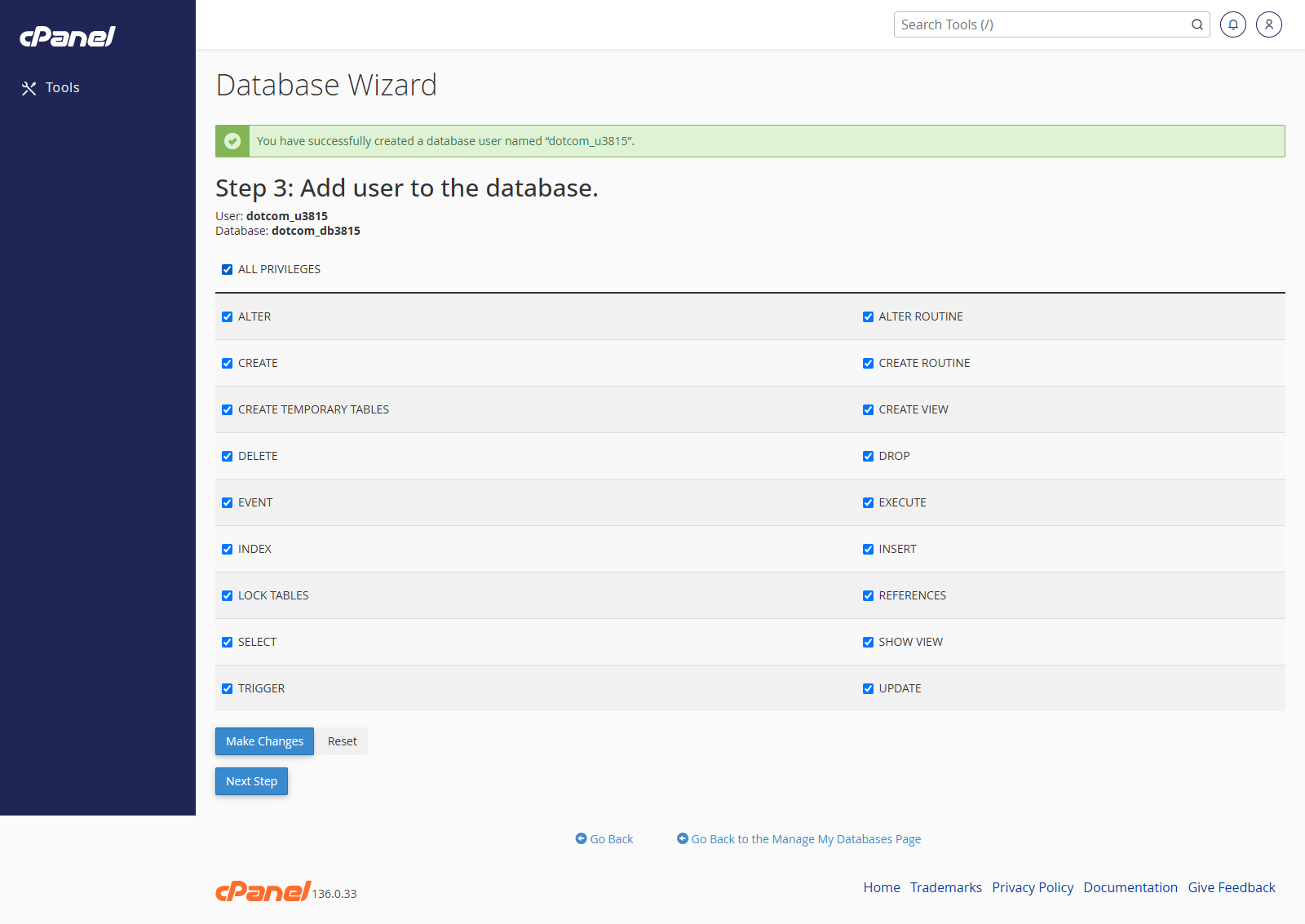
- Click Next Step.
Use the Database Details
- Copy the full database name.
- Copy the full database username.
- Use the password you created.
- Set the database host to localhost unless your application says otherwise.
Notes
- MySQL Database Wizard is a guided version of the MySQL Databases screen.
- The full database name and username usually include your cPanel username as a prefix.