
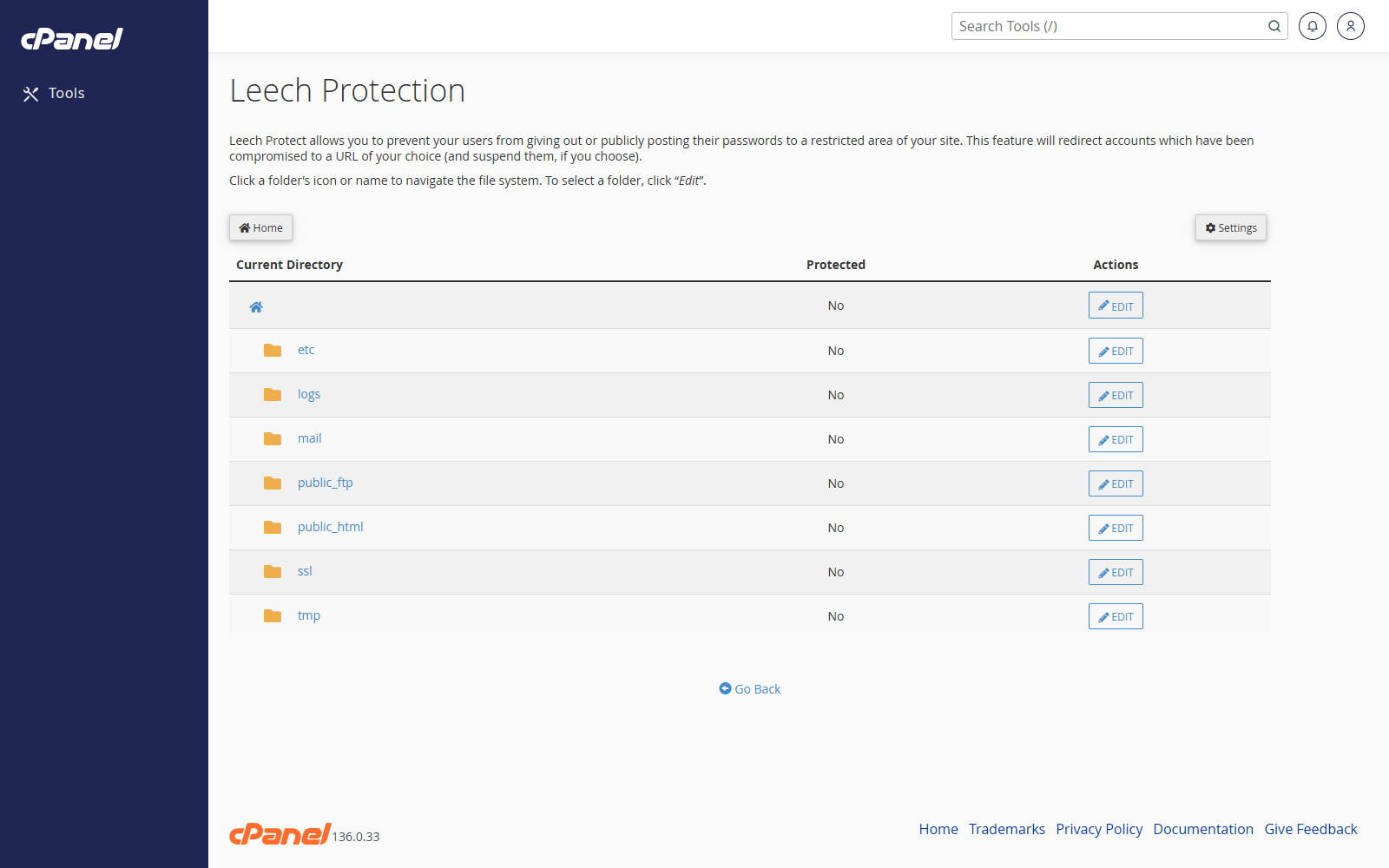
Select a Directory
- Go to Security > Leech Protection.
- Browse to the directory you want to protect.
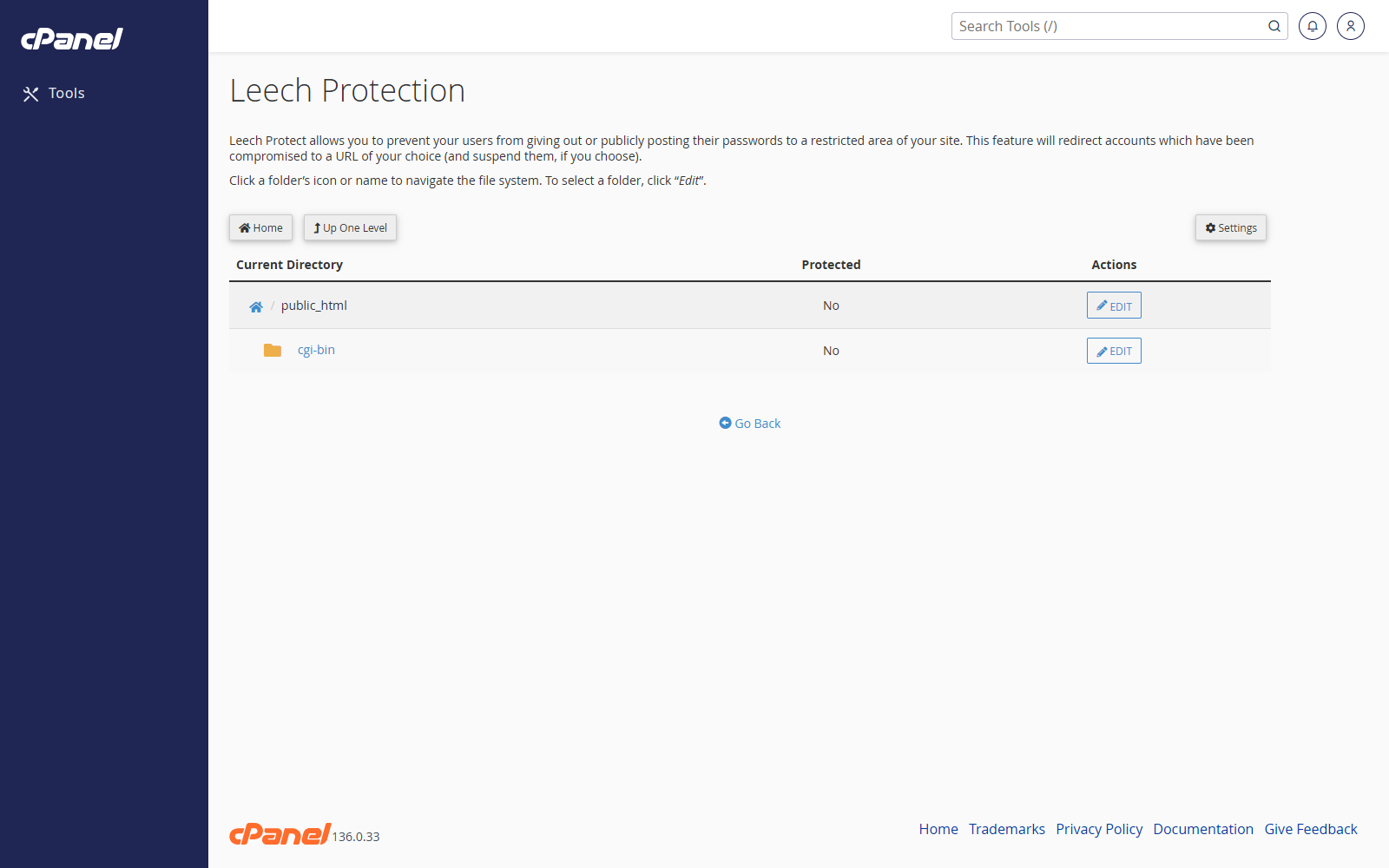
- Click the folder name to open subfolders.
- Click Edit or the folder itself to configure protection.
Enable Leech Protection
- Set the maximum number of logins allowed within a two-hour period.
- Enter a redirect URL for users who exceed the limit.
- Enter an email address if you want cPanel to send an alert.
- Tick Disable Compromised Accounts if cPanel should disable accounts that exceed the limit.
- Click Enable.
Disable Leech Protection
- Go to Security > Leech Protection.
- Open the protected directory.
- Click Disable.
Notes
- Leech Protection works with password-protected directories.
- Use Directory Privacy first if the folder is not already password protected.
- Keep the login limit realistic so genuine users are not blocked by mistake.