
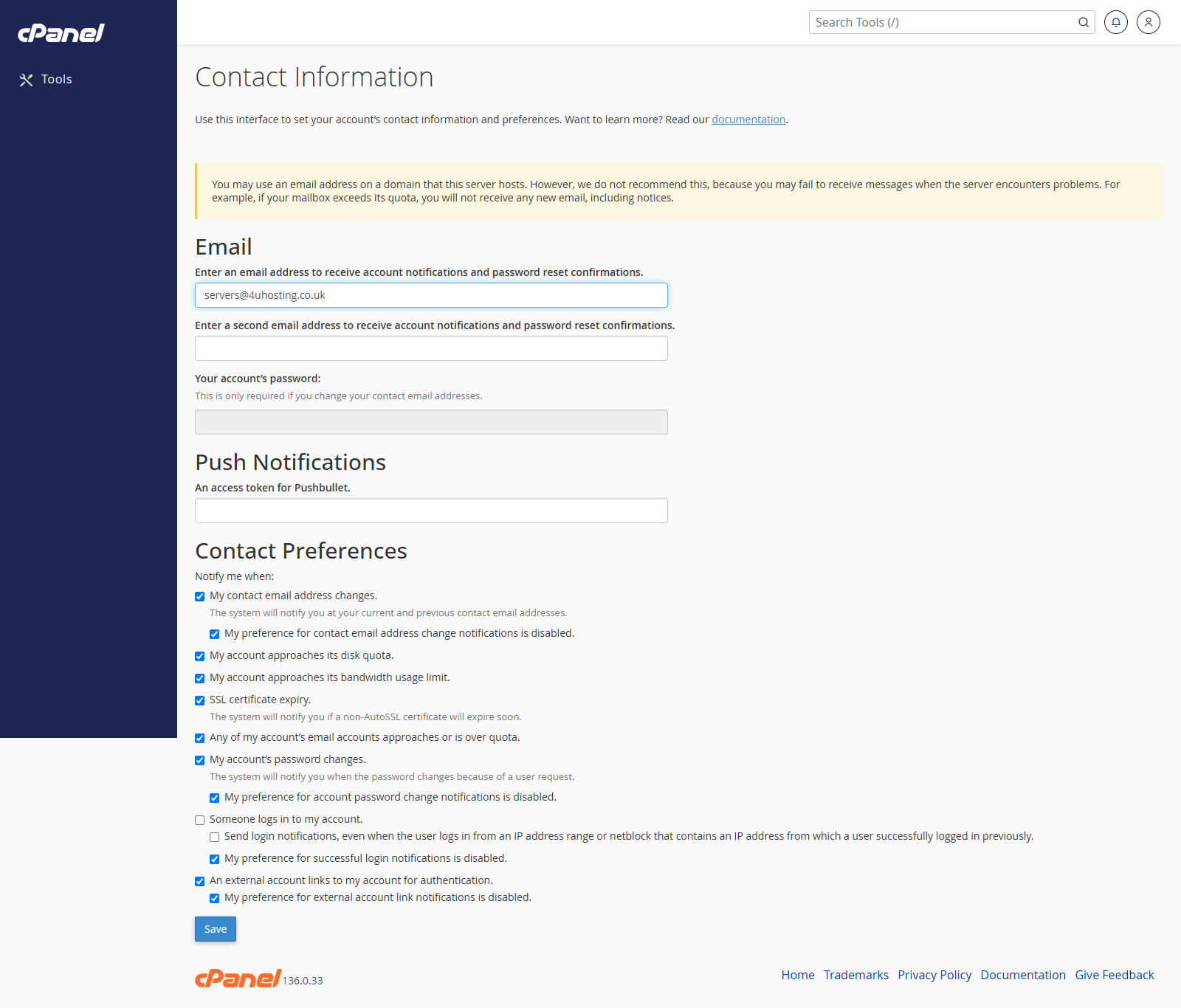
Open Contact Information
- Go to Preferences > Contact Information.
- Review the email addresses on the page.
Update the Main Contact Email Address
- Enter the email address cPanel should use for account notifications.
- Enter a second email address if you want a backup contact.
- Choose the notifications you want to receive.
- Click Save.
Notes
- Use an email address that is not hosted inside the same cPanel account if possible.
- Keep contact details up to date so you receive important account alerts.