
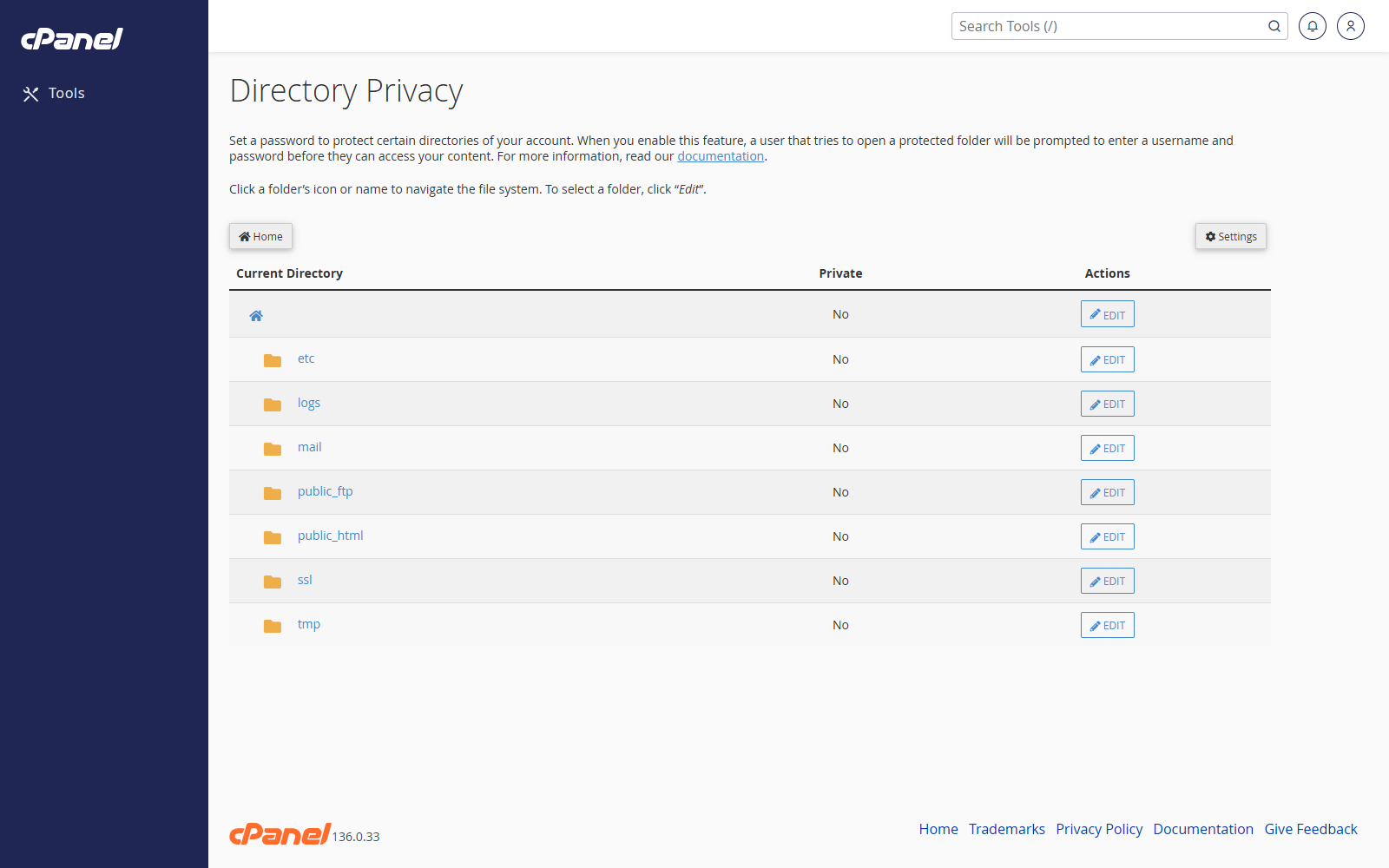
Select the Directory
- Go to Files > Directory Privacy.
- Open the folder list.
- Click the folder name to view its subfolders.
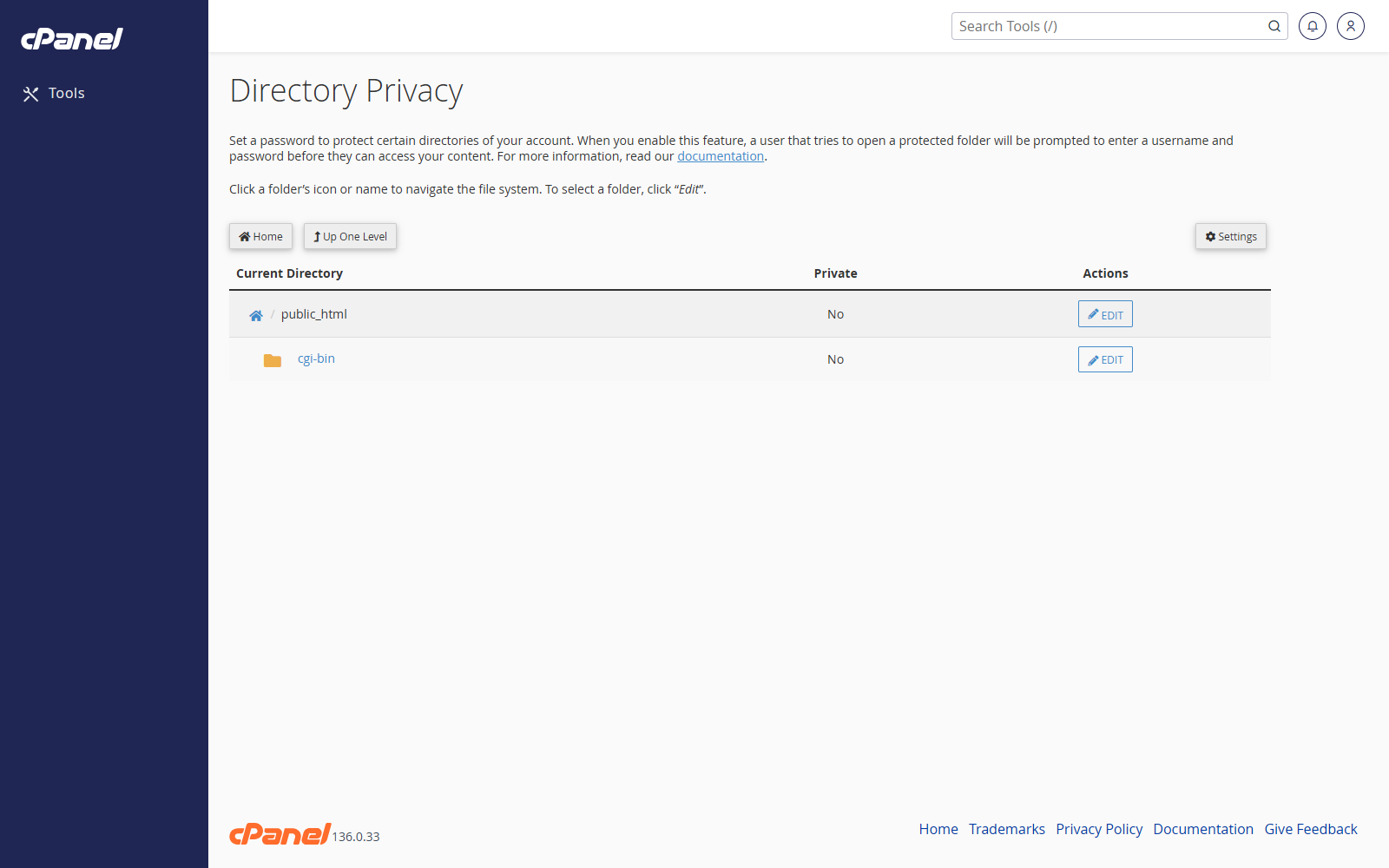
- Click Edit next to the folder you want to protect.
Turn on Password Protection
- Tick Password protect this directory.
- Enter a name for the protected area.
- Click Save.
- Click Go Back.
Create a User
- Enter a username.
- Enter and confirm a password.
- Click Save.
- Give the username and password to anyone who needs access.
Remove Password Protection
- Go to Files > Directory Privacy.
- Click Edit next to the protected folder.
- Untick Password protect this directory.
- Click Save.
Notes
- Password protection applies to website visitors, not FTP users.
- Subfolders may inherit protection from the folder above them.
- Keep a note of any users you create for protected directories.