
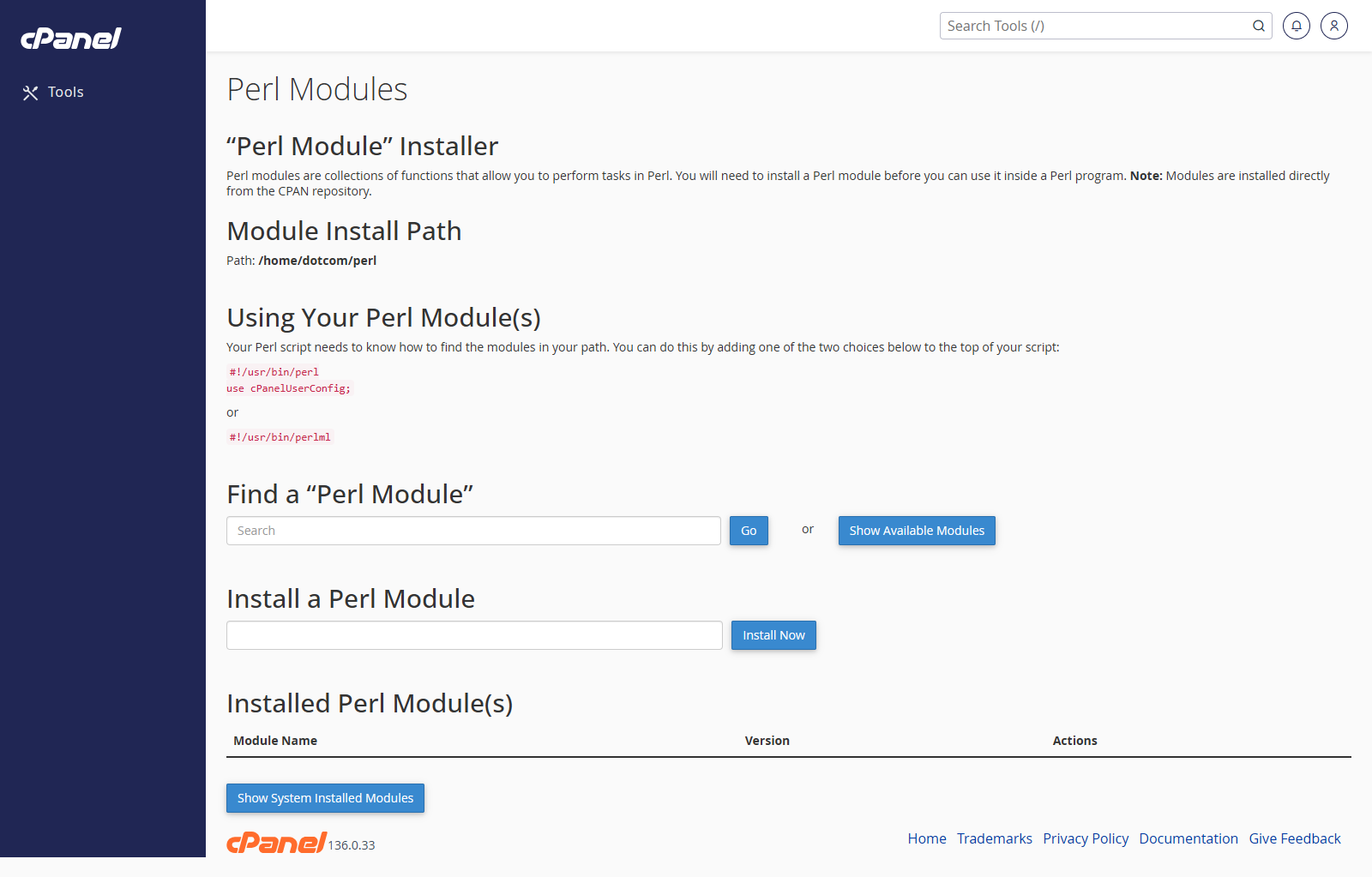
Open Perl Modules
- Go to Software > Perl Modules.
- Use the search box to find the module you need.
Install a Perl Module
- Search for the module name.
- Click Go or Search.
- Find the module in the results.
- Click Install.
View Installed Perl Modules
- Go to Perl Modules.
- Scroll to the installed modules section.
- Review the modules currently installed for the account.
Remove a Perl Module
- Find the module in the installed modules list.
- Click Uninstall if the option is available.
- Confirm the change.
Notes
- Only install modules required by your application.
- Some modules may need server-level packages that cannot be installed from cPanel.
- If Perl Modules is not shown, the feature is not enabled on the account.