
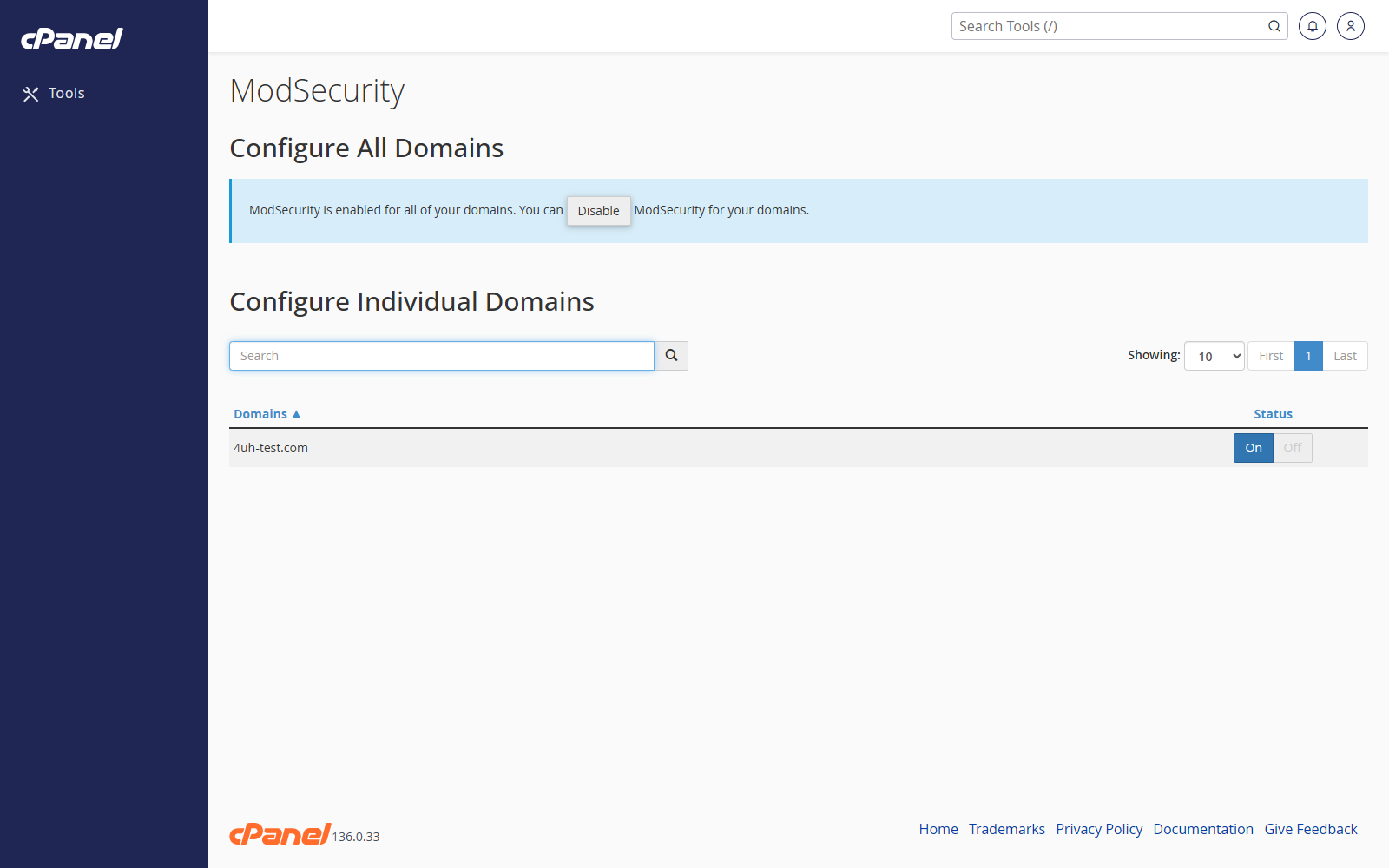
Open ModSecurity
- Go to Security > ModSecurity.
- Review the list of domains.
Turn ModSecurity On or Off for a Domain
- Find the domain.
- Use the switch beside the domain to turn ModSecurity on or off.
- Wait for cPanel to save the change.
Turn ModSecurity On or Off for All Domains
- Go to ModSecurity.
- Use the option to enable or disable ModSecurity for all domains if it is shown.
- Confirm the change if cPanel asks.
Notes
- ModSecurity helps filter suspicious web requests.
- Leave it enabled unless it is causing a confirmed problem.
- If the tool is not shown in cPanel, your hosting provider may manage ModSecurity for you.