
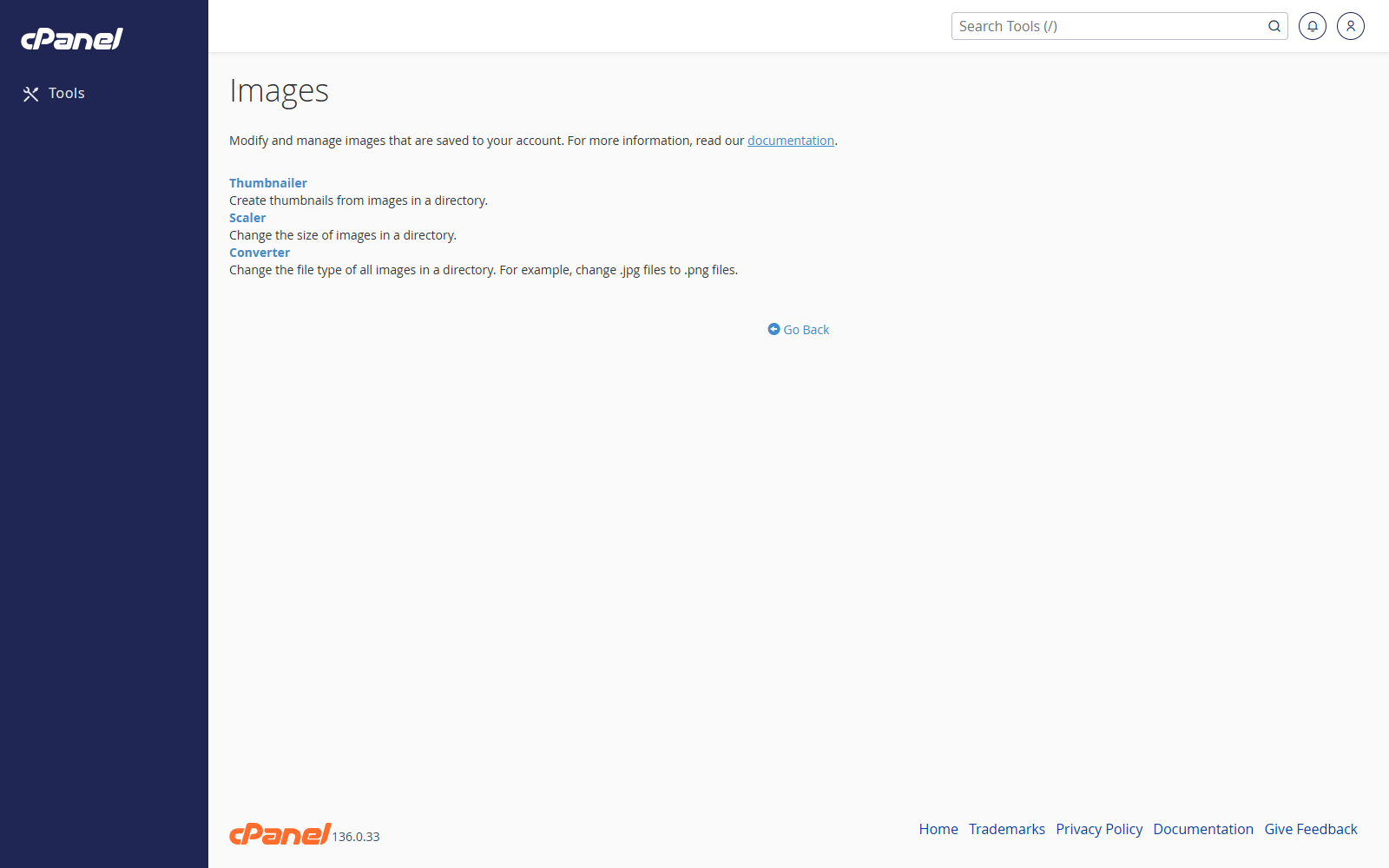
Create Image Thumbnails
- Go to Files > Images.
- Click Thumbnailer.
- Open the folder that contains the images.
- Choose the image scale.
- Click Thumbnail Images.
Resize an Image
- Go to Files > Images.
- Click Scaler.
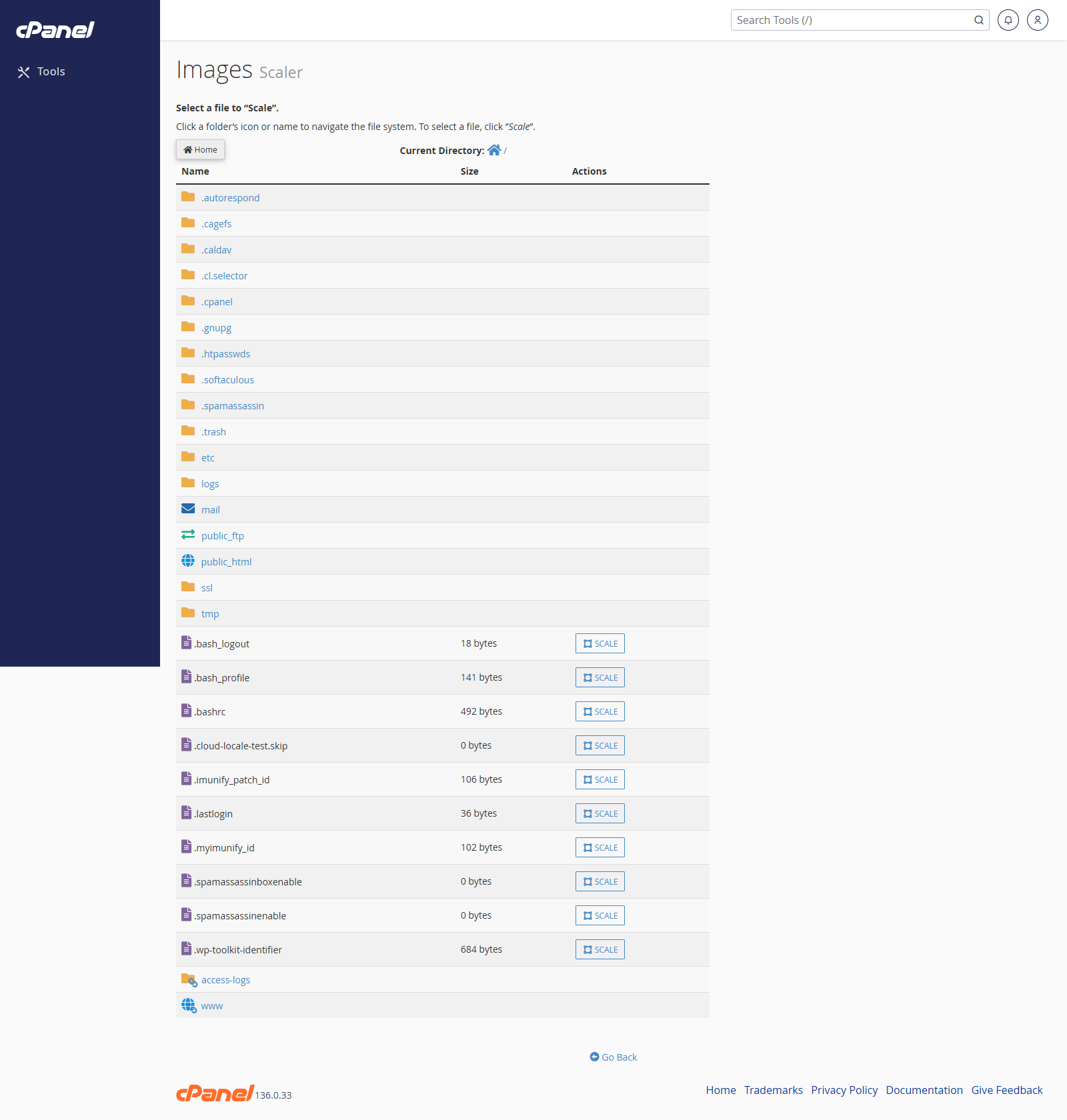
- Open the folder that contains the image.
- Click the image.
- Enter the new dimensions or percentage.
- Click Scale Image.
Convert an Image Format
- Go to Files > Images.
- Click Converter.
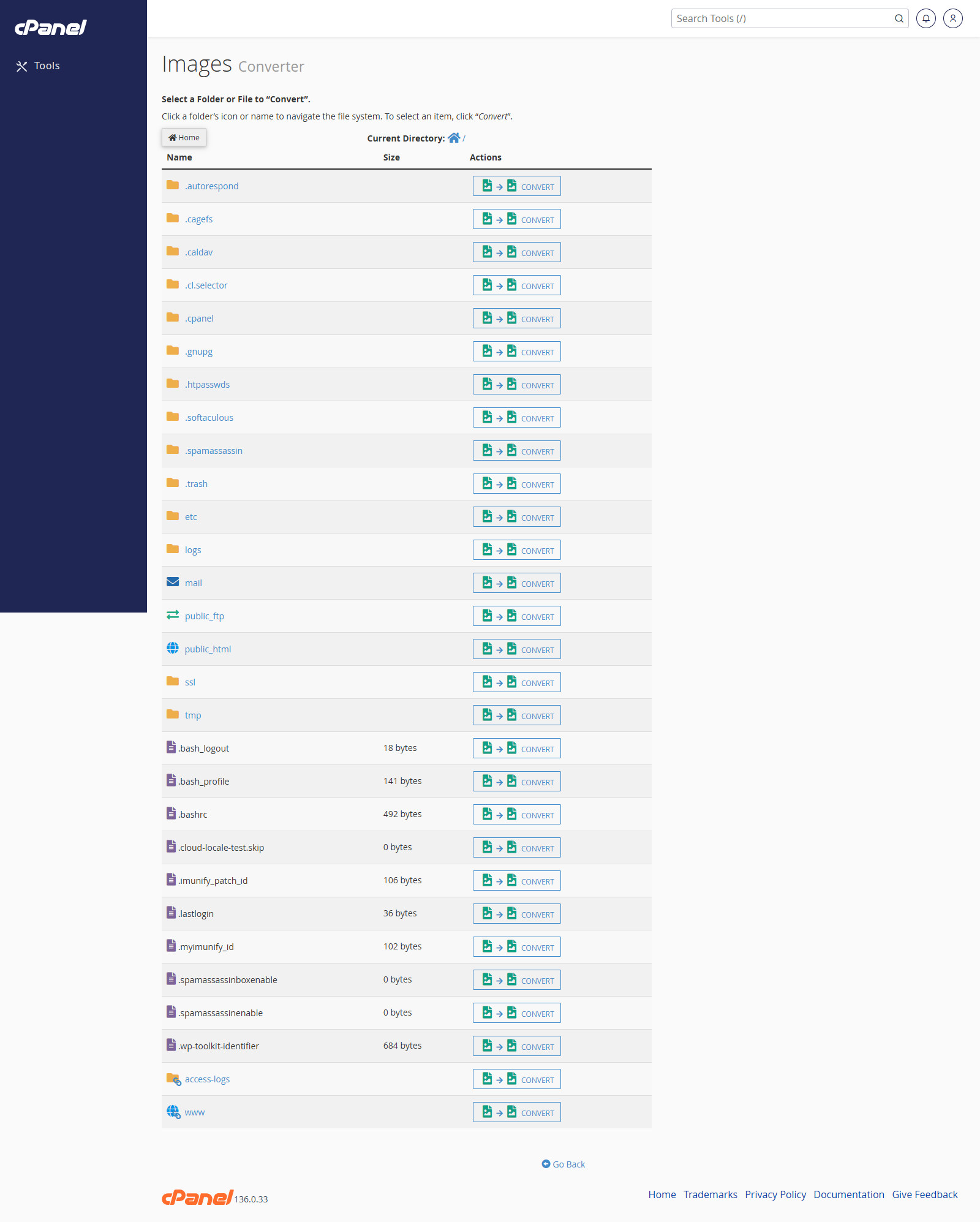
- Open the folder that contains the image.
- Select the image or folder.
- Choose the new file type.
- Click Convert.
Notes
- Keep a copy of the original image before resizing or converting it.
- Large images can slow down a website.
- File Manager is better for uploading, moving, or deleting image files.