
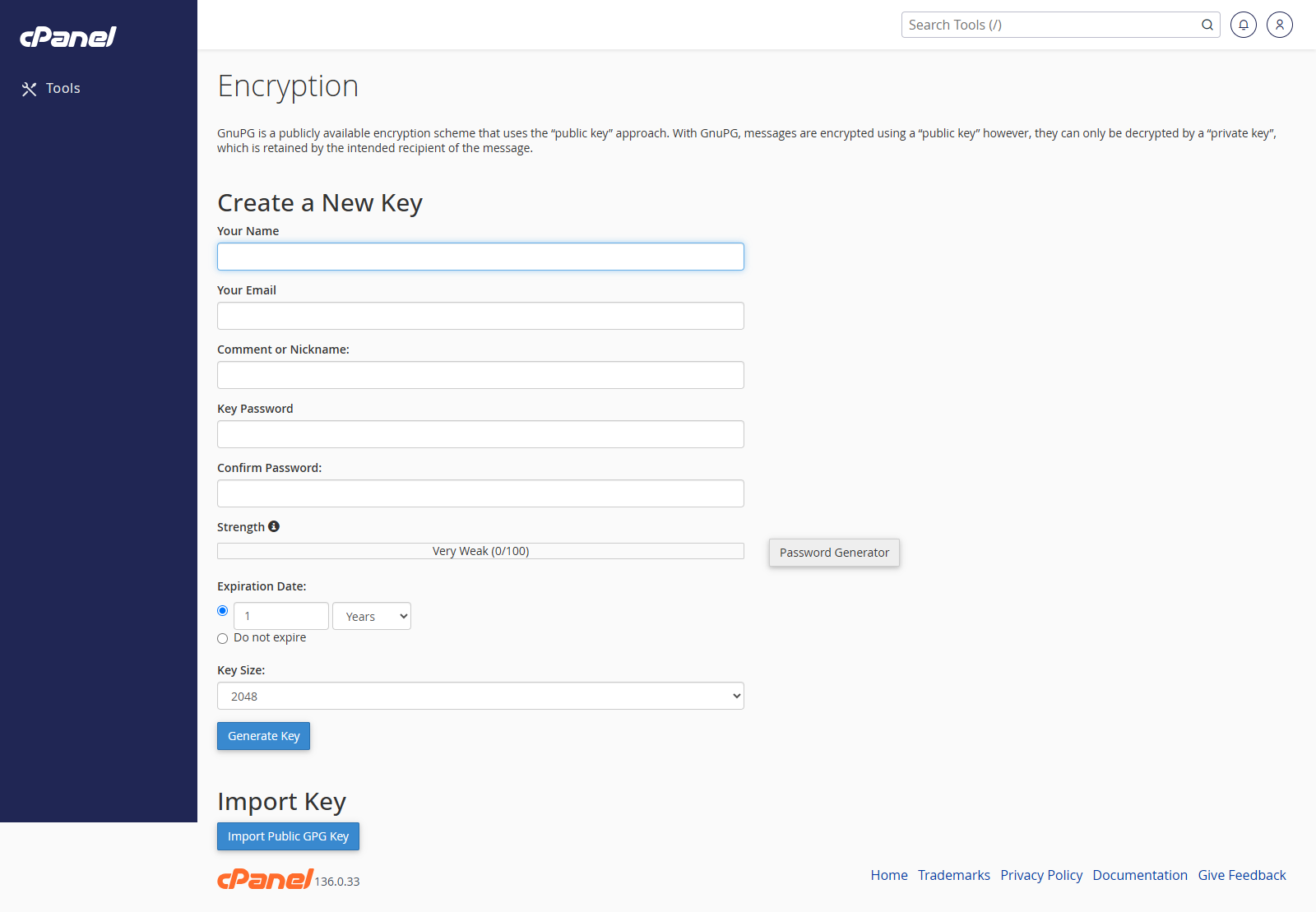
Create a New Key
- Log in to cPanel.
- Go to Email > Encryption.
- Enter your name.
- Enter the email address for the key.
- Add a comment or nickname if needed.
- Enter a secure key password.
- Choose the key size and expiry date if needed.
- Click Generate Key.
Import a Key
- Go to Email > Encryption.
- Find Import Key.
- Paste the public or private key into the text box.
- Click Import.
View a Key
- Go to Email > Encryption.
- Find the key in the list.
- Click View.
Delete a Key
- Go to Email > Encryption.
- Find the key in the list.
- Click Delete.
- Confirm the deletion.
Notes
- Keep private keys and key passwords secure.
- Do not delete a private key unless you are sure you no longer need it.