
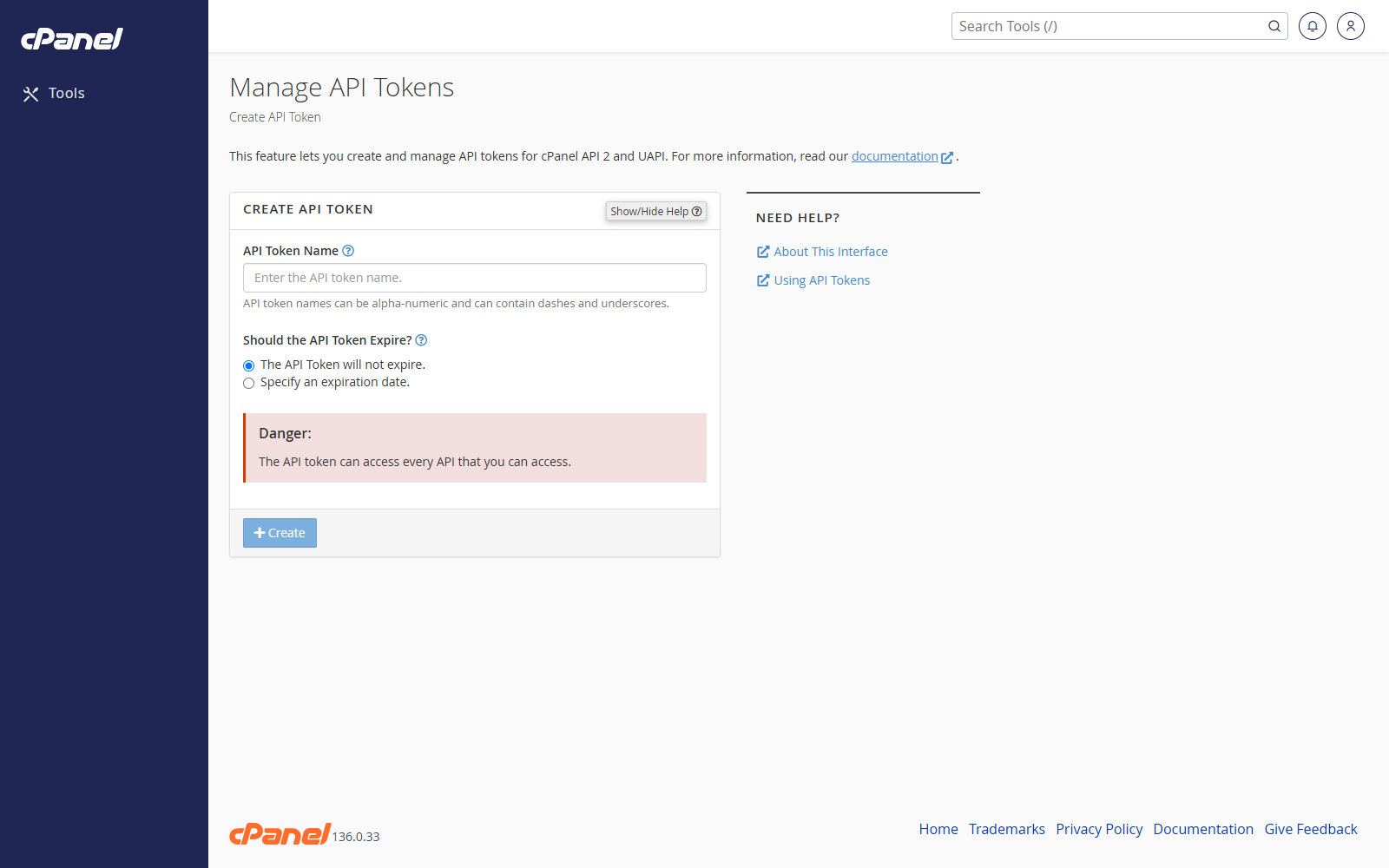
Create an API Token
- Go to Security > Manage API Tokens.
- Click Create.
- Enter a clear token name.
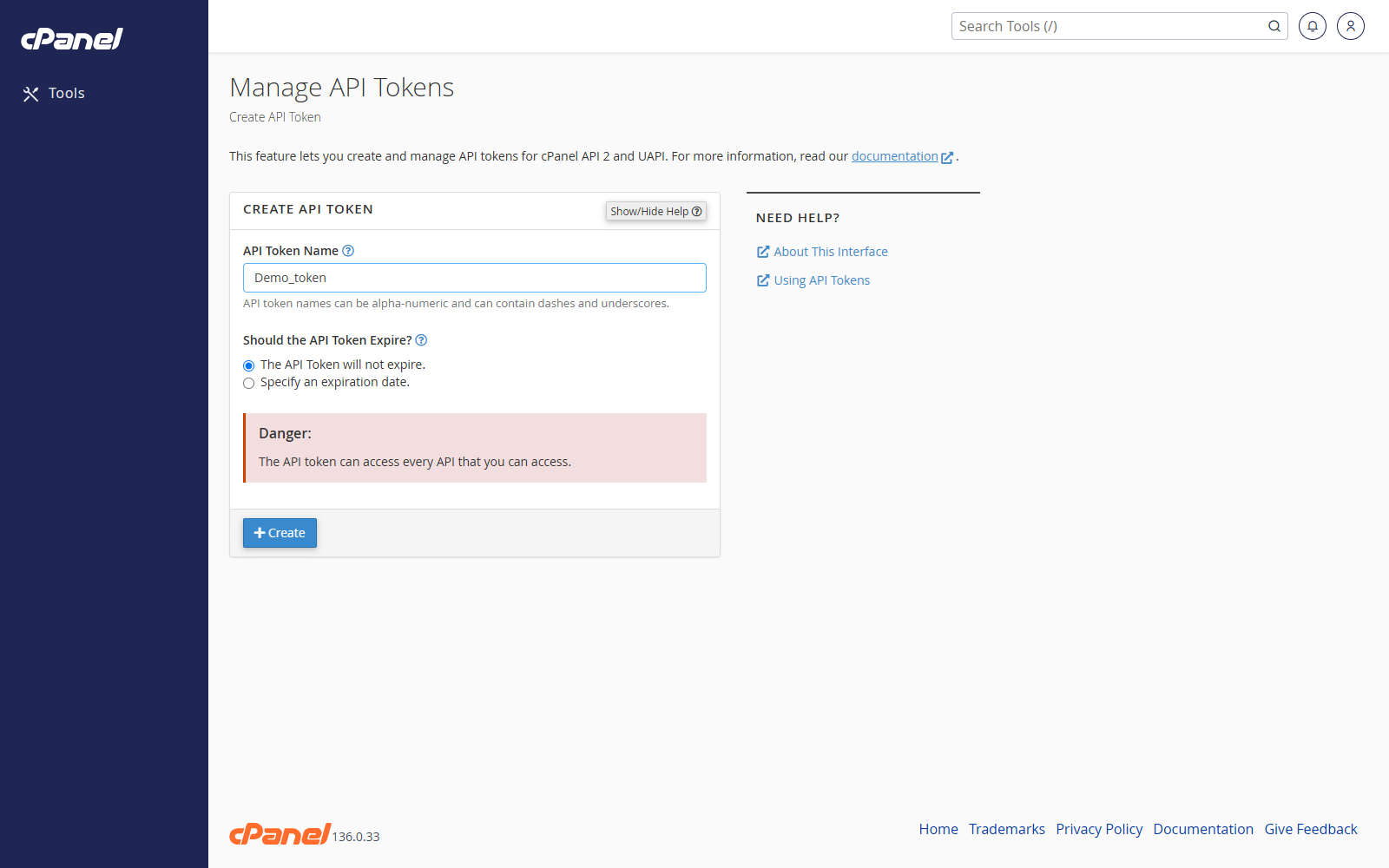
- Choose the token permissions if cPanel shows permission options.
- Click Create.
- Copy the token and store it somewhere secure.
Rename an API Token
- Go to Manage API Tokens.
- Find the token.
- Click Rename.
- Enter the new name.
- Save the change.
Revoke an API Token
- Go to Manage API Tokens.
- Find the token.
- Click Revoke.
- Confirm the revocation.
Notes
- cPanel only shows the token value when you create it.
- Revoke tokens that are no longer used.
- Use a separate token for each application or integration.