
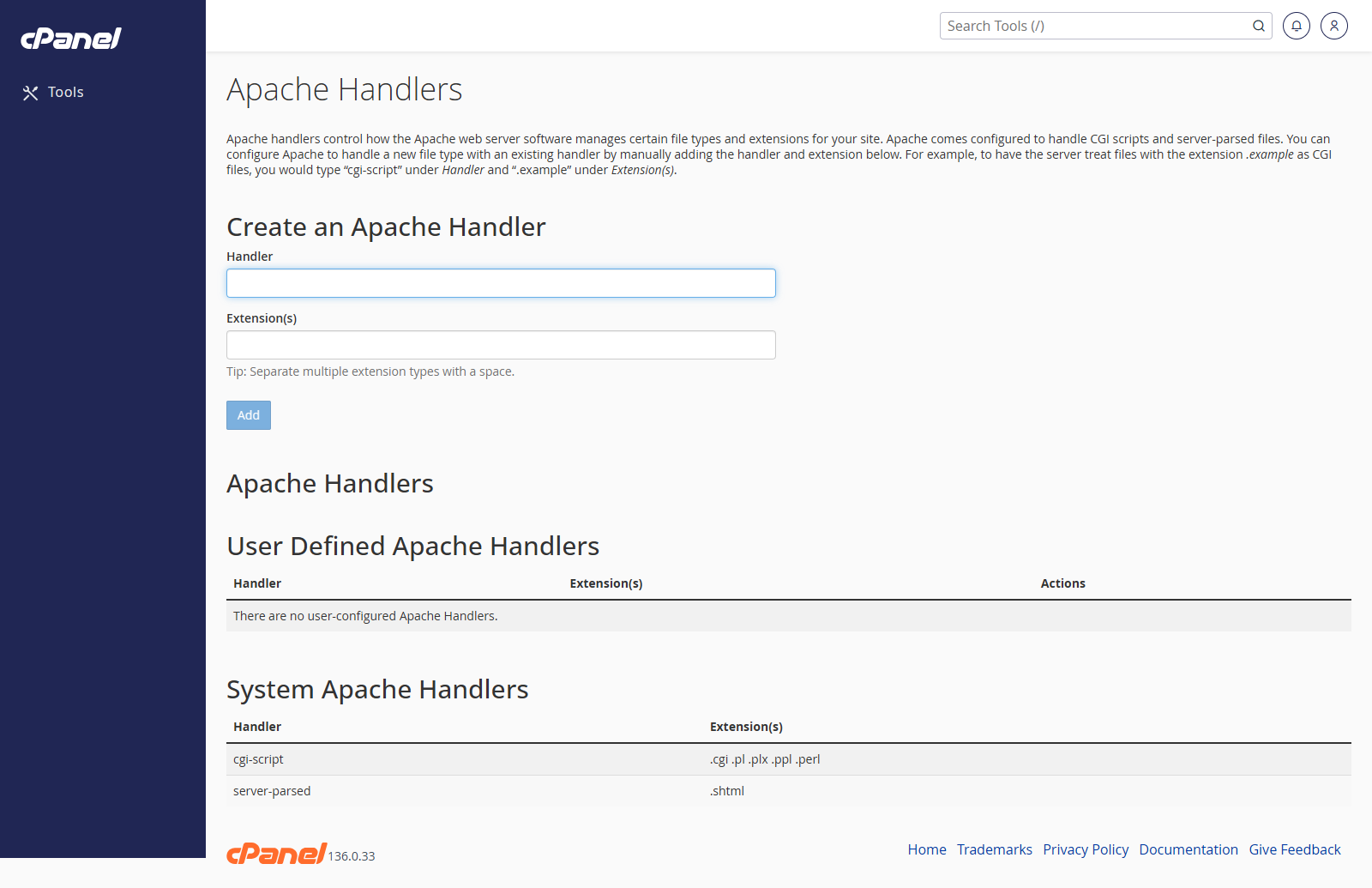
Open Apache Handlers
- Go to Advanced > Apache Handlers.
- Review the existing handlers.
Add an Apache Handler
- Enter the handler name.
- Enter the file extension without the dot.
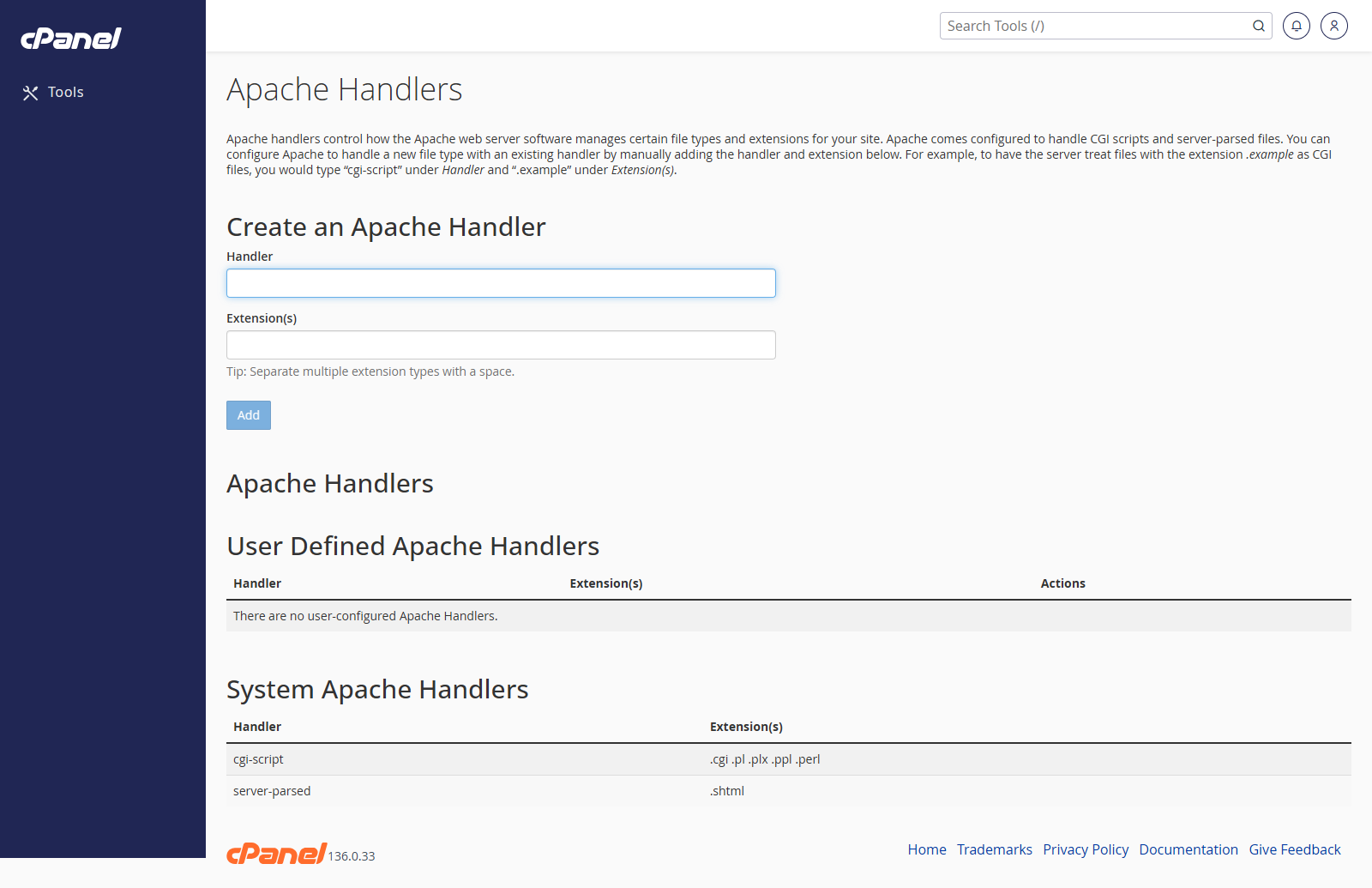
- Click Add.
Remove an Apache Handler
- Find the handler in the list.
- Click Delete.
- Confirm the removal.
Notes
- Only add handlers if you know the exact handler and file extension needed.
- Incorrect handlers can stop files from loading properly.
- If you are unsure, ask support before changing this setting.