
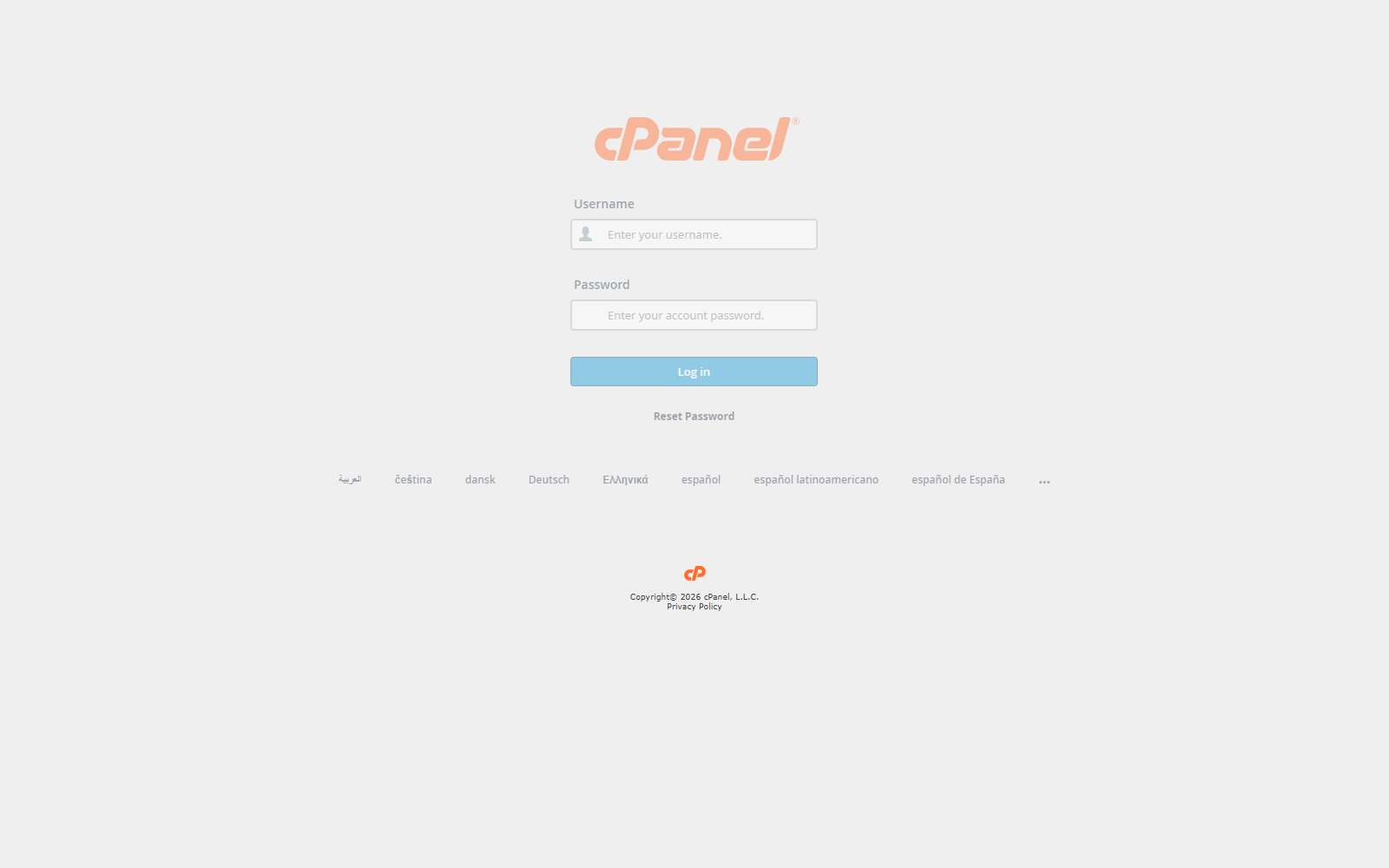
Open the cPanel Login Page
- Open the cPanel login URL provided by your hosting account.
- Enter your cPanel username.
- Enter your cPanel password.
- Click Log in.
Log Out of cPanel
- Click the account icon in the top-right corner.
- Click Log Out.
If the Login Does Not Work
- Check that the username is correct.
- Check that the password is correct.
- Reset the password from your hosting client area if needed.
- Contact support if you still cannot log in.
Notes
- cPanel usernames and passwords are case-sensitive.
- Do not share your cPanel password.
- Always log out when using a shared computer.