
Steps
- Log in to cPanel.
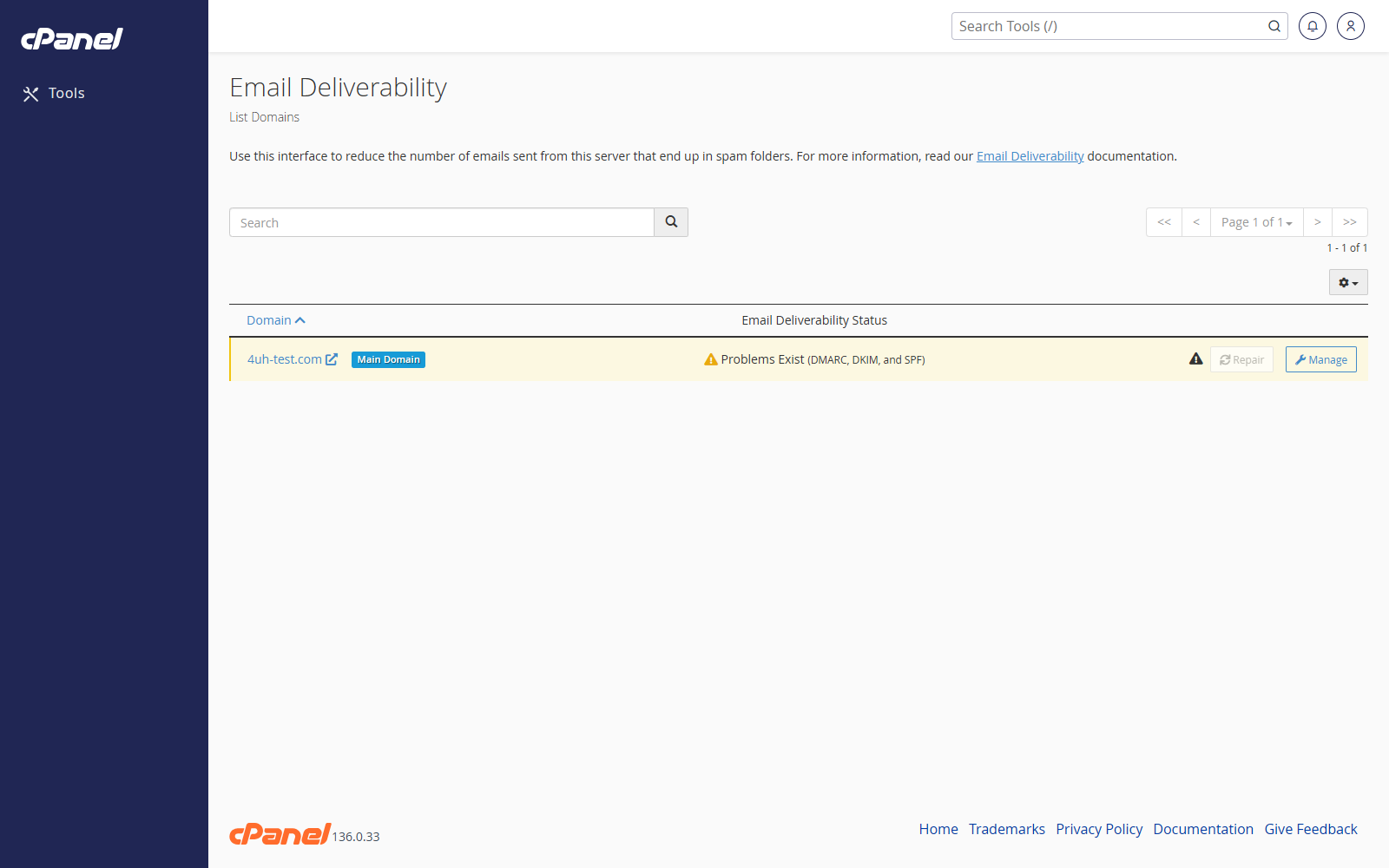
- Go to Email > Email Deliverability.
- Find the domain you want to check.
- Review the status shown next to the domain.
- Click Manage.
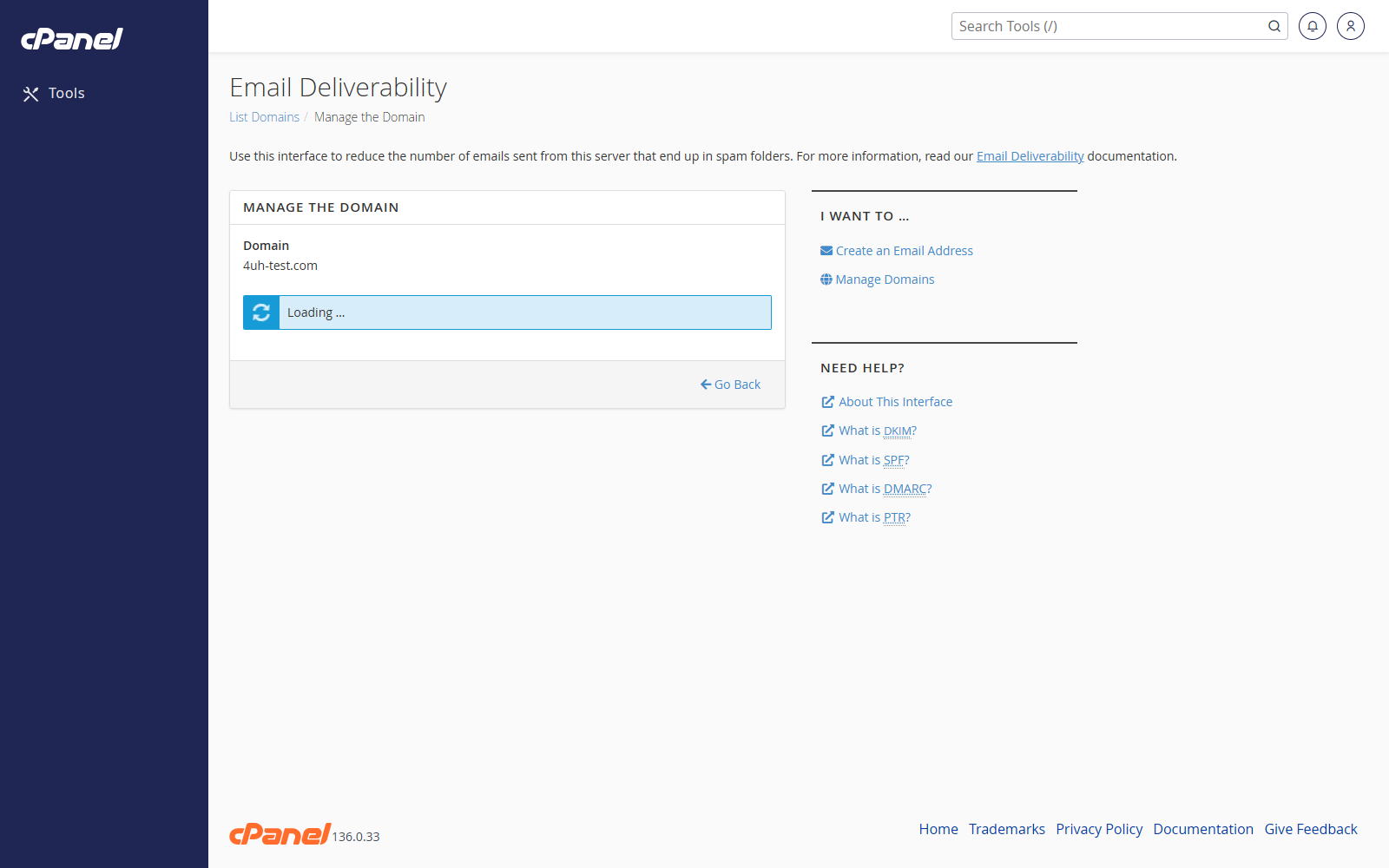
- Review the DKIM, SPF, and DMARC records shown by cPanel.
- If cPanel offers a repair option, click it to apply the recommended records.
- If cPanel cannot edit the DNS zone automatically, copy the suggested records and add them wherever your DNS is hosted.
Check a Domain Again
- Return to Email > Email Deliverability.
- Find the domain.
- Refresh the table or open Manage again.
- Confirm that the domain now shows a valid status.
Notes
- DKIM, SPF, and DMARC help other mail servers trust mail from your domain.
- DNS changes can take time to update.
- If your DNS is hosted away from cPanel, you may need to add the records manually at your DNS provider.