
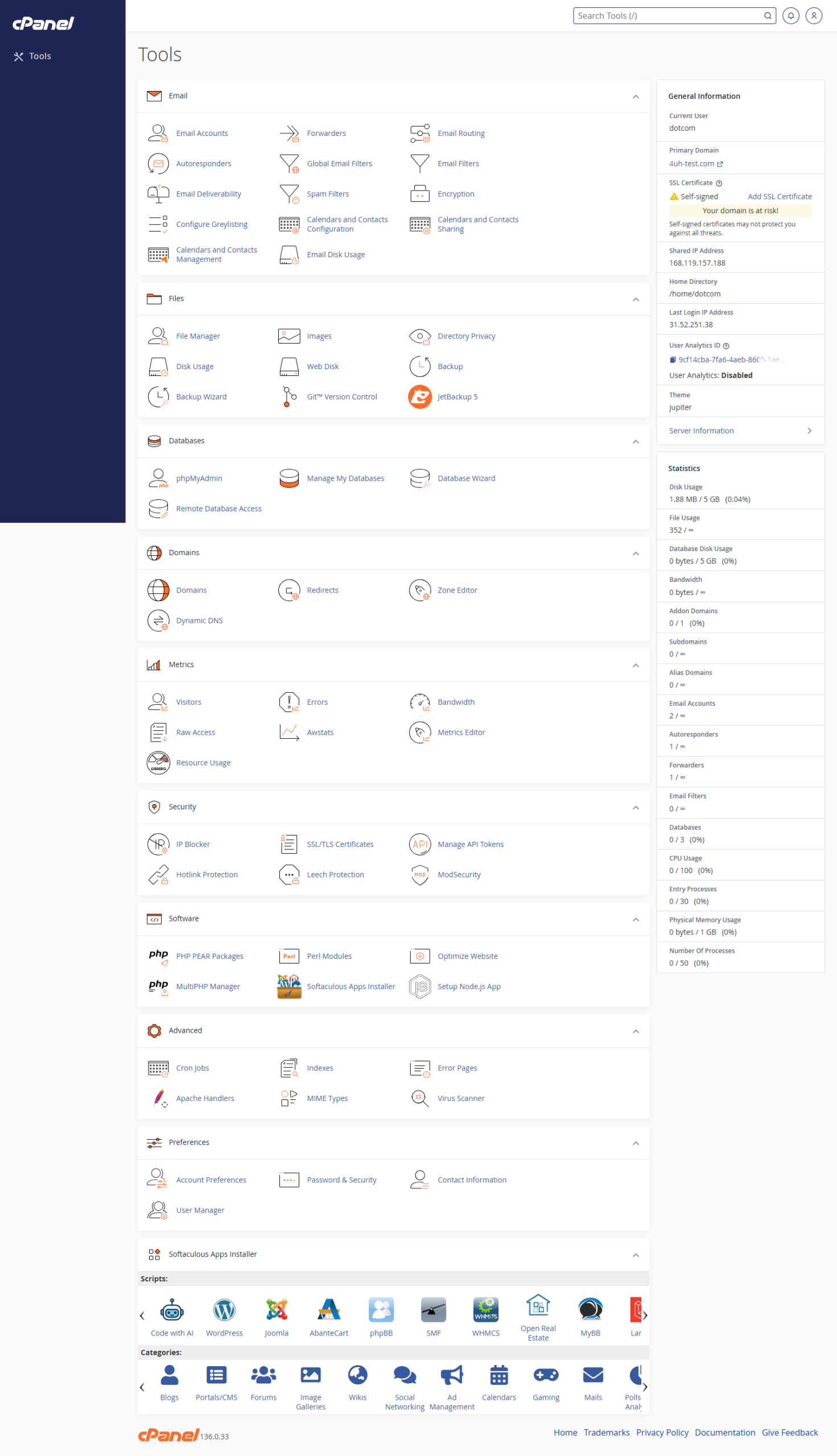
Use the Search Box
- Log in to cPanel.
- Click the search box at the top of the page.
- Type the name of the tool you need.
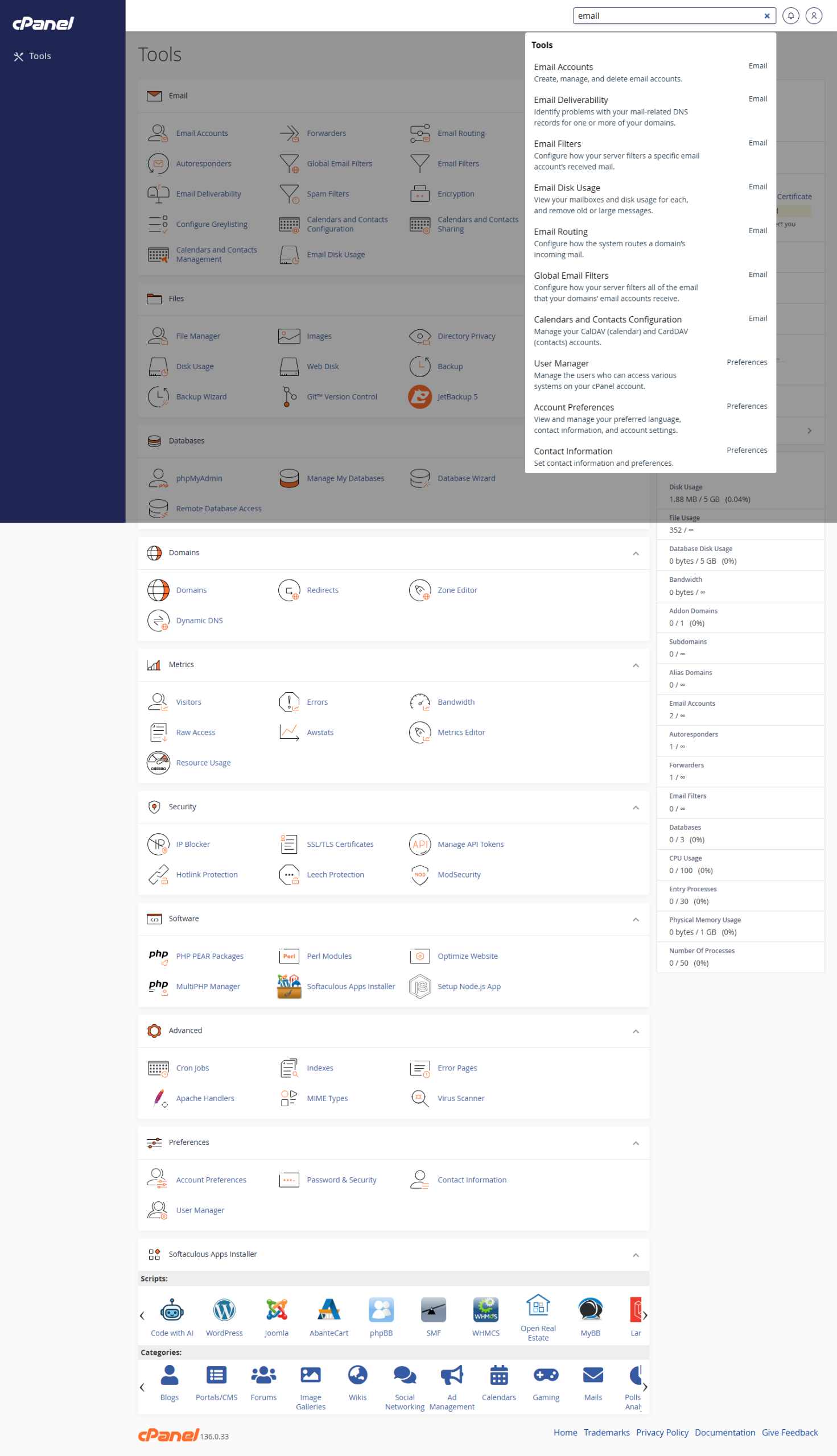
- Click the tool in the search results.
Browse the Tool Groups
- Log in to cPanel.
- Scroll through the tool groups.
- Open the section you need, such as Email, Files, Domains, or Security.
- Click the tool you want to use.
Return to the cPanel Home Page
- Use the cPanel logo or home link if shown.
- Or use your browser back button until you return to the main tool list.
Notes
- The tools shown in cPanel depend on the hosting account.
- If a tool is missing, it may not be enabled on that account.