
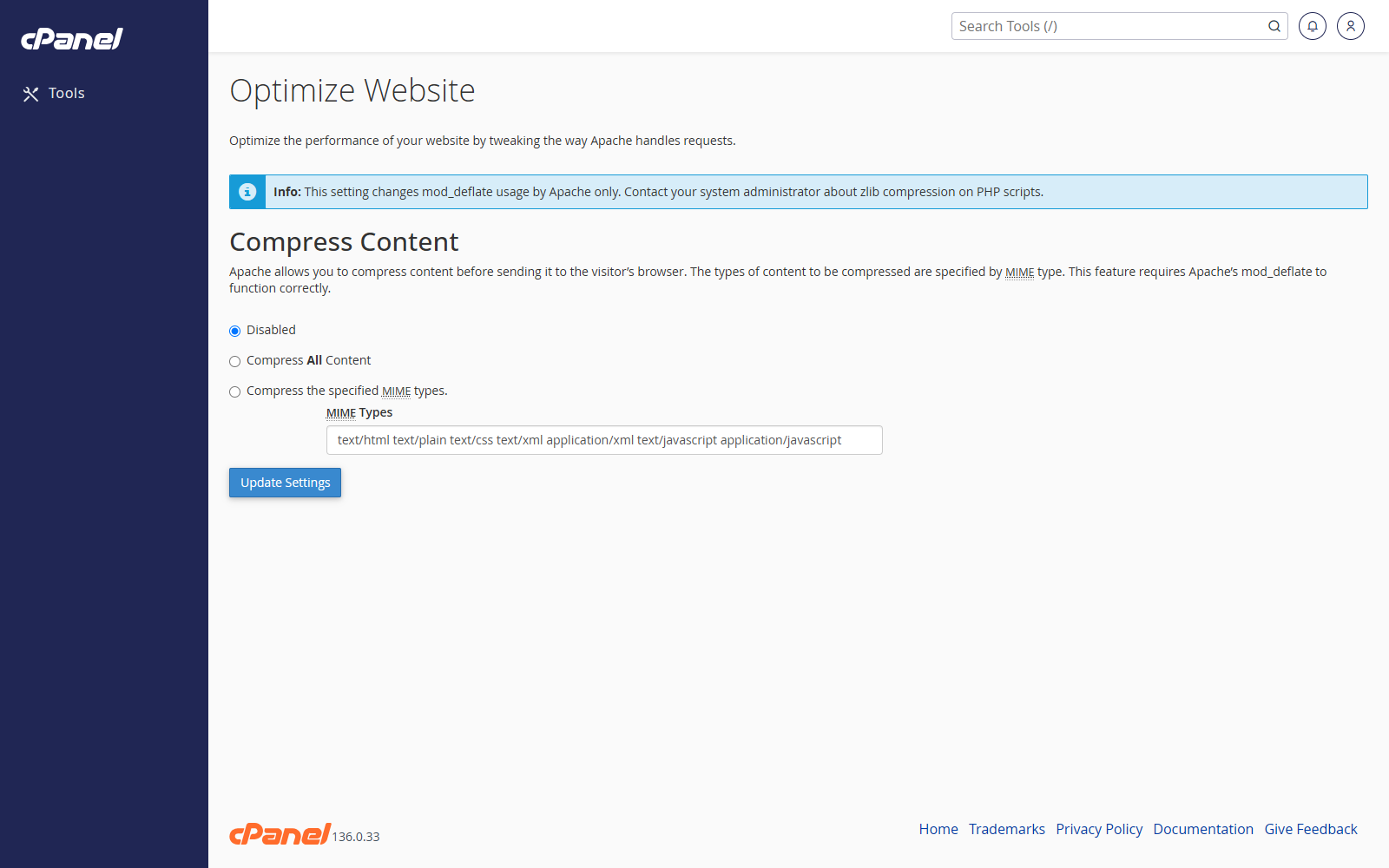
Open Optimize Website
- Go to Software > Optimize Website.
- Choose the compression option you want.
Enable Compression for Common File Types
- Select Compress the specified MIME types.
- Enter the file types you want to compress, such as text/html text/plain text/xml text/css application/javascript.
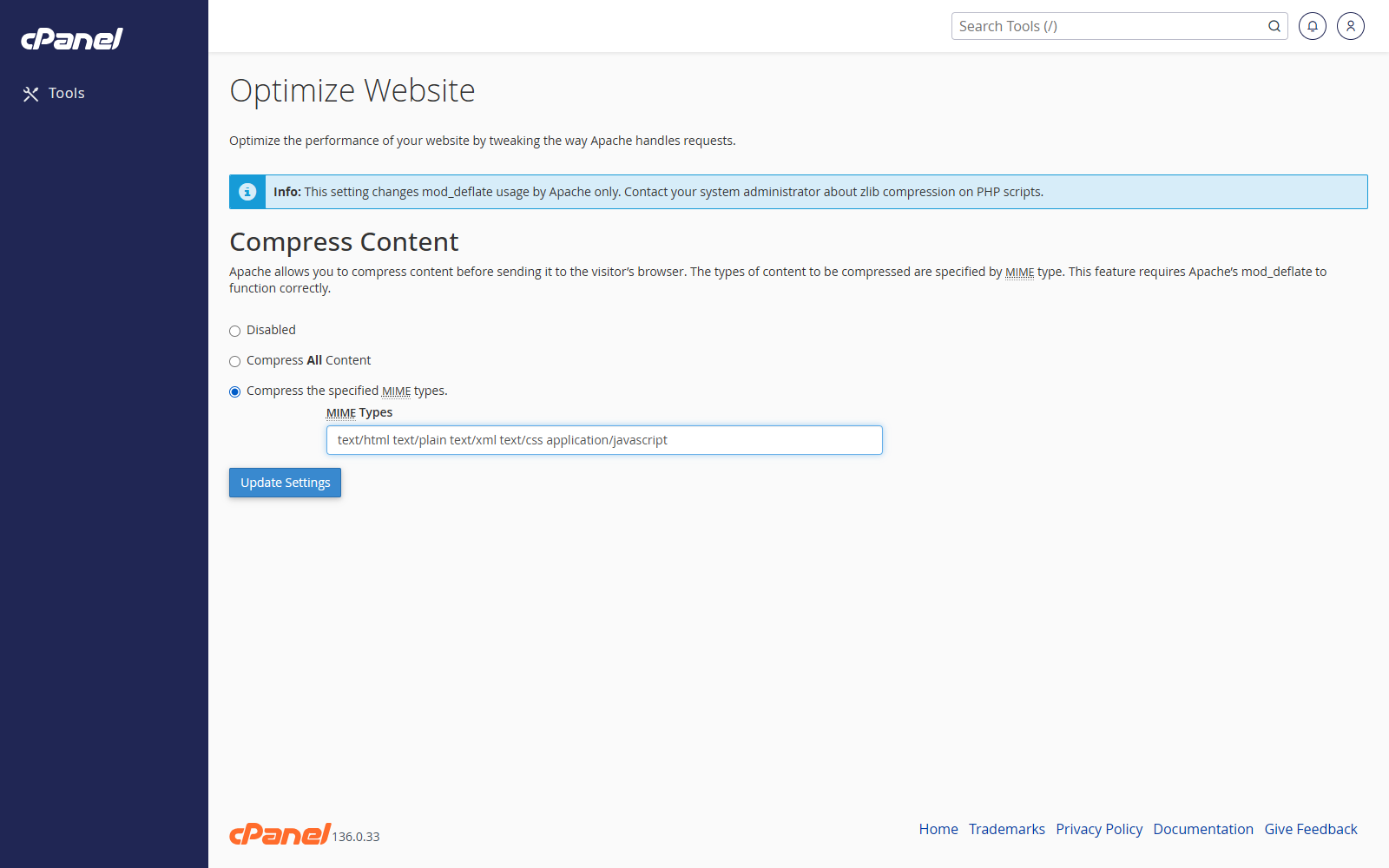
- Click Update Settings.
Compress All Content
- Select Compress All Content.
- Click Update Settings.
Disable Compression
- Select Disabled.
- Click Update Settings.
Notes
- Compression can reduce page size and improve load times.
- Images, videos, and already compressed files may not benefit from extra compression.
- If something stops working after a change, switch back to the previous setting.