
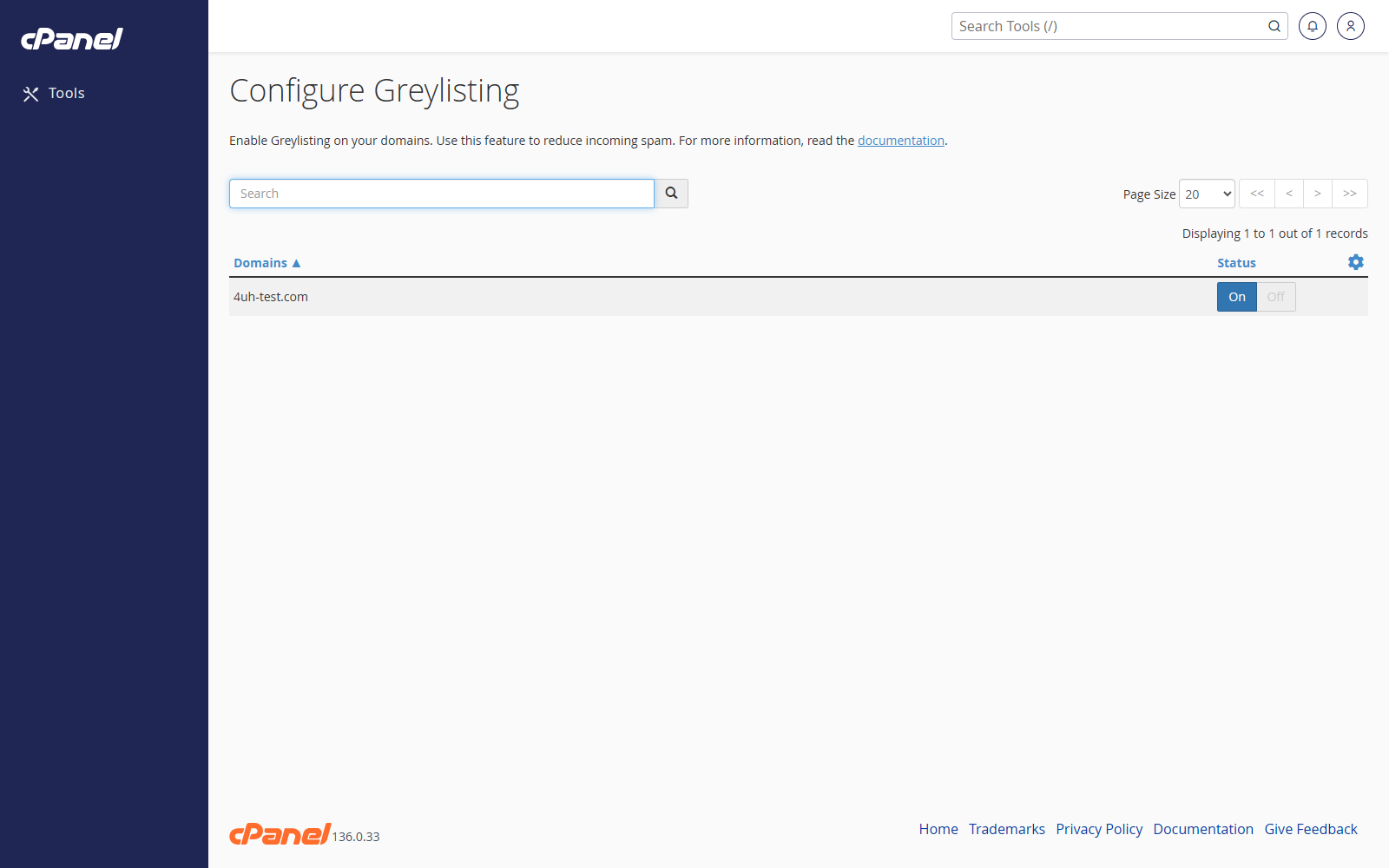
Enable or Disable Greylisting for One Domain
- Log in to cPanel.
- Go to Email > Configure Greylisting.
- Find the domain in the list.
- Use the search box if the list is long.
- Click the on/off switch for that domain.
Enable or Disable Greylisting for All Domains
- Go to Email > Configure Greylisting.
- Click the gear icon.
- Choose Enable All or Disable All.
Notes
- Greylisting can reduce spam by temporarily rejecting mail from unknown senders.
- Genuine mail servers normally try again, but some messages may be delayed.