
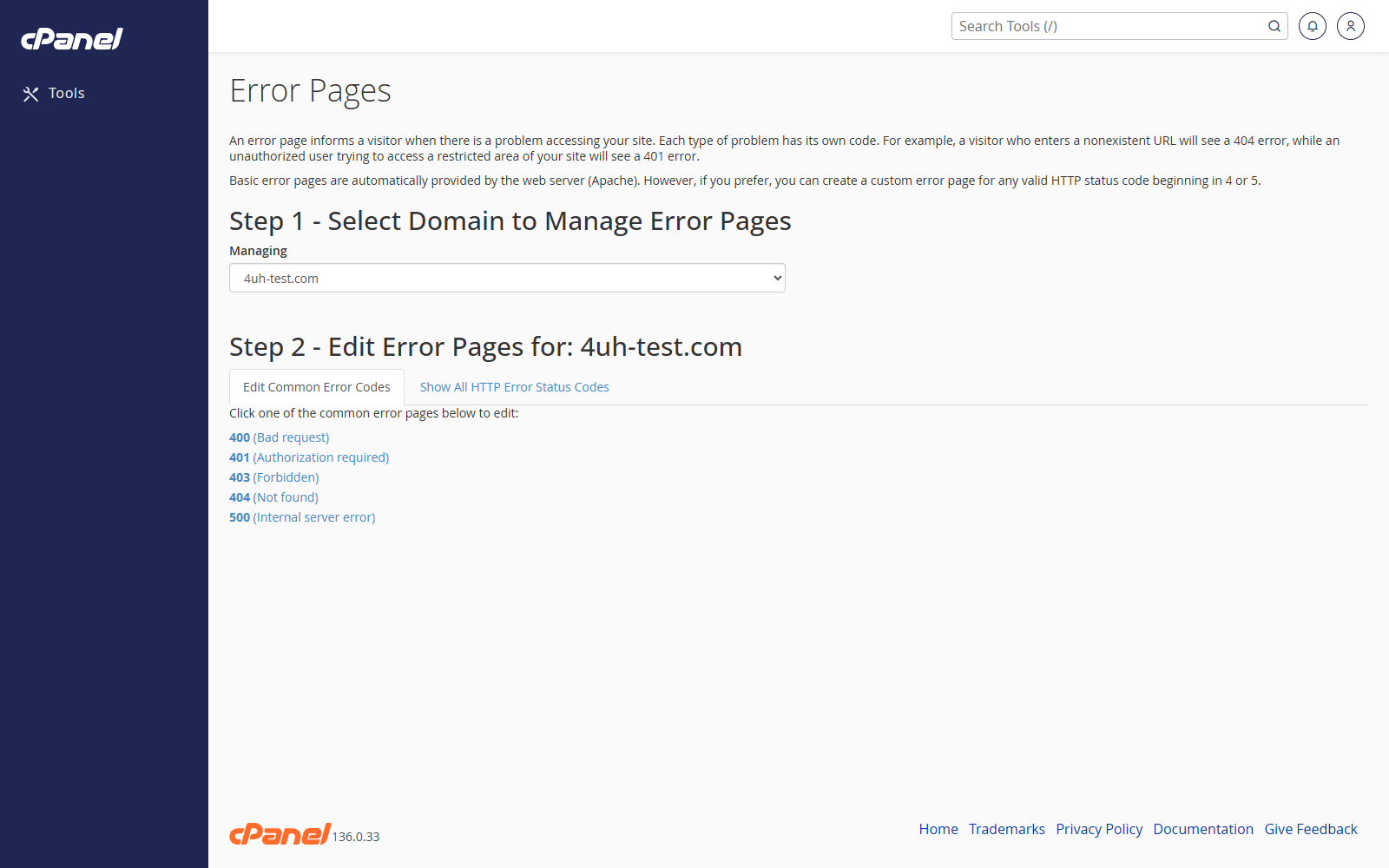
Open Error Pages
- Go to Advanced > Error Pages.
- Choose the domain you want to edit.
Edit an Error Page
- Click the error page you want to change, such as 404.
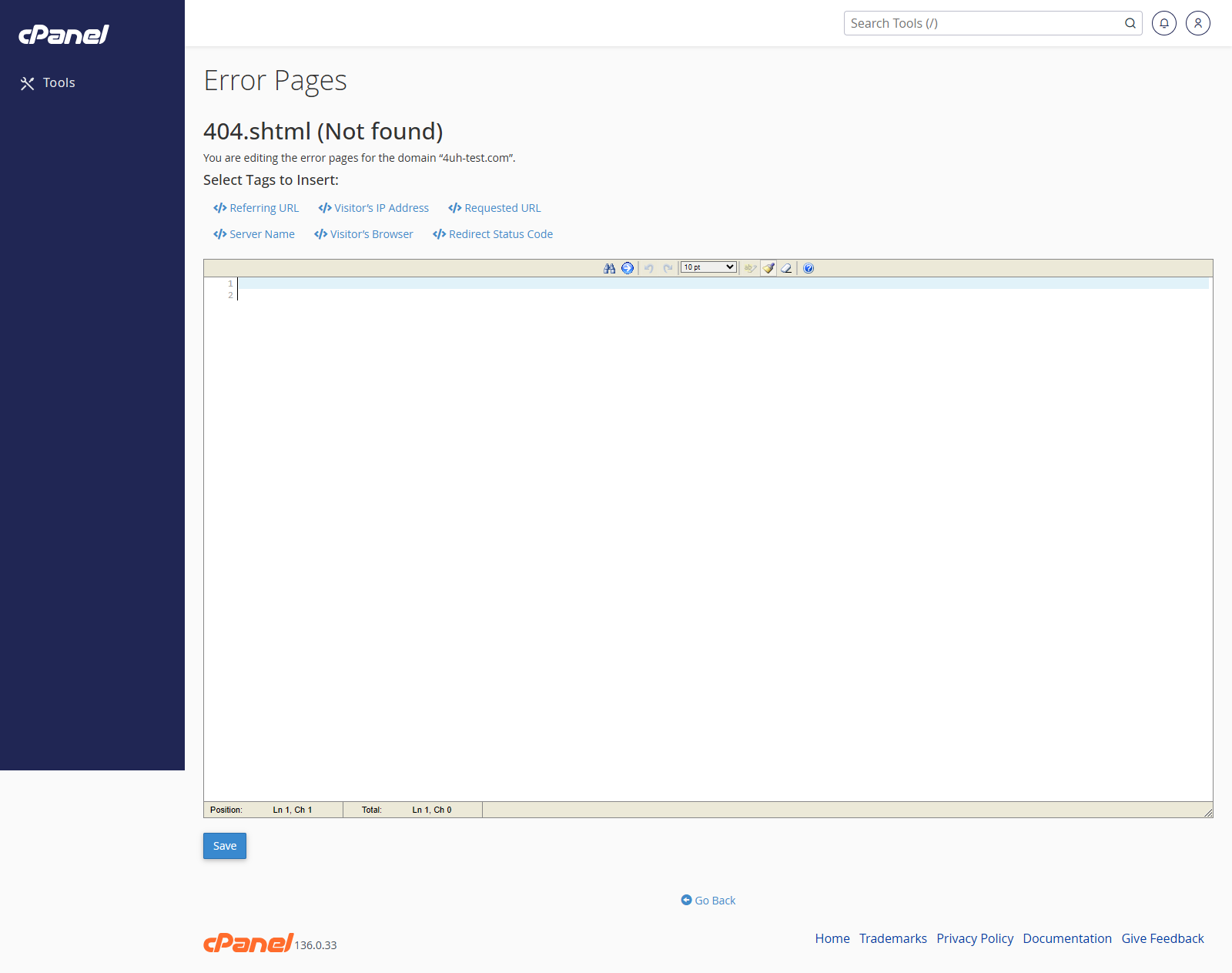
- Enter the message or HTML you want visitors to see.
- Use the shortcut buttons if you want to insert details such as the requested URL.
- Click Save.
Restore the Default Error Page
- Open the error page editor.
- Remove the custom content.
- Save the page.
- If needed, delete the matching custom error file from the website folder in File Manager.
Notes
- The 404 page is the one visitors usually see when a page does not exist.
- Keep error pages short and helpful.
- Custom error pages are normally saved into the website’s folder.