
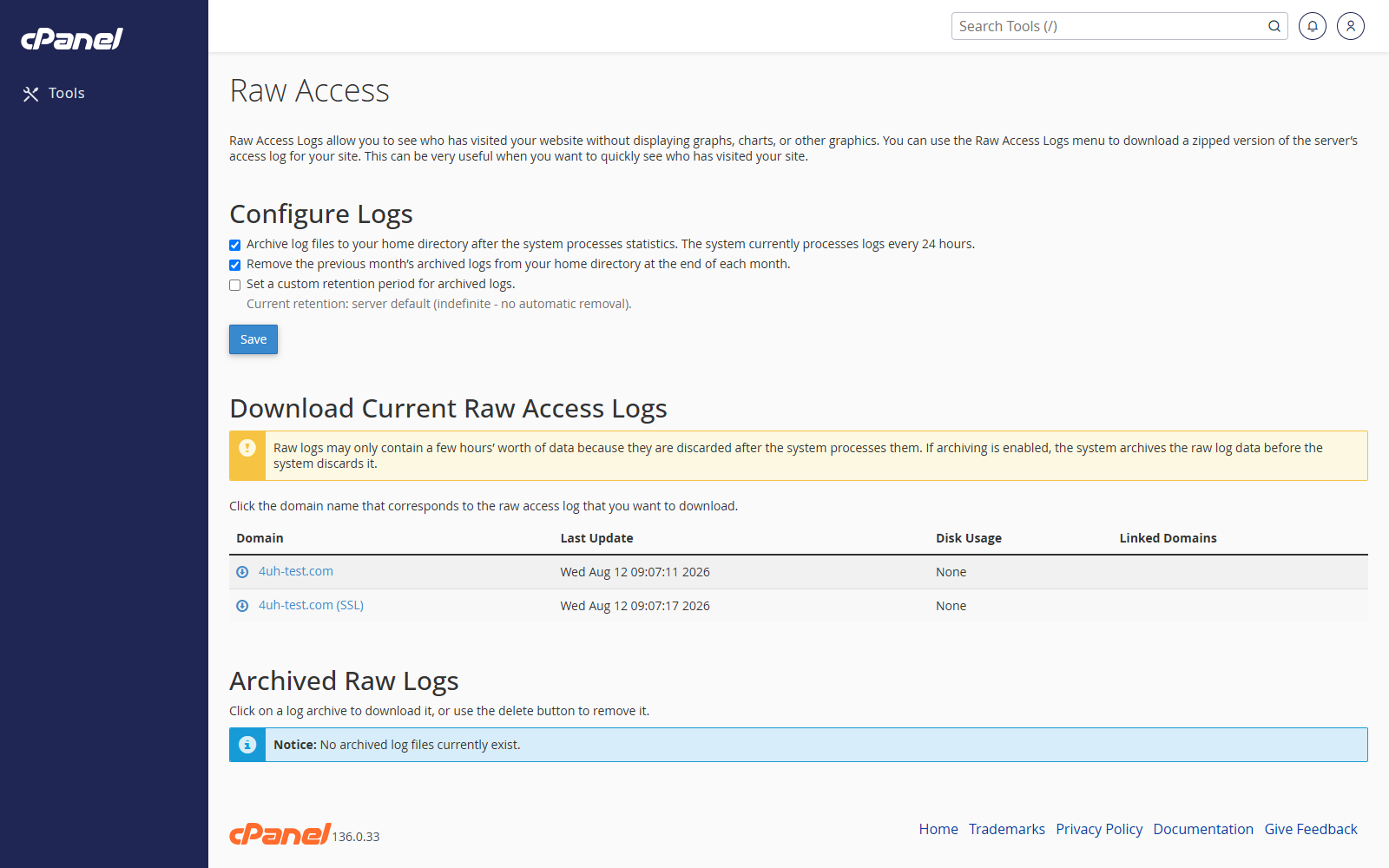
Open Raw Access
- Go to Metrics > Raw Access.
- Review the available log downloads.
Download the Current Raw Access Log
- Find the domain.
- Click the domain name or download link.
- Save the compressed log file to your computer.
- Extract the file before opening it.
Download Archived Logs
- Scroll to the archived logs section.
- Click the archive you want.
- Save the file to your computer.
Change Raw Access Log Settings
- Choose whether cPanel should archive logs at the end of each month.
- Choose whether cPanel should remove the previous month’s archived logs.
- Click Save.
Notes
- Raw logs are useful for deeper traffic checks.
- Log files can be large.
- Use Visitors or AWStats if you only need a quick summary.