
Steps
- Log in to cPanel.
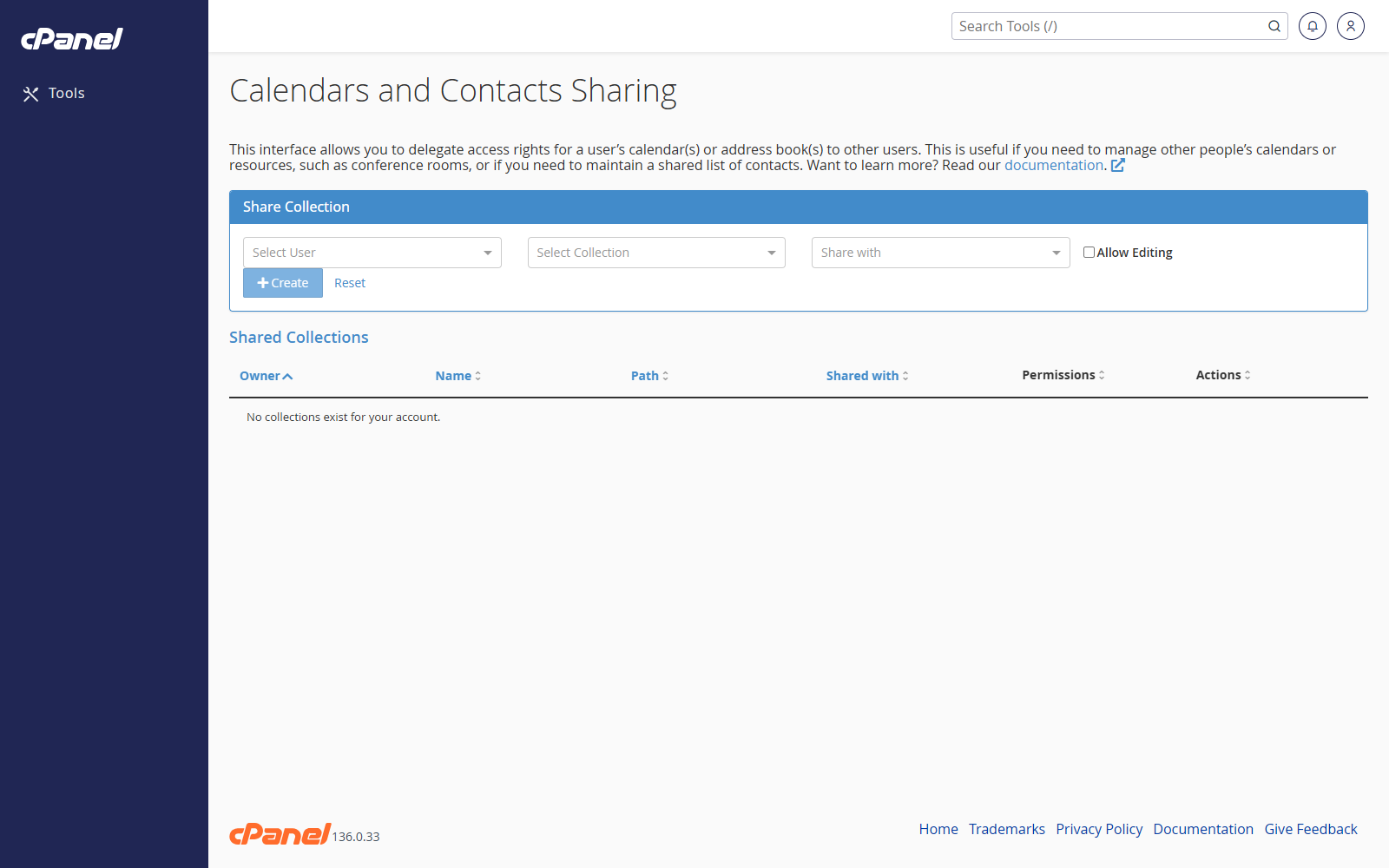
- Go to Email > Calendar Delegation.
- Choose the calendar owner from Select Calendar Owner.
- Choose the delegate from Select Delegate.
- Select Allow Editing if the delegate should be able to edit the calendar.
- Leave Allow Editing unticked if the delegate only needs read access.
- Click Create.
Give Editing Access Later
- Go to Email > Calendar Delegation.
- Find the delegate in the table.
- Click Allow Editing.
Remove Editing Access
- Go to Email > Calendar Delegation.
- Find the delegate in the table.
- Click Disallow Editing.
Remove Calendar Delegation
- Go to Email > Calendar Delegation.
- Find the delegated access in the table.
- Click Delete.
- Click Confirm Delete.
Notes
- If there is only one email account, create another email account before using this feature.