
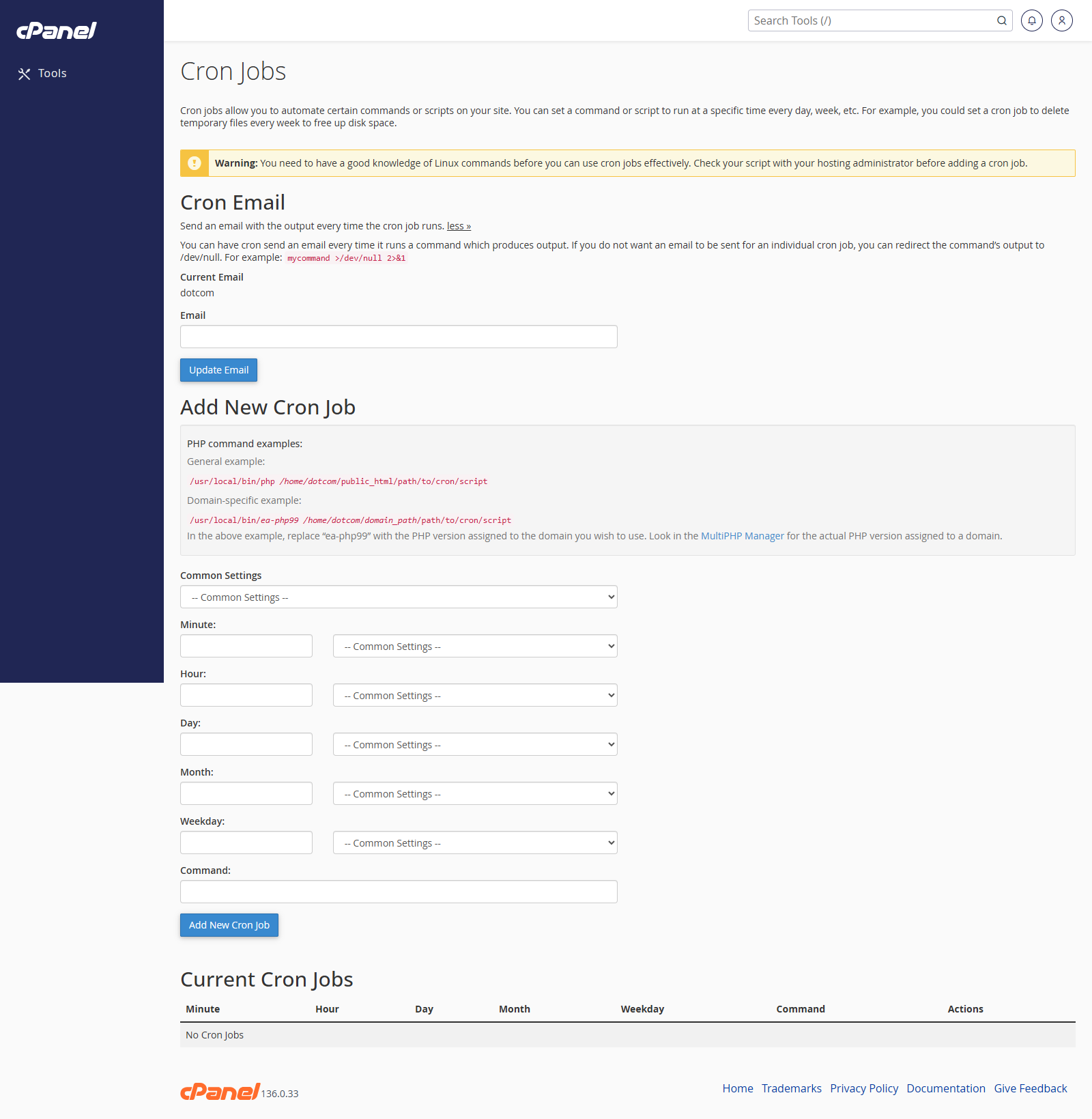
Open Cron Jobs
- Go to Advanced > Cron Jobs.
- Check the cron email address.
Set the Cron Email Address
- Enter the email address that should receive cron output.
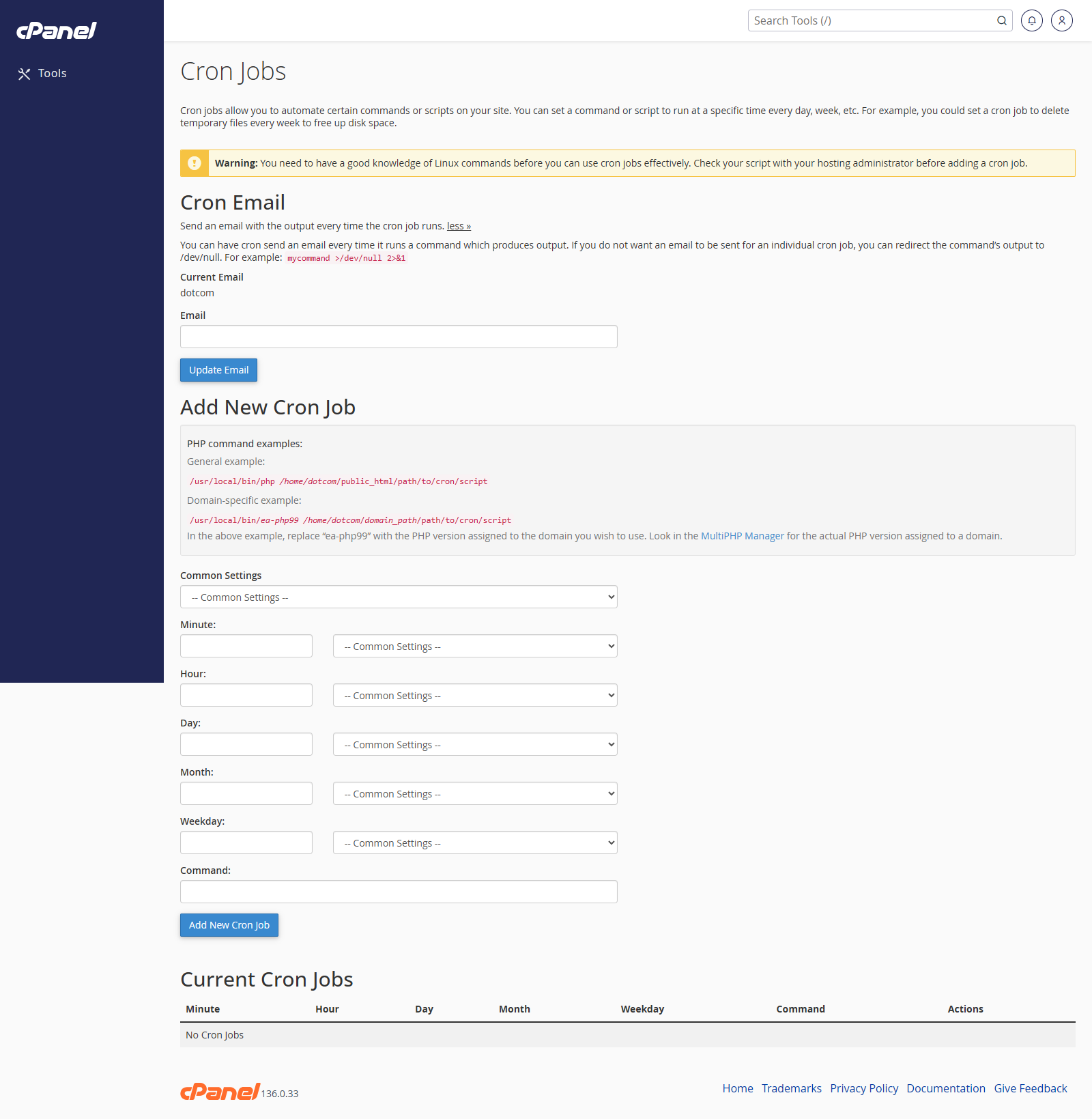
- Click Update Email.
Create a Cron Job
- Choose a common schedule or enter a custom schedule.
- Enter the command the cron job should run.
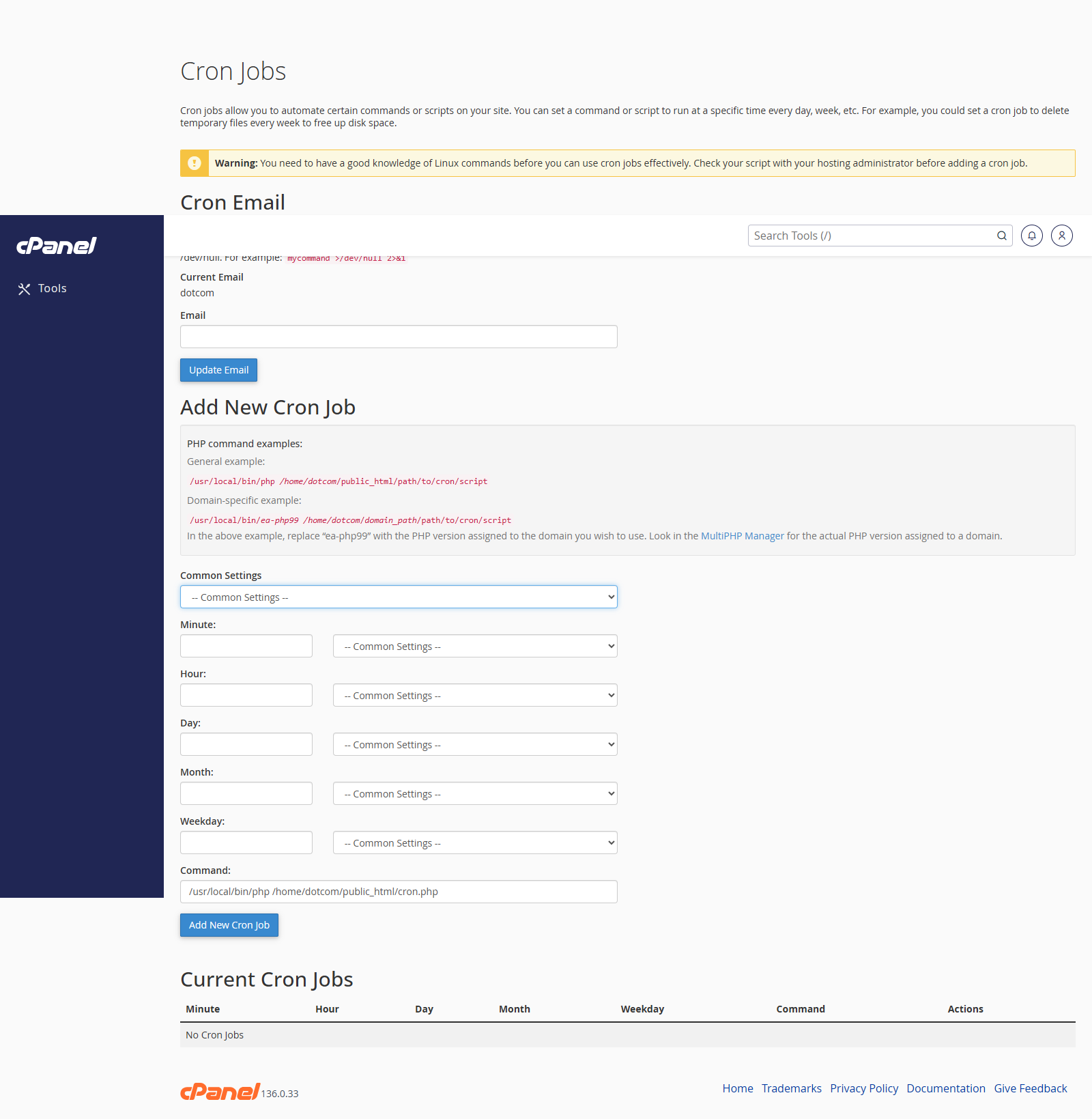
- Click Add New Cron Job.
Edit a Cron Job
- Find the cron job in Current Cron Jobs.
- Click Edit.
- Change the schedule or command.
- Save the change.
Delete a Cron Job
- Find the cron job in Current Cron Jobs.
- Click Delete.
- Confirm the deletion.
Notes
- Check the command carefully before saving.
- Cron jobs can send email every time they run if the command creates output.
- Use a realistic schedule. Running a heavy script too often can slow the account down.