
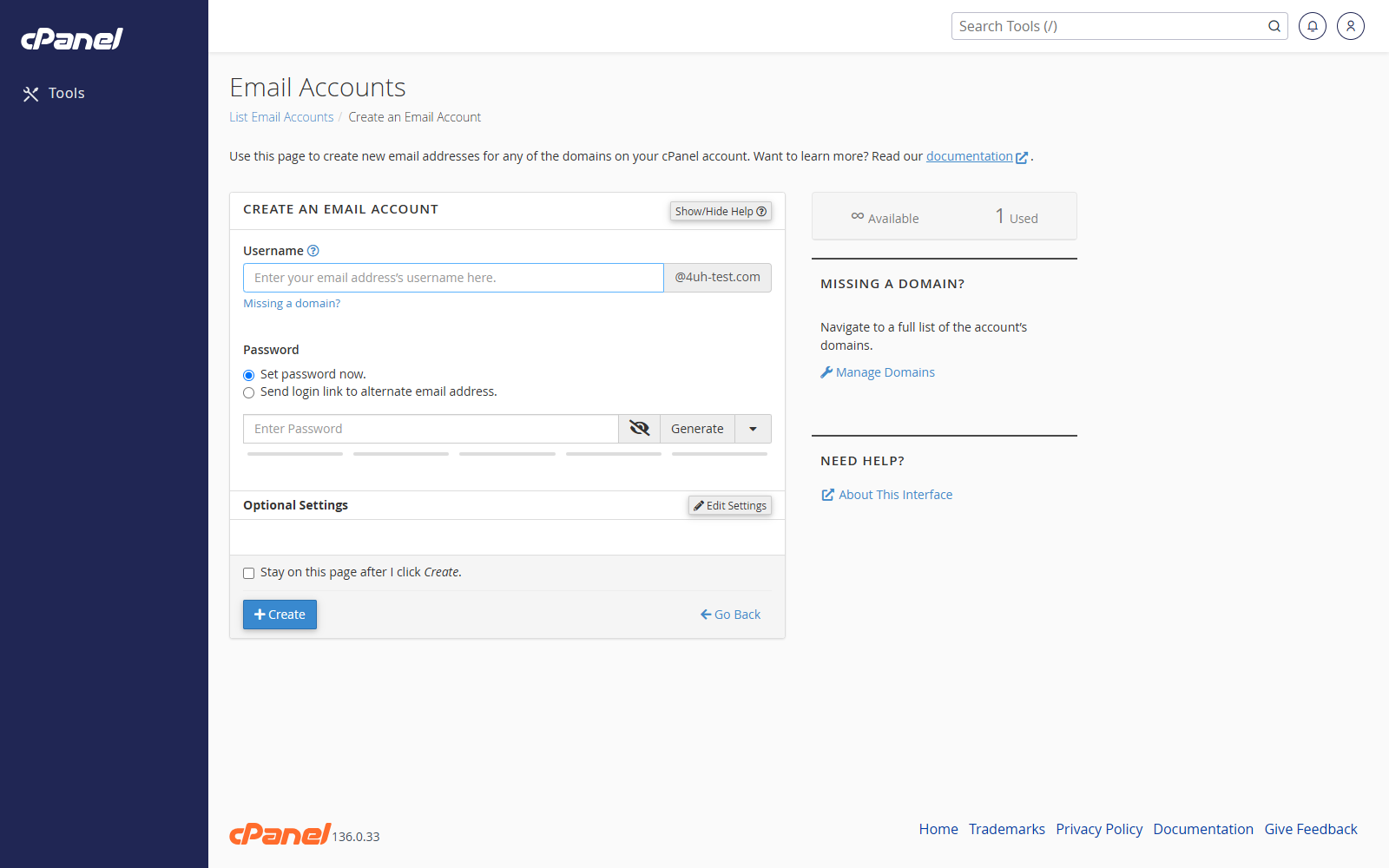
Steps
- Log in to cPanel.
- Go to Email > Email Accounts.
- Click Create.
- If you have more than one domain, choose the domain from the Domain menu.
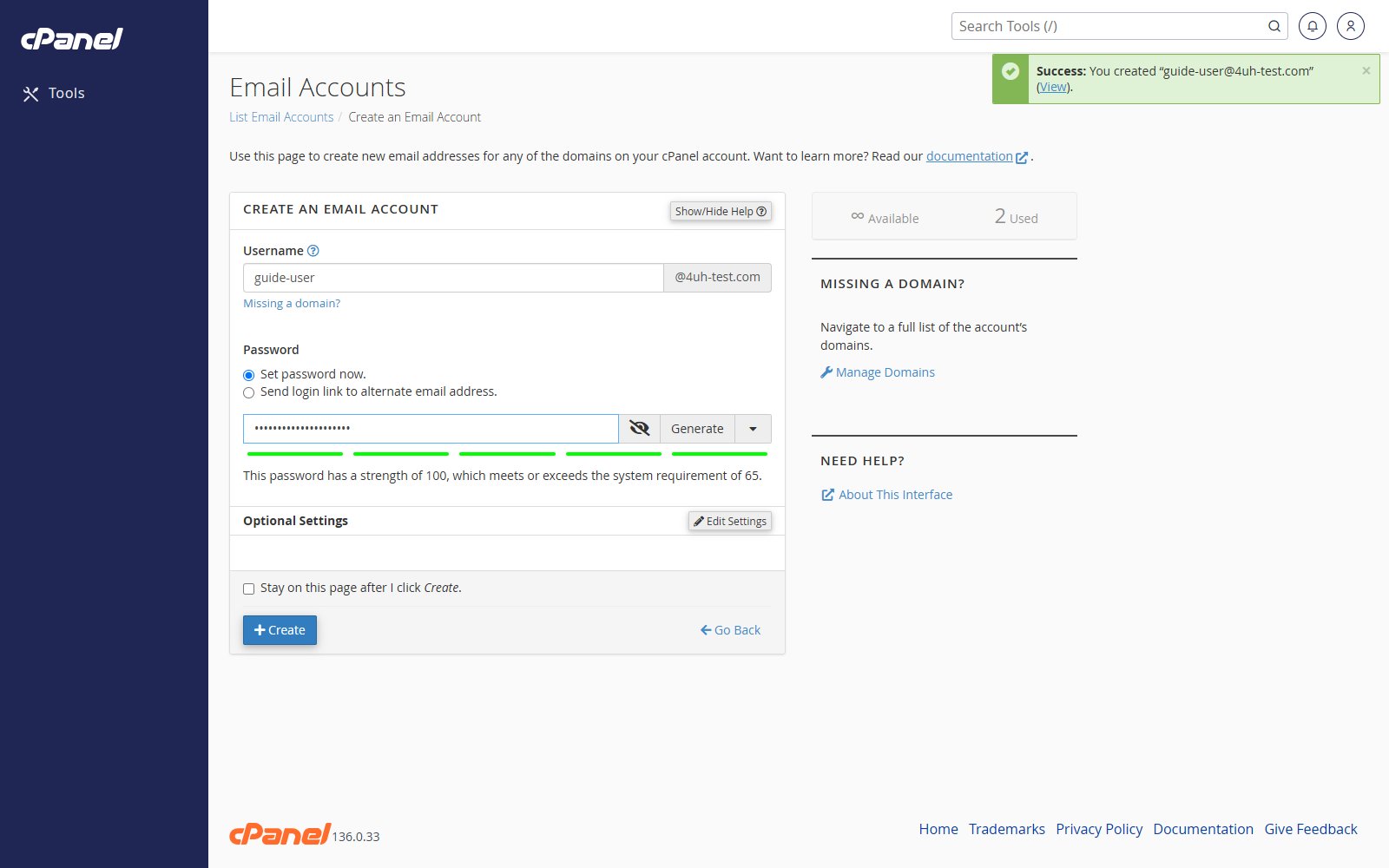
- Enter the mailbox name in Username. For example, enter
salesto createsales@example.com. - Select Set password now and enter a secure password, or select Send login link to alternate email address and enter the user’s existing email address.
- Open Optional Settings if you want to set a storage limit.
- Choose either a custom storage amount or Unlimited.
- Choose whether cPanel should automatically create folders for plus addressing.
- Select Send welcome email with instructions to set up a mail client if you want the user to receive setup instructions.
- Click Create.
Notes
- You cannot use
cpanelas the mailbox name. - You cannot rename an email account after creating it. If you need a different address later, create a new mailbox or use a forwarder.
- If the Domain menu is missing, your cPanel account only has one available domain.