
Steps
- Log in to cPanel.
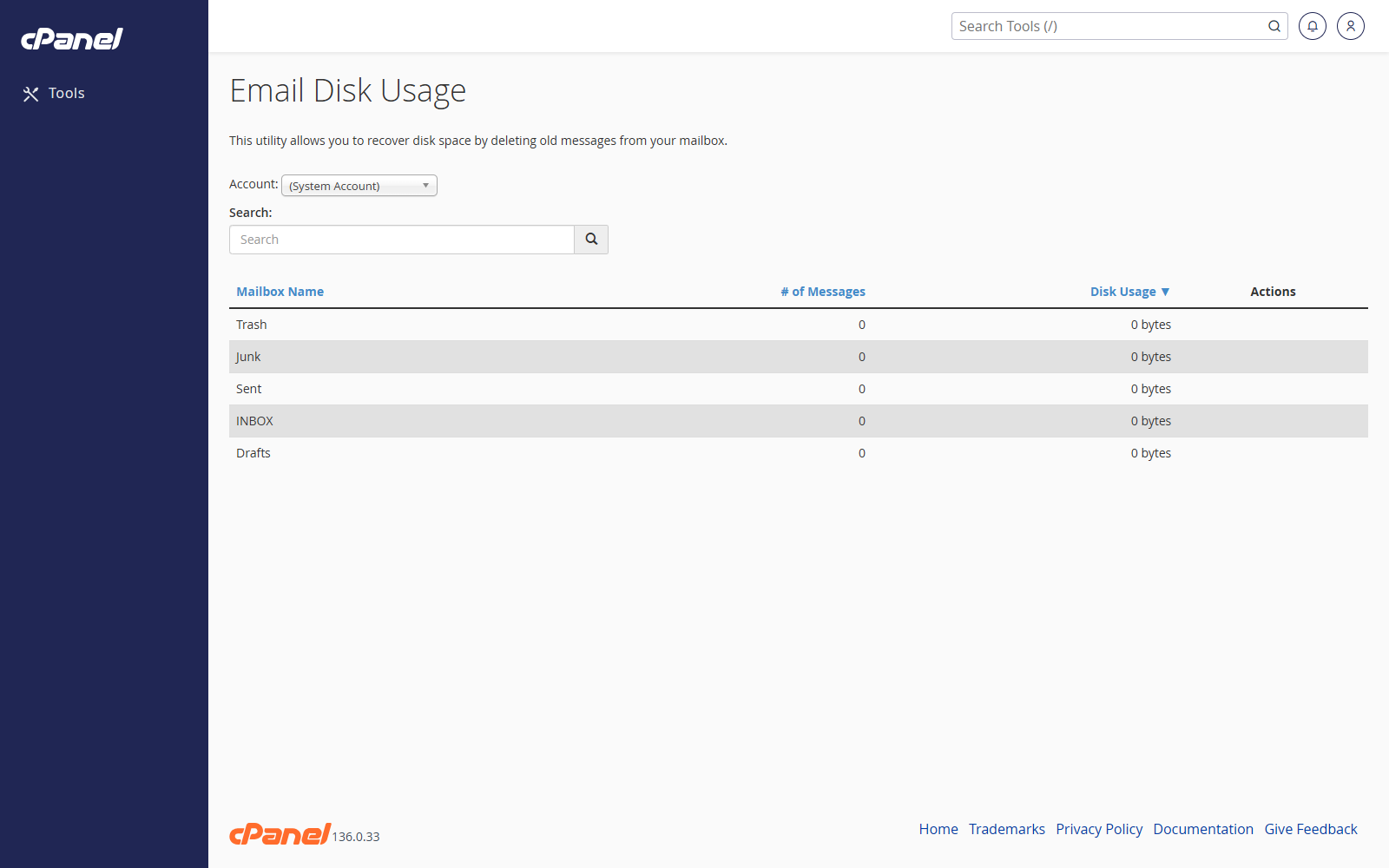
- Go to Email > Email Disk Usage.
- Choose the email account from the Account menu.
- Find the mailbox folder you want to clean.
- Click Manage next to that folder.
- Choose which messages to remove from the Messages to delete menu.
- Click Delete Permanently.
- Confirm the deletion.
Search for a Mailbox
- Use the search box to find a mailbox or folder.
- Sort the mailbox list by name, message count, or disk usage if needed.
- Open Manage for the folder you want to clean.
Notes
- Deleted messages cannot be restored from this screen.
- Disk usage values may not update instantly because servers cache mailbox sizes.