
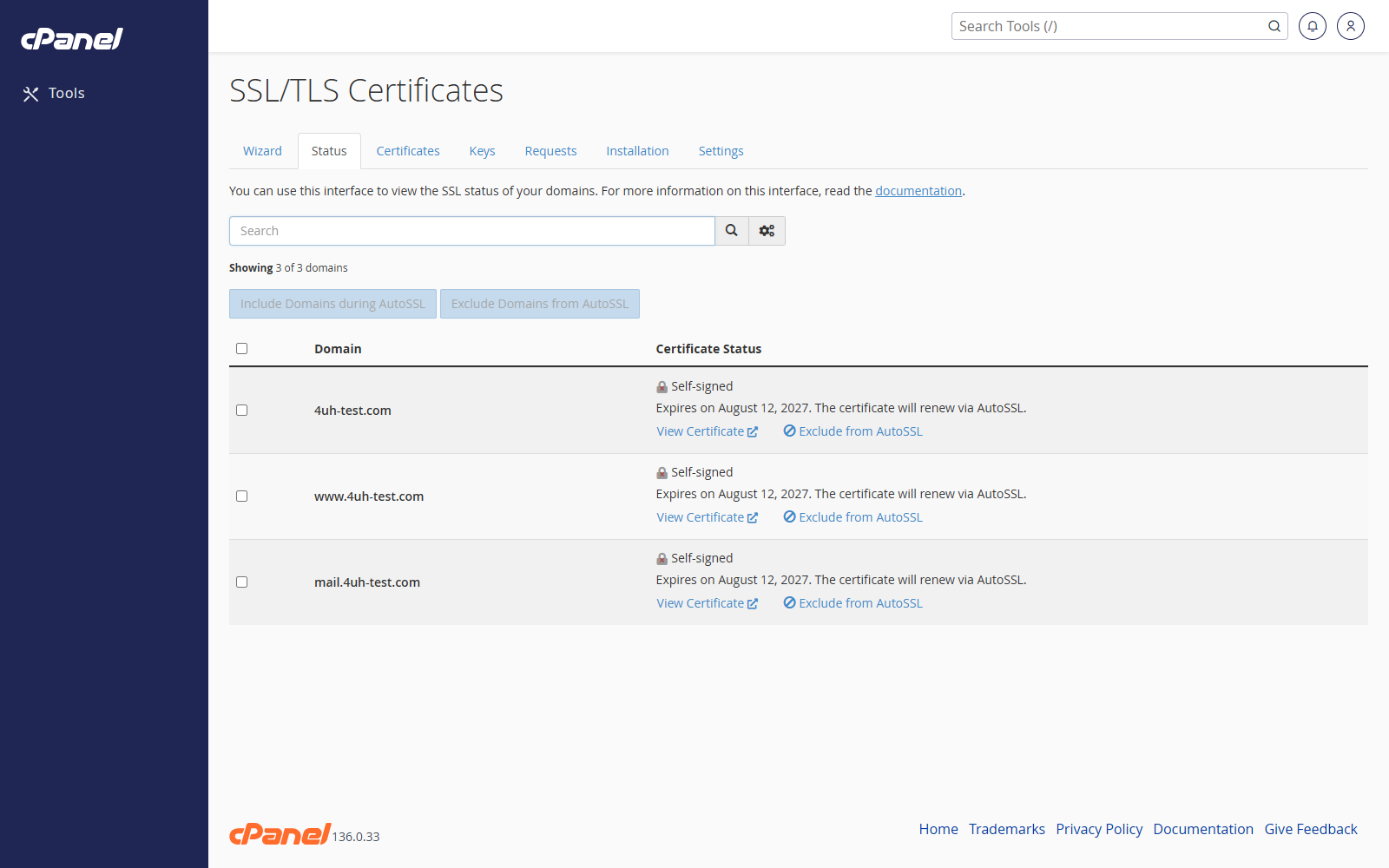
Open SSL/TLS Status
- Go to Security > SSL/TLS Status.
- Review the certificate status beside each domain.
View Certificate Details
- Find the domain.
- Click the certificate details option if it is shown.
- Check the issuer, expiry date, and covered domains.
Run AutoSSL
- Tick the domains you want AutoSSL to check.
- Click Run AutoSSL if the button is available.
- Wait for cPanel to finish the check.
Exclude a Domain from AutoSSL
- Find the domain.
- Select the domain.
- Click Exclude from AutoSSL if the option is available.
Notes
- Green or valid status means the domain has a working SSL certificate.
- Warning or red status means the certificate may be missing, expired, or not covering that name.
- AutoSSL options depend on the server configuration.