
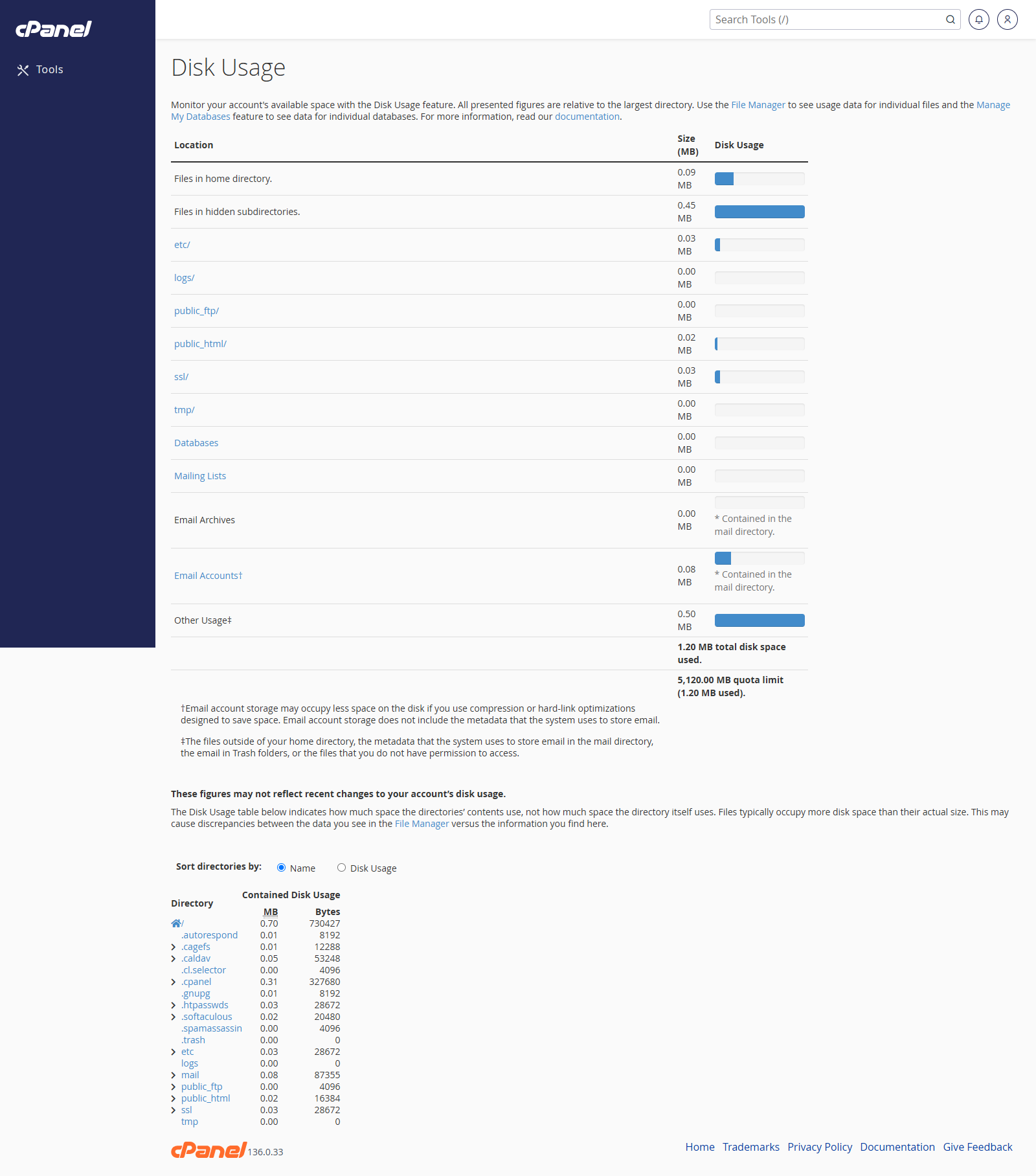
View Disk Usage
- Go to Files > Disk Usage.
- Review the summary at the top of the page.
- Scroll down to see folders listed by size.
- Click a folder name to open it in File Manager.
Find Large Folders
- Go to Files > Disk Usage.
- Scroll to the folder list.
- Click Disk Usage to sort by size if the option is available.
- Check large folders such as
public_html, email folders, backups, and temporary files.
Notes
- Disk Usage helps you find what is using storage, but it does not delete files.
- Use File Manager, Email Disk Usage, or backups cleanup to remove unwanted files.
- Be careful before deleting anything inside website or email folders.