
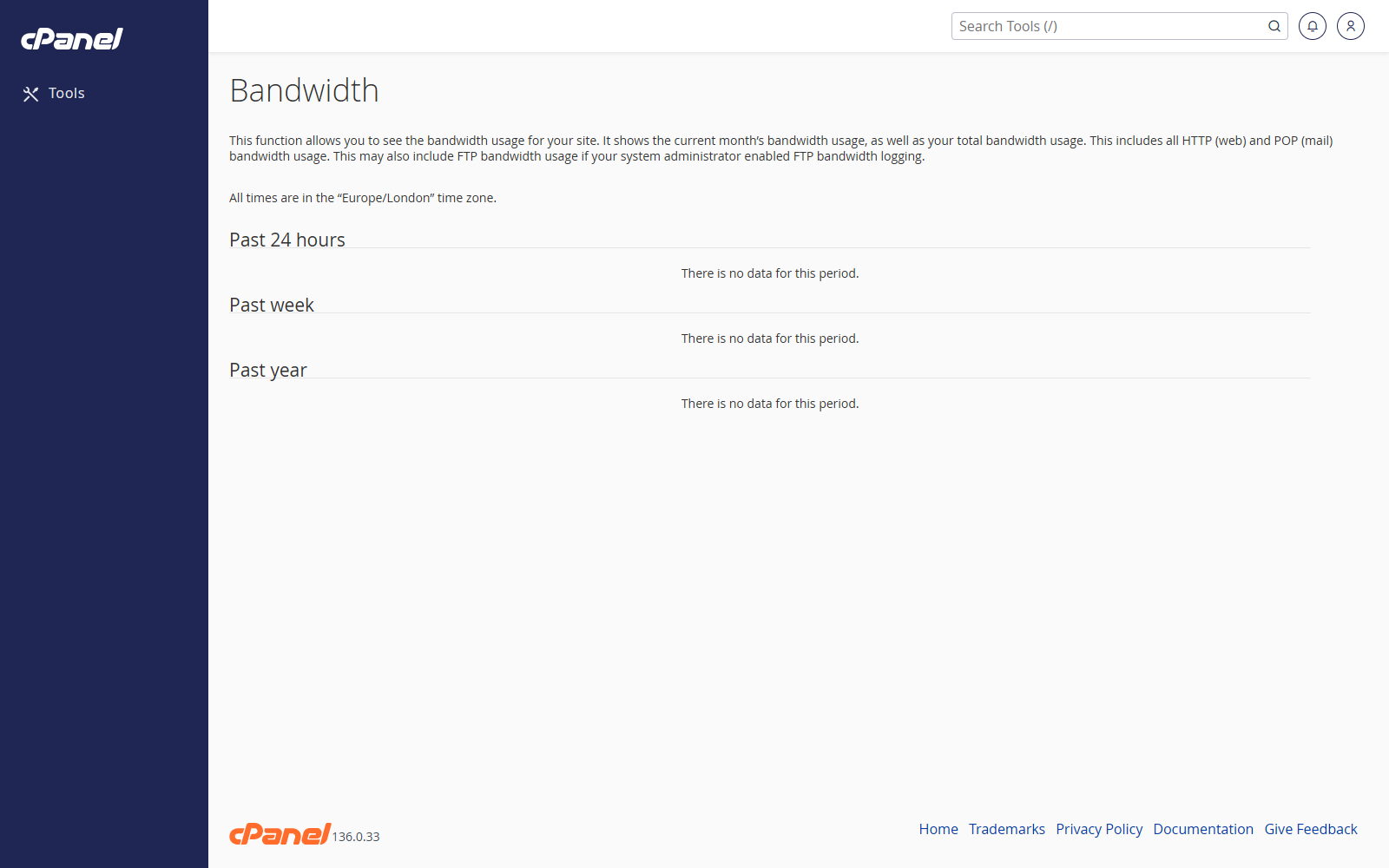
Open Bandwidth
- Go to Metrics > Bandwidth.
- Review the summary graphs at the top of the page.
- Scroll down to see usage by service and domain.
View Monthly Bandwidth
- Open Bandwidth.
- Find the monthly graph or monthly totals.
- Check the current month first.
- Compare it with previous months if you need to spot a change.
Check Bandwidth by Service
- Open Bandwidth.
- Review the usage for services such as web, email, FTP, and other account activity.
- Look for the service using the most bandwidth.
Check Bandwidth by Domain
- Open Bandwidth.
- Find the domain breakdown.
- Check which domain is using the most bandwidth.
Notes
- Bandwidth figures can include website traffic, email, FTP, and other account services.
- Bandwidth reports may take time to update.
- A sudden increase can be caused by visitors, bots, downloads, email activity, or backups.