
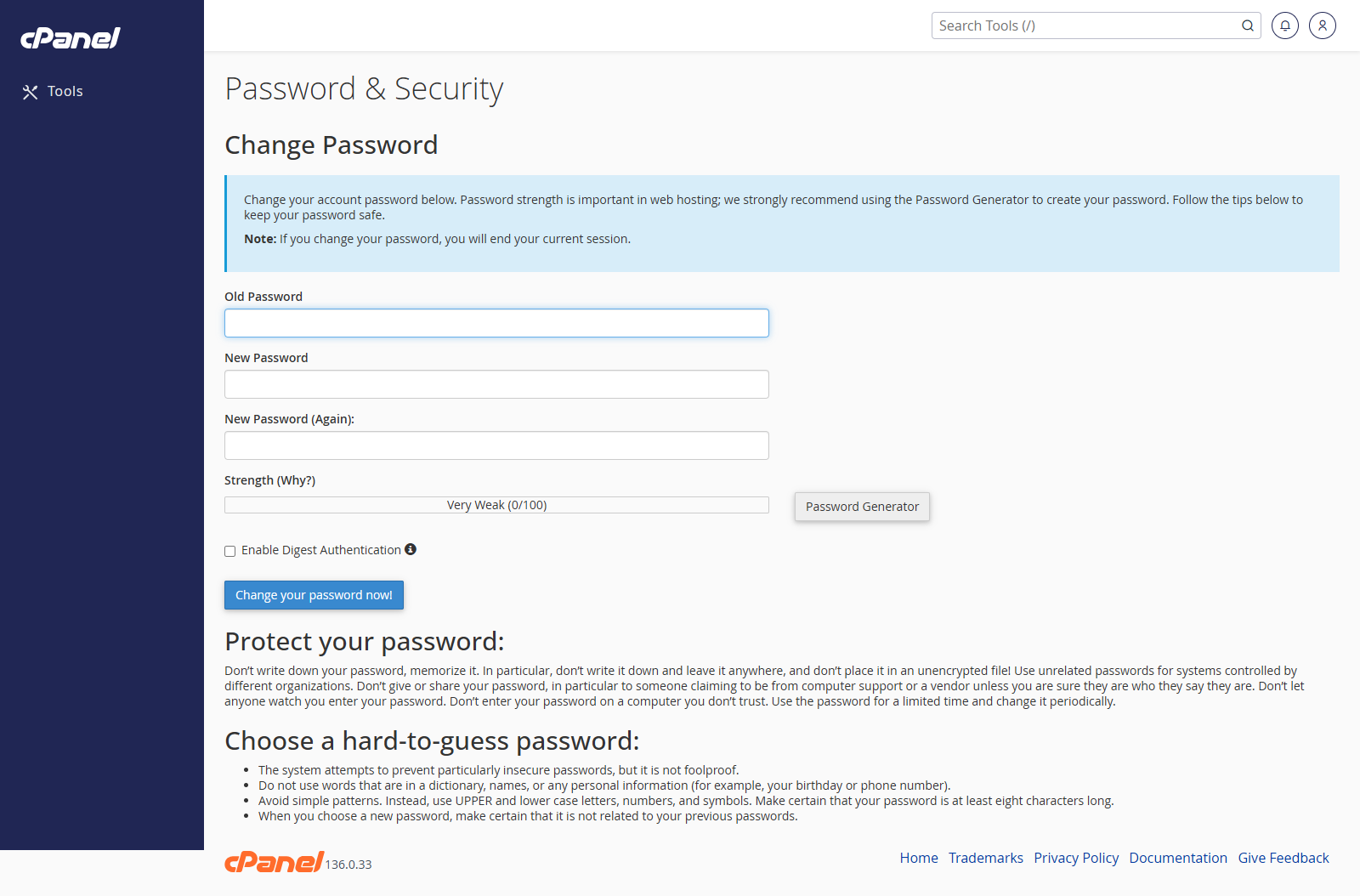
Open Password and Security
- Go to Preferences > Password & Security.
- Enter your current password.
Change the Password
- Enter the new password.
- Confirm the new password.
- Use the password strength meter to check the password.
- Click Change your password now.
Notes
- Use a strong, unique password.
- Changing the cPanel password may also affect related services that use the same account password.
- Store the new password somewhere secure.