
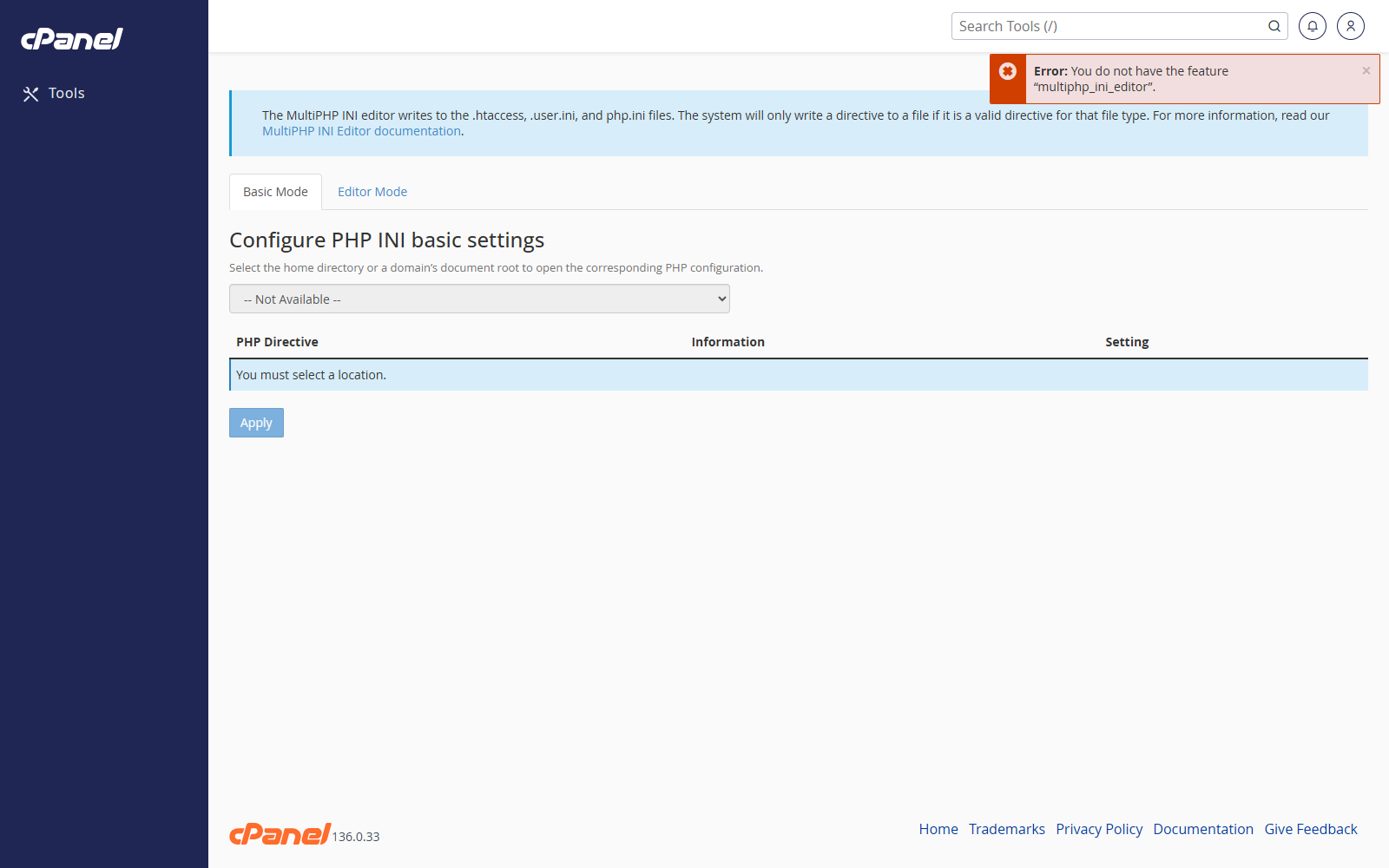
Open MultiPHP INI Editor
- Go to Software > MultiPHP INI Editor.
- Choose the domain or home directory you want to change.
Use Basic Mode
- Open the Basic Mode tab.
- Choose the domain.
- Change the setting you need, such as memory_limit, upload_max_filesize, or post_max_size.
- Click Apply.
Use Editor Mode
- Open the Editor Mode tab.
- Choose the domain.
- Edit the PHP configuration values.
- Click Save.
Notes
- Only change settings you understand.
- Some PHP limits may be capped by the server.
- If a site breaks after a PHP setting change, undo the change and test again.