
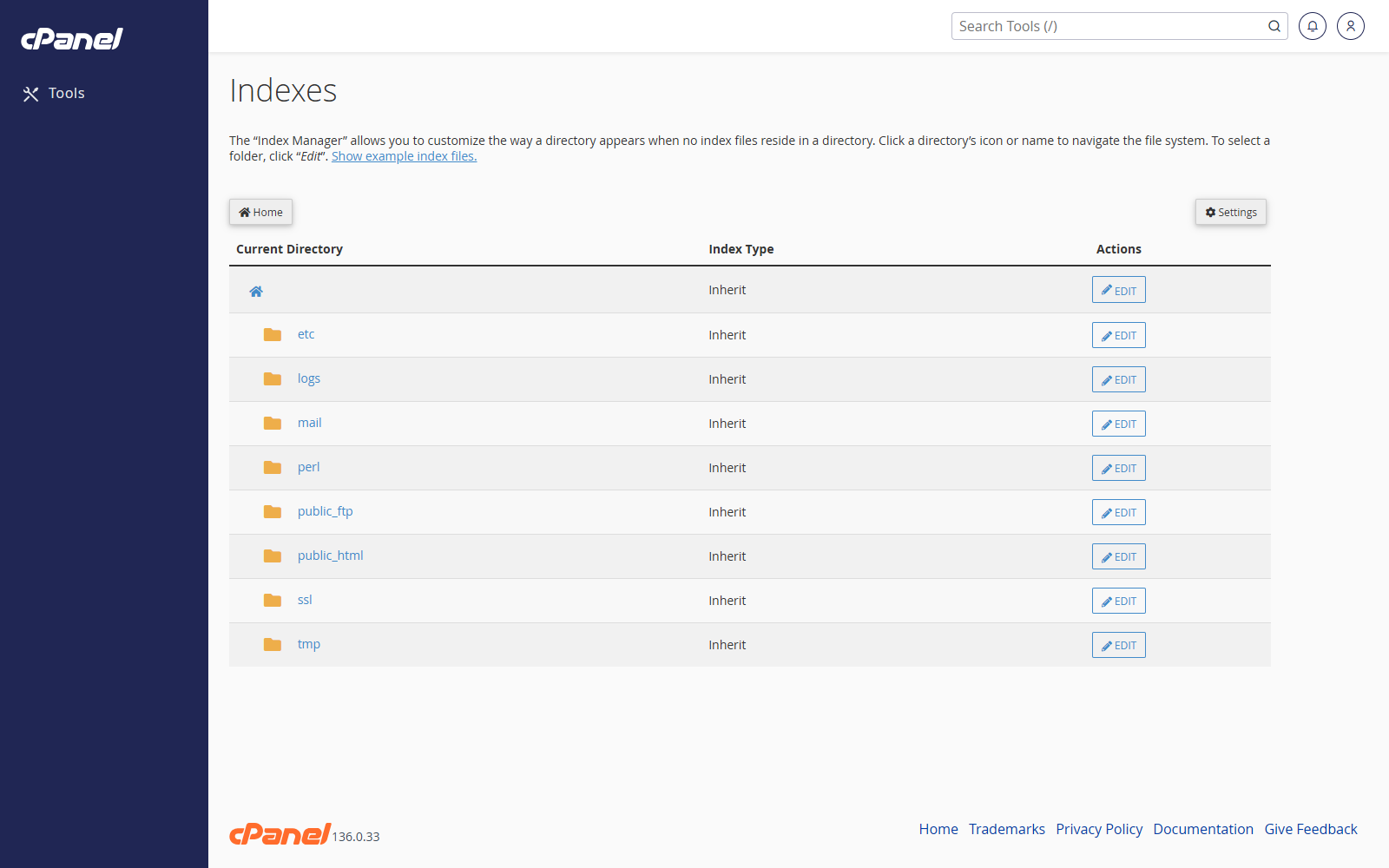
Open Indexes
- Go to Advanced > Indexes.
- Browse to the directory you want to change.
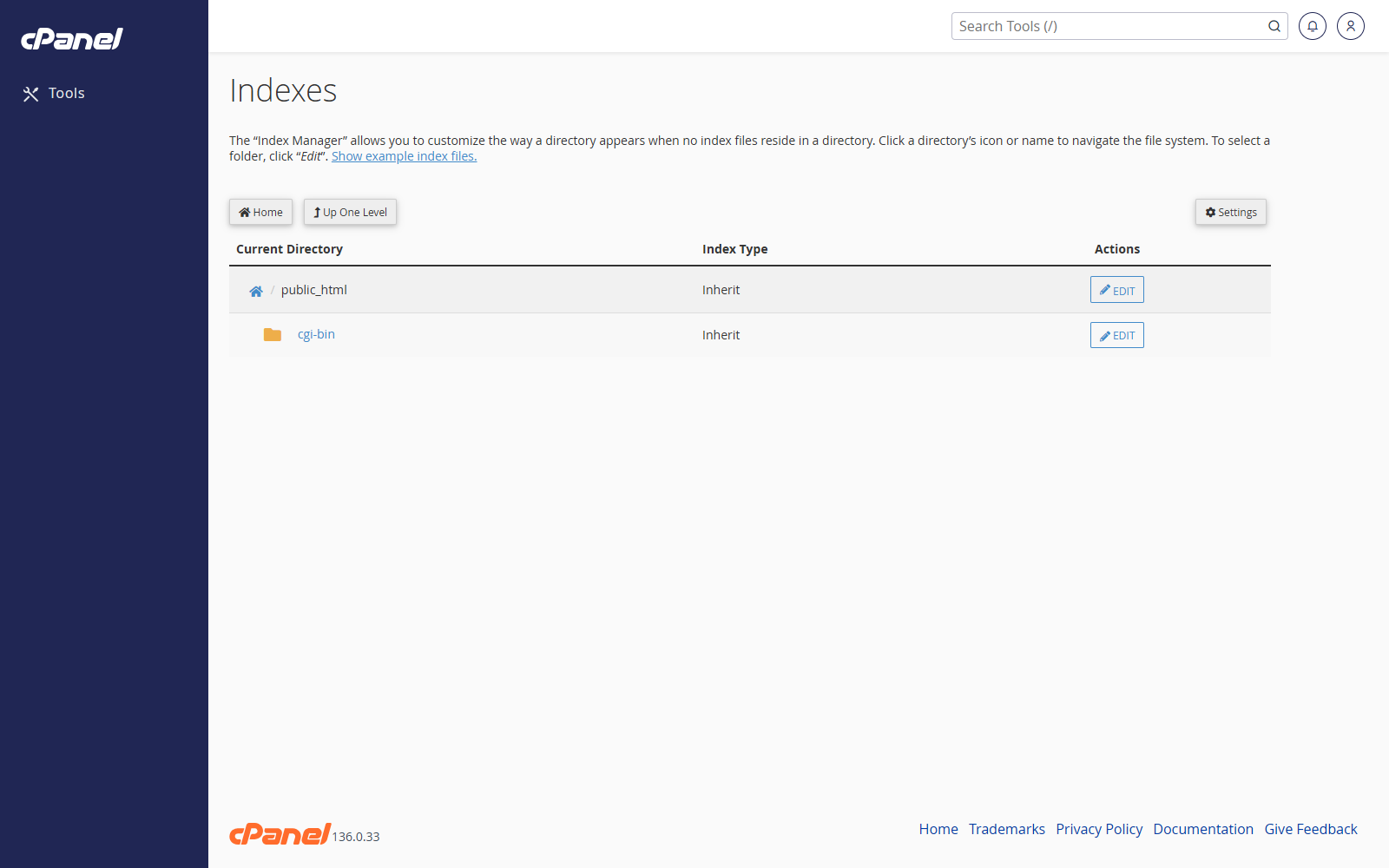
- Click the folder name to open subfolders.
- Click Edit beside the folder you want to configure.
Choose an Indexing Option
- Choose No Indexing to stop visitors seeing a file list.
- Choose Standard Indexing to show a basic file list.
- Choose Fancy Indexing to show a file list with more details.
- Choose Default System Setting to use the server default.
- Click Save.
Notes
- Use No Indexing for folders that should not show a public file list.
- Index settings do not password-protect a folder.
- Use Directory Privacy if the folder needs a username and password.