
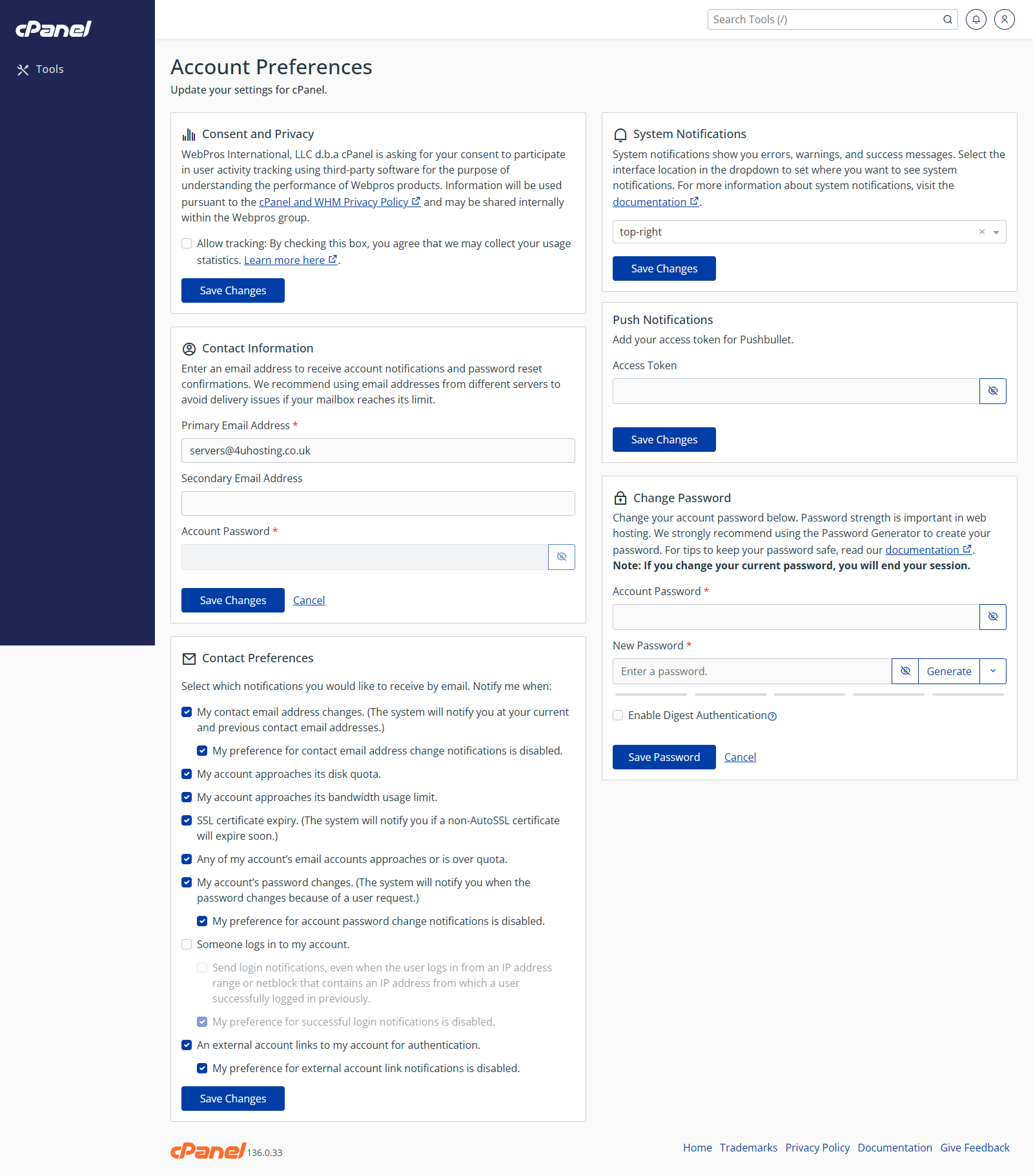
Open Account Preferences
- Go to Preferences > Account Preferences.
- Review the available account options.
Change an Account Preference
- Find the setting you want to change.
- Choose the new option.
- Click Save or Update.
Notes
- The available preferences depend on how the server is configured.
- Only change settings you understand.