
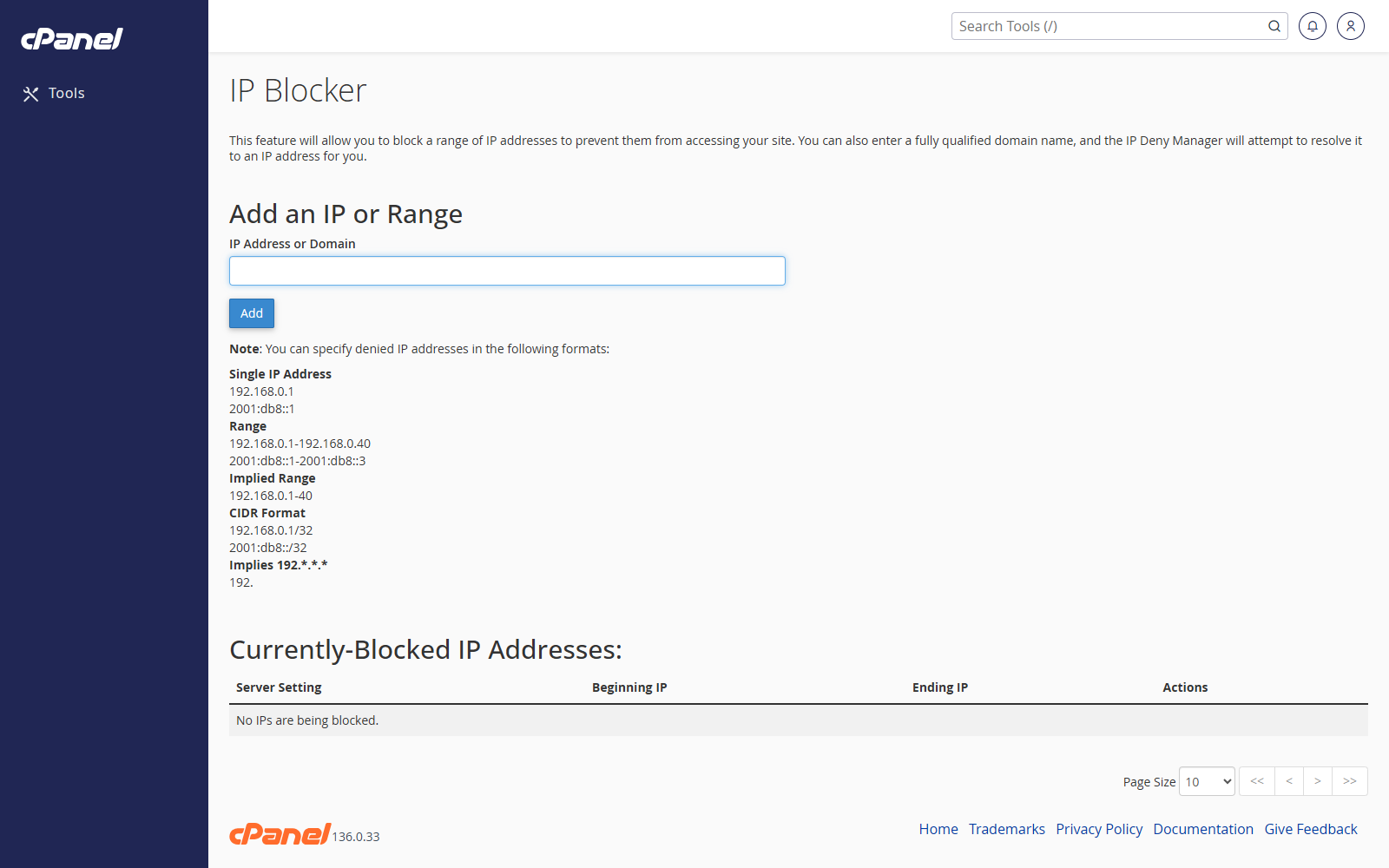
Block an IP Address
- Go to Security > IP Blocker.
- Enter the IP address, IP range, or domain you want to block.
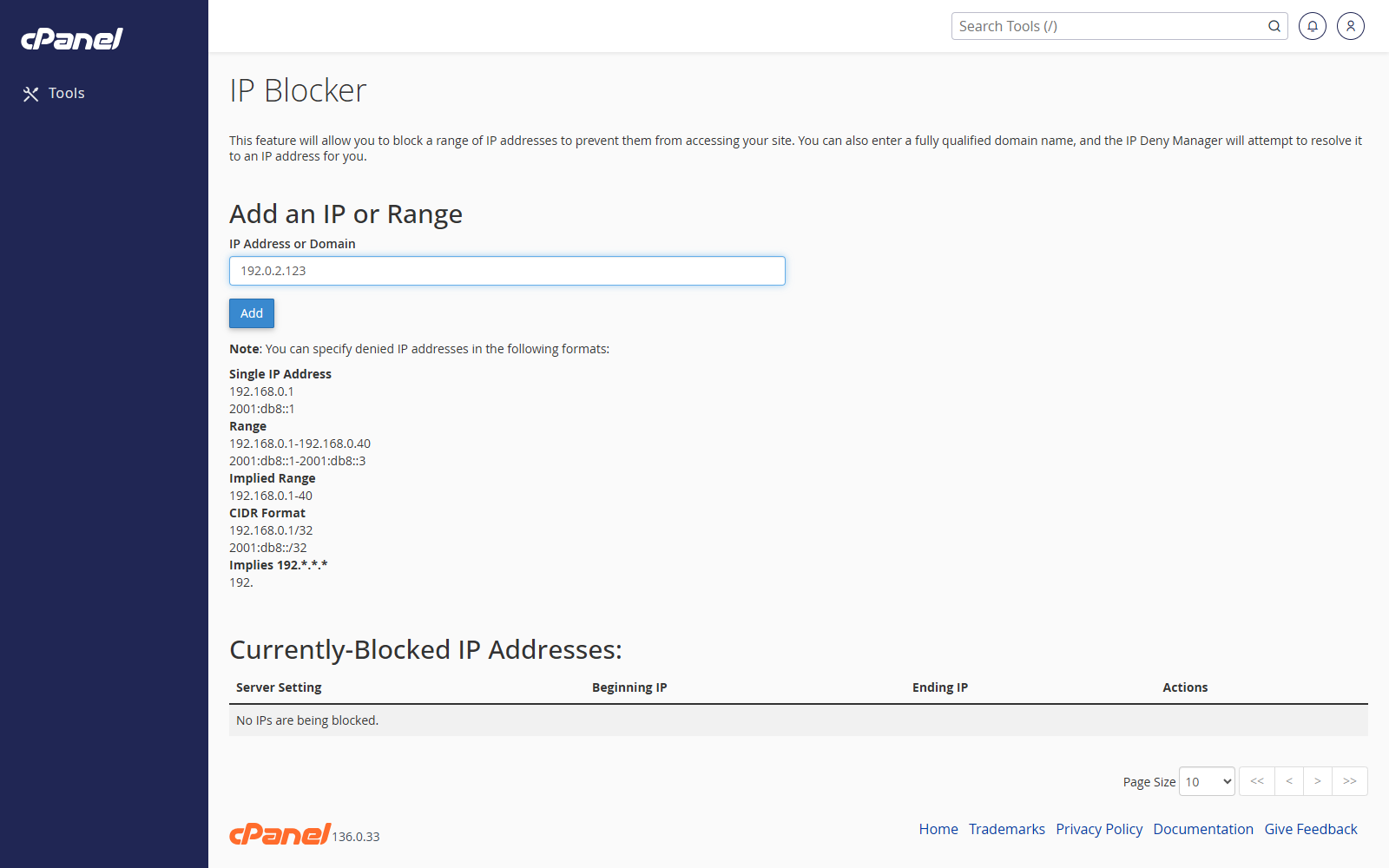
- Click Add.
Remove a Blocked IP Address
- Go to Security > IP Blocker.
- Find the IP address in the blocked list.
- Click Delete.
- Confirm the removal.
Notes
- Use this for IP addresses that should not be able to reach your website.
- Be careful with ranges because they can block more visitors than expected.
- Do not block your own IP address.