
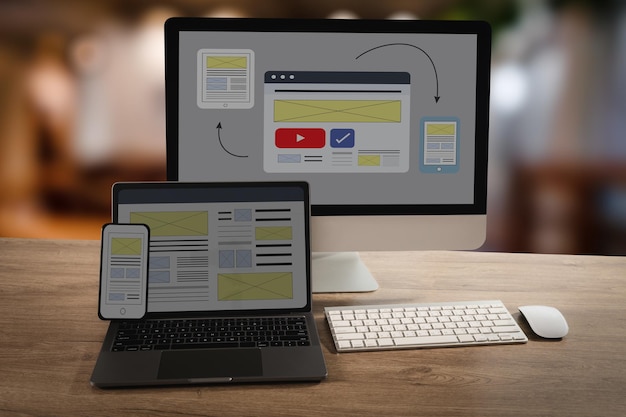
Websites are more consistent across browsers than they used to be. That does not mean cross-browser testing has stopped mattering.
People may visit your site using Chrome, Safari, Firefox, Edge, mobile browsers, tablets, older devices, different operating systems and different screen sizes. A page that looks perfect in your own browser can still behave strangely somewhere else.
Testing helps you catch those problems before your customers do.
What Cross-Browser Testing Checks
Cross-browser testing is not just about whether a page "looks nice".
It should check whether visitors can complete the important tasks on your site:
- Can they read the content?
- Does the navigation work?
- Do forms submit correctly?
- Are buttons and menus usable on touchscreens?
- Does the layout hold together at different screen widths?
- Are key features working without visual glitches?
If you run an ecommerce store, checkout testing is especially important.
Prioritise Real Visitors
You do not need to test every obscure device and browser combination in the world.
Start with your analytics. Look at which browsers, devices and screen sizes your visitors actually use. Then make sure your most important pages work well for those combinations.
For a new site without much traffic data, cover the obvious basics: current versions of Chrome, Safari, Firefox and Edge, plus common mobile and tablet sizes.
Test Before and After Launch
Cross-browser testing is most obvious before launching a new site, but it is also useful after changes.
Run checks when you:
- Change your theme or design.
- Add new plugins or scripts.
- Update checkout, booking or enquiry forms.
- Add popups, banners or cookie tools.
- Make major content layout changes.
Small updates can have unexpected effects.
Use Tools, But Do Not Skip Human Checks
Testing tools can quickly show how a page renders across browsers and devices. They are useful for spotting layout problems and obvious breakages.
However, automated screenshots cannot tell you whether a page feels easy to use. Take time to click through the site like a real visitor.
Try the awkward things too: submit a form with missing fields, rotate a phone, zoom text, use keyboard navigation and test slow-loading pages.
Keep the Site Simple Where Possible
The more complex a website becomes, the more room there is for browser-specific issues.
That does not mean avoiding useful design or functionality. It means being thoughtful about heavy scripts, unusual effects and plugin stacks. If a feature adds little value but creates testing headaches, it may not be worth keeping.
A Better Launch Habit
Cross-browser testing is one of those jobs that feels easy to skip when a deadline is close.
It is also one of the easiest ways to avoid embarrassing launch problems. A little time spent testing can protect enquiries, sales and trust.