
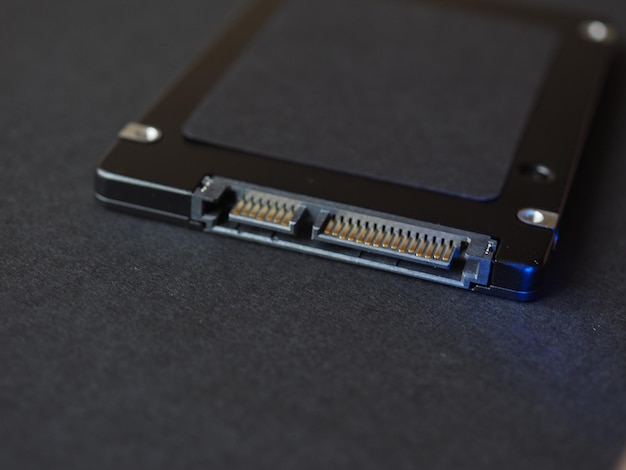
SSD stands for solid state drive. In hosting, SSD storage is used to store website files, databases, email data and other server content.
The main difference between SSDs and older mechanical hard drives is that SSDs have no moving parts. That matters because storage speed can affect how quickly a website responds, especially when the site depends on database queries, database-driven pages or frequent file access.
It is also worth knowing that not all SSD hosting is equal. Modern hosting platforms increasingly use NVMe SSDs, which are faster than older SATA SSDs. At 4UHosting, our hosting uses NVMe drives rather than older mechanical disks or slower legacy SSD storage.
How SSDs differ from traditional hard drives
Traditional hard drives store data on spinning platters and use a moving arm to read and write information. That design improved a great deal over the years, but it is still mechanical.
SSDs store data electronically using flash memory, which allows them to access data much more quickly in many situations. For hosting, that can mean faster file access, quicker database operations and a more responsive platform.
What NVMe means
NVMe stands for Non-Volatile Memory Express. In plain English, it is a newer way for servers to communicate with SSD storage.
Older SATA SSDs were already a major improvement over traditional hard drives, but they still used an interface originally designed around older storage technology. NVMe was built for fast flash storage from the start, which means it can handle more data, more quickly and with lower delays.
For website owners, the practical point is simple: NVMe SSD hosting gives the server faster access to the files and databases your site depends on.
Why SSD hosting can improve website performance
Website speed depends on many things: the code, images, caching, plugins, database queries, network conditions and server configuration. Storage is only one part of that picture, but it can be an important one.
If a website is constantly reading from or writing to disk, faster NVMe storage can help reduce delays. This is particularly useful for WordPress, ecommerce sites, membership sites and other database-heavy websites that use a database heavily.
SSDs can support reliability
Because SSDs have no moving mechanical parts, they avoid some of the wear and failure points associated with older hard drives.
That does not mean SSDs never fail. All storage needs proper monitoring, redundancy and backups. The hosting setup around the drives still matters, so RAID, server monitoring, backups and good maintenance remain essential.
SSD hosting is not the only speed factor
Moving to SSD hosting will not fix an overloaded theme, uncompressed images, too many plugins or poor caching by itself. A slow website should be reviewed as a whole.
That said, NVMe SSD storage gives the site a stronger performance foundation. It removes one common bottleneck, especially compared with older, slower disk-based hosting.
When SSD hosting is especially useful
SSD hosting is useful for most modern websites, but it becomes more important when performance directly affects business results. That includes ecommerce stores, busy WordPress sites, booking systems, customer portals and websites where slow pages could cost enquiries or sales.
For more demanding projects, NVMe SSD storage combined with a managed cloud server can provide both speed and room to grow.
Do you still need backups?
Yes. SSD storage does not remove the need for backups. Accidental deletion, software issues, malware, bad updates and human mistakes can still happen.
Think of NVMe SSDs as faster, more modern storage, not as a replacement for proper protection.
A practical upgrade for modern hosting
SSD hosting is now a sensible expectation for business websites and NVMe SSD hosting is the better modern standard to look for.
It helps support faster performance, better responsiveness and a more reliable hosting platform. Combined with good caching, optimised images, secure updates and suitable server resources, it can make a noticeable difference to how a website feels for visitors.