
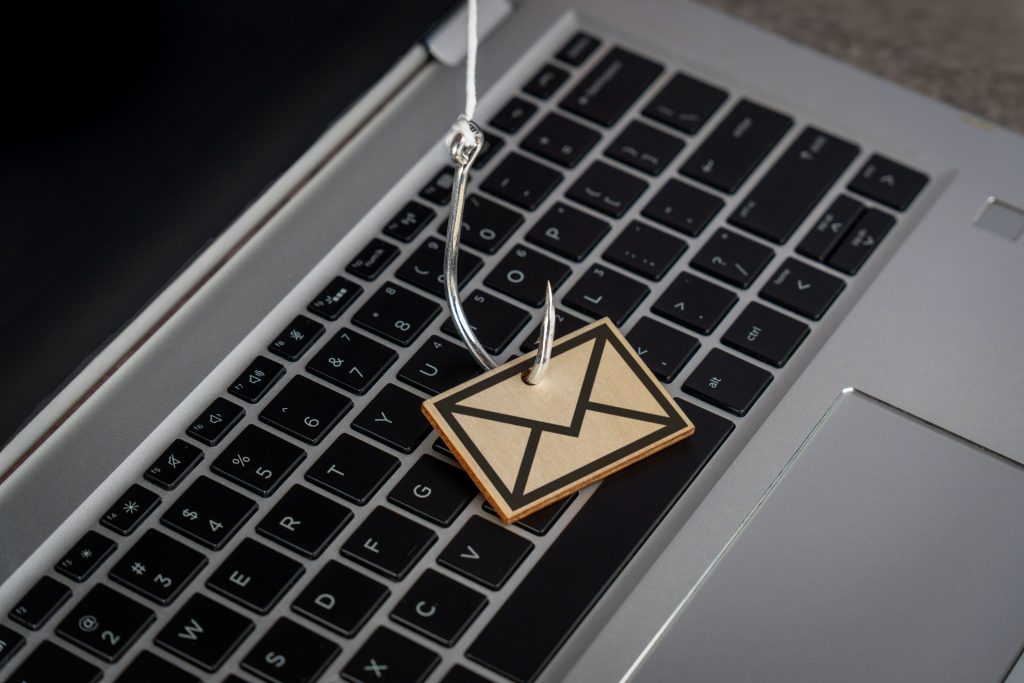
Some online scams are easy to laugh at. The badly written messages, unlikely lottery wins and dramatic requests for help can seem obvious from a mile away.
The problem is that phishing has moved on. Many scams are now carefully written, well branded and timed to catch people when they are busy. They may look like delivery updates, bank warnings, password reset requests, invoice queries, software alerts or messages from services you already use.
Phishing is not about hacking a system by force. It is about persuading a person to take the wrong action.
What is phishing?
Phishing is a type of scam where an attacker pretends to be a trusted person or organisation in order to steal information, money or access.
The bait might be an email, text message, social media message, phone call, QR code or fake website. The aim is usually to get you to click a link, download a file, enter login details, approve a payment or share sensitive information.
The message may appear to come from a bank, delivery company, payment service, online shop, software provider, colleague, supplier or government department.
Why phishing works
Phishing works because it uses pressure and familiarity.
The message may suggest that your account will be closed, a parcel is waiting, a payment has failed, an invoice is overdue or urgent action is required. It may use a logo you recognise or refer to a service you genuinely use.
When people are busy, distracted or worried, they are more likely to click before checking.
Common signs of a phishing attempt
Not every phishing message contains obvious spelling mistakes. Still, there are warning signs worth looking for.
Be careful if a message asks you to confirm passwords, card details or security codes, creates urgency, comes from an email address that does not match the organisation, points links to unusual addresses, includes unexpected attachments, asks for payment details to be changed, feels out of character or uses a generic greeting where a real provider would normally know your name.
Any one of these signs is enough to slow down and check.
Do not trust links blindly
If an email asks you to log in, avoid clicking the link in the message.
Open your browser and visit the official website yourself or use a bookmark you already trust. This simple habit can prevent you from entering details into a convincing fake login page.
On desktop, hovering over a link can show where it really points. On mobile, you can often press and hold a link to preview it. Be careful with shortened links or web addresses that look almost right but contain small spelling changes.
Watch out for attachment traps
Phishing emails often use attachments that look like invoices, statements, order confirmations, scanned documents or delivery notes.
If you were not expecting the file, check with the sender through another channel before opening it. Be especially cautious with files that ask you to enable macros, install software or log in before viewing.
Use multi-factor authentication
Multi-factor authentication, often called MFA, adds another layer of protection to your accounts.
If a password is stolen, MFA can make it much harder for an attacker to log in. It is especially important for email accounts, hosting accounts, banking, cloud storage, ecommerce platforms and admin dashboards.
Where possible, use an authenticator app, security key or passkey rather than relying only on SMS codes.
Keep software and security tools updated
Updates help close known security weaknesses.
Keep your operating system, browser, email app, antivirus tools, password manager and website software up to date. If you run WordPress or another CMS, update the core software, themes and plugins promptly.
Good spam filtering and malware scanning can reduce the number of risky messages that reach your inbox, but they do not replace caution.
Have a process for payments and account changes
Businesses should have clear procedures for anything involving money or access.
If a supplier asks to change bank details, verify the request by phone using a trusted number, not the one in the email. If a senior member of staff requests an urgent payment, confirm it through a second channel.
The aim is to make fraud harder without making everyday work impossible.
What to do if you clicked
If you think you have clicked a phishing link or entered details into a fake site, act quickly.
Change the affected password from the real website, not from the suspicious link. If you reused that password elsewhere, change it there too. Enable MFA, check account recovery details, review forwarding rules and contact your provider or IT support if a business account may be affected.
If payment information was shared, contact your bank immediately.
Phishing relies on people acting quickly without checking. The best defence is a mix of good security tools, strong account protection and a healthy pause whenever something feels urgent, unusual or too convenient.