
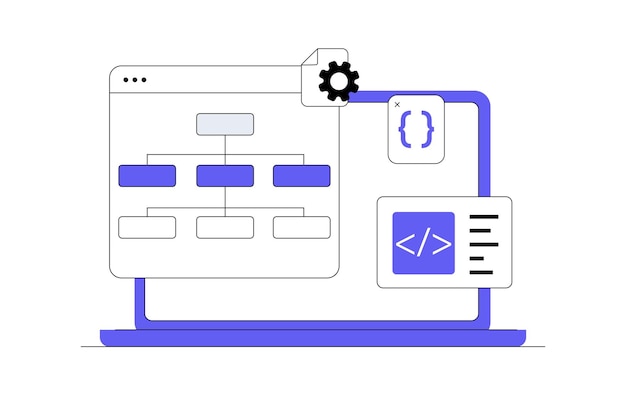
A sitemap is a file that helps search engines understand which pages exist on your website.
For WordPress sites, it can be especially useful because content often grows over time. Pages, posts, categories, products and other content types can all be added quickly. A sitemap gives search engines a clearer route through that structure.
It does not guarantee rankings, but it can help important pages get discovered.
XML sitemaps and HTML sitemaps
There are two common types of sitemap. An XML sitemap is mainly for search engines, listing URLs in a structured format so crawlers can find pages and understand when content has changed.
An HTML sitemap is designed for people. It is a normal page on your website that links to important sections or pages. Not every site needs one, but it can be useful on larger sites where visitors may benefit from an extra route through the content.
For SEO, XML sitemaps are usually the priority.
WordPress includes sitemap functionality
Modern WordPress includes basic XML sitemap functionality. Many SEO plugins also generate sitemaps and give more control over what is included.
If you use an SEO plugin, check its sitemap settings rather than assuming you need an additional sitemap plugin. Running multiple sitemap plugins can cause confusion if they generate different files or include different URLs.
What should be included
A sitemap should focus on useful, indexable pages. Include important pages, posts and content that you want search engines to discover.
Exclude thin pages, duplicate content, internal search results, admin pages and anything you do not want indexed. For ecommerce sites, product and category pages may also need to be included, depending on the setup.
A sitemap does not fix poor structure
A sitemap helps discovery, but it does not replace good internal linking. Important pages should still be linked from your navigation, content, category pages or other relevant areas of the site.
If a page only exists in the sitemap and has no useful links from the website itself, that can be a sign the site structure needs work. Search engines and visitors both benefit from a clear hierarchy.
Submit your sitemap
Once your sitemap is ready, you can submit it in Google Search Console and Bing Webmaster Tools. This helps search engines find the sitemap and report any issues.
The usual WordPress sitemap address depends on your setup, but it is often something like /wp-sitemap.xml or a sitemap URL created by your SEO plugin.
Keep it clean as the site grows
Sitemaps should be checked from time to time. If you delete pages, change URLs, add ecommerce content or restructure the site, make sure the sitemap still reflects the pages you want indexed.
Broken URLs and low-value pages can make the sitemap less useful. It is quiet maintenance, but it supports healthier search visibility.
A small but useful SEO basic
A sitemap will not make weak content rank well by itself. What it can do is help search engines find the pages that deserve attention.
Combined with useful content, sensible internal links and a well-structured WordPress site, it is a simple SEO basic worth getting right.