
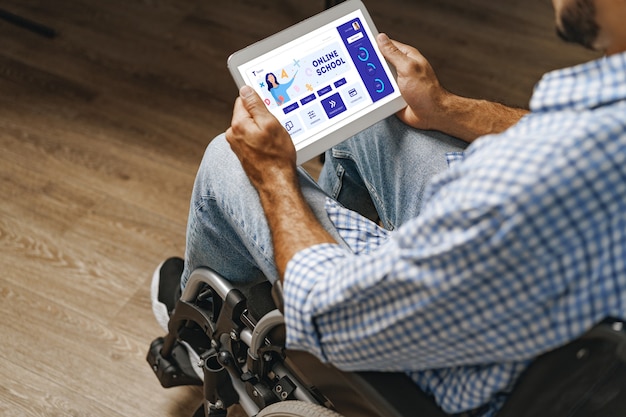
An accessible website is easier for more people to use. That includes visitors with visual, hearing, motor or cognitive disabilities, but it also includes people using small screens, slow connections, bright sunlight, temporary injuries or assistive technology.
In other words, accessibility is not a niche concern. It is part of good web design.
You do not need to rebuild your whole site overnight. Start with the basics, fix the most obvious barriers and make accessibility part of how you manage the site from now on.
Use Clear Alt Text
Alt text describes an image for people who cannot see it. It is read by screen readers and can also help search engines understand your page.
Good alt text should explain the purpose of the image in context. If the image is decorative, it may not need a detailed description. If it shows a product, place, chart or action, describe what matters.
Avoid stuffing alt text with keywords. Write it for people first.
Make Text Easy to Read
Readable text helps everyone.
Use a sensible font size, short paragraphs and enough spacing between lines. Keep important content in real text rather than embedded inside images, so it can be resized, copied, translated and read by assistive tools.
Strong contrast matters too. Pale grey text on a white background might look subtle, but it can be difficult to read.
Label Forms Properly
Contact forms, checkout forms and signup forms should be clear and predictable.
Use visible labels for each field. Do not rely only on placeholder text, because it can disappear as soon as someone starts typing and may be difficult to read.
If there is an error, explain what needs fixing in plain language.
Make the Site Keyboard Friendly
Some visitors use websites with a keyboard rather than a mouse or touchscreen. They should be able to tab through menus, forms, buttons and links in a logical order.
Check that the current focus state is visible. If users cannot see where they are on the page, they can quickly get lost.
Add Captions or Transcripts to Video
If you use video, include captions where possible. They help visitors who are deaf or hard of hearing and they also help people watching without sound.
For longer or more detailed videos, a transcript can be useful too. It gives visitors another way to consume the information and can make the content easier to search.
Keep Navigation Consistent
Visitors should not have to relearn your website on every page.
Keep menus, buttons and page layouts consistent. Use descriptive link text, so people know where a link will take them before they click it. "Read our hosting guide" is more useful than "click here".
Accessibility Is an Ongoing Habit
Accessibility is not a one-off plugin or a badge in the footer. It is a habit.
When you add a page, upload an image, publish a video or redesign a form, ask whether someone using assistive technology could still understand and complete the task.
That question alone will improve a lot of websites.