
Launching a website can feel like the end of a project, but it is really the beginning of one. A site that is left untouched for months or years can slowly lose its usefulness, even if it looked good on day one.
Keeping your website fresh does not mean changing the design every few weeks. It means making sure the information is accurate, the pages are useful and visitors can see that the business behind the site is active.
Review your key pages
Start with the pages that matter most: homepage, services, pricing, contact, support, about and any major landing pages. Check that the wording still reflects what you offer, that forms work and that contact details are correct.
Outdated information can quietly damage trust. If a visitor sees old offers, retired services or broken links, they may wonder what else has been neglected.
Use customer questions as content ideas
Your customers are often the best source of website updates. If people regularly ask the same questions by phone, email or support ticket, turn those answers into useful content.
This might become a blog post, a short FAQ, a support guide or an extra section on a service page. The more clearly your website answers real questions, the more helpful it becomes.
Keep calls to action current
Make sure your main calls to action still match what you want visitors to do. If your priority is enquiries, make that route obvious. If you want people to compare packages, book a consultation or read a guide, direct them there clearly.
Small wording changes can make a real difference. "Get support" and "Ask a question" feel very different, even if they lead to the same form.
Update visual content carefully
Fresh images, screenshots and examples can make a site feel more current. This is especially true for service businesses, portfolios, ecommerce stores and software-related content.
Do not update visuals just for decoration. Choose images that clarify what you do, show real work or support the page’s message.
Plan small updates
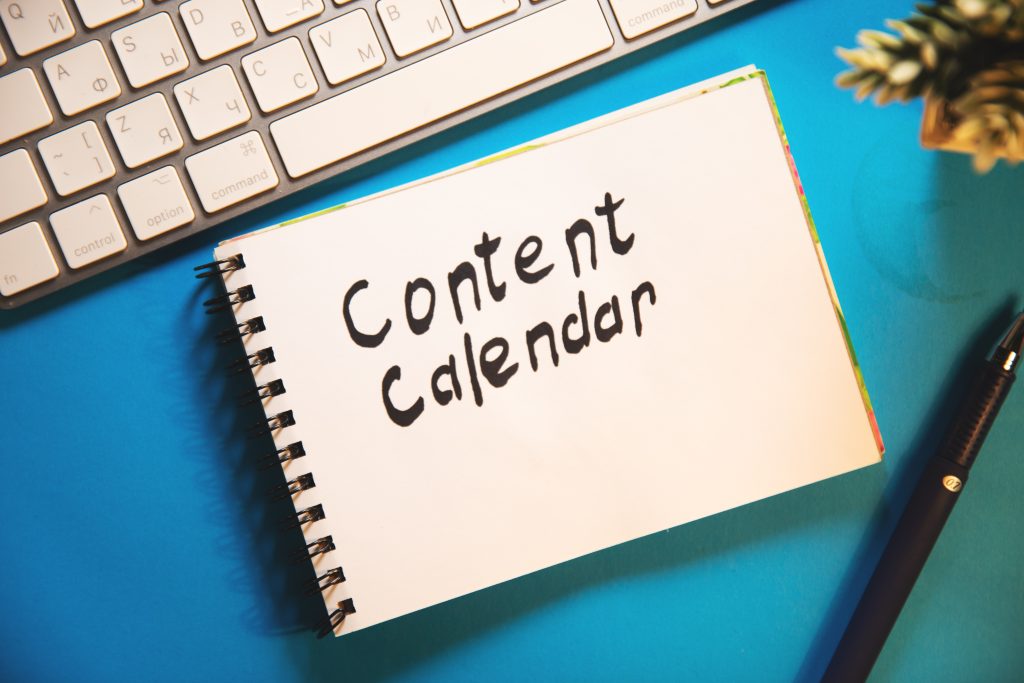
A simple content calendar can stop website maintenance from becoming overwhelming. You might review one service page a month, publish one useful article, update screenshots every quarter or check contact details after any business change.
Freshness is easier when it becomes a habit.
Keep the technical side healthy
Content is only part of the job. Your website also needs reliable hosting, software updates, working backups, SSL protection and good performance.
A current-looking site can still frustrate visitors if pages are slow or errors appear. A relevant website is not necessarily the busiest or most complicated one. It is the one that gives visitors accurate information, useful answers and confidence that your business is ready to help.