
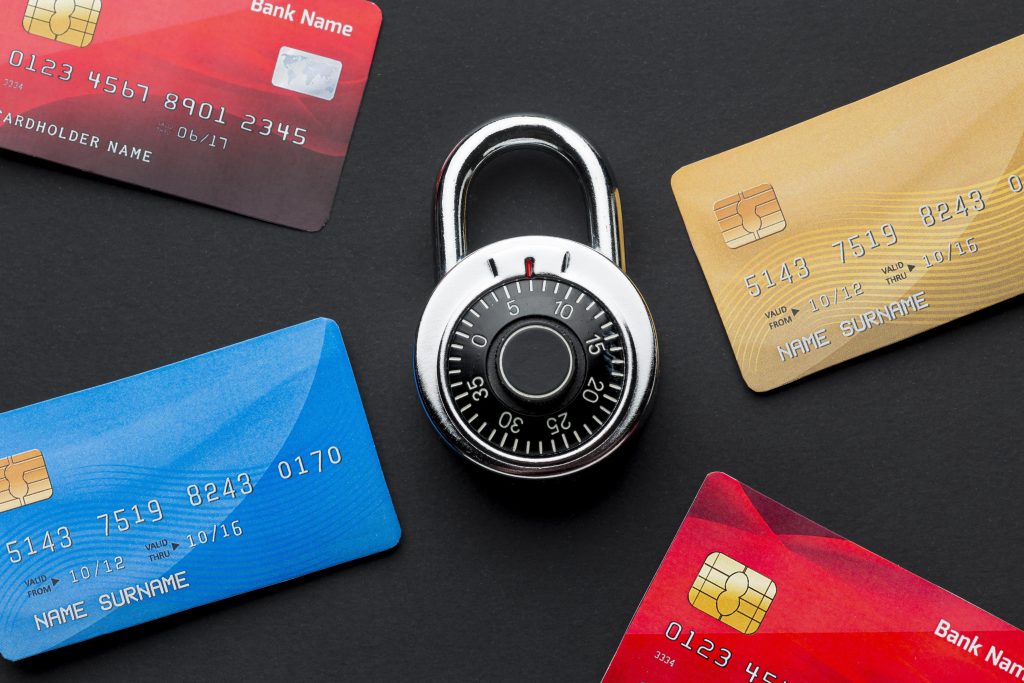
An ecommerce website needs the same kind of attention you would give to a physical shop.
You would not leave the doors open overnight, ignore faulty alarms or let strangers handle payments behind the counter. Online security deserves the same mindset. A store that takes payments, stores customer details or manages orders has to be protected properly.
There is no single switch that makes an ecommerce site secure. It is a set of layers: hosting, software, payments, backups, access control, monitoring and sensible day-to-day procedures.
Use reliable hosting
Security starts with the environment your website runs on.
Cheap, overcrowded hosting can create performance and reliability problems. For an ecommerce store, you should be thinking about uptime, server security, monitoring, backups, support and room to scale.
If your store is business-critical or attracting heavier traffic, a managed cloud server may be a better fit than standard shared hosting. That does not mean every shop needs one on day one, but the hosting should match the importance of the store.
Use HTTPS across the whole site
Every ecommerce store should use HTTPS, not just the checkout.
HTTPS helps protect information sent between the visitor and your website. It also gives customers a visible trust signal in the browser. If a store does not look secure, many customers will simply leave.
These days there is very little excuse for running an ecommerce site without SSL. It is a basic requirement, not a nice extra.
Keep software updated
Most ecommerce sites rely on a platform, theme, plugins and integrations. WooCommerce, OpenCart, Magento Open Source, payment extensions and delivery integrations all need attention over time.
Updates often fix security issues as well as bugs. If you delay them for too long, your site may become vulnerable to attacks that are already well known.
Before applying major updates, take a backup and test carefully where possible. A rushed update on a live shop can cause just as much panic as no update at all.
Protect administrator access
Many attacks target the login area because it is an obvious way in.
Use strong passwords, unique user accounts and two-factor authentication where available. Remove old users, avoid sharing administrator accounts and only give people the access level they actually need.
If your platform allows it, limit login attempts and monitor suspicious activity. For some stores it may also make sense to restrict admin access by IP address, though this needs to be managed carefully if staff work from different locations.
Use trusted payment providers
Avoid storing card details on your own website unless you have the systems and compliance in place to do it properly.
For most small and medium-sized stores, it is safer to use established payment providers that handle sensitive card data securely. You still have responsibilities, but you reduce the risk of exposing payment details on your own systems.
Do not treat payment setup as a tick-box exercise. Test the checkout, refunds, order emails and failed-payment behaviour before customers are relying on it.
Take regular backups
Backups are not glamorous, but they matter enormously.
If your website is hacked, broken by an update or affected by a server issue, a recent backup can make recovery much easier. Make sure backups are regular, complete and stored somewhere suitable.
For ecommerce, the database matters as much as the files. Orders, customer records, stock changes and settings may change throughout the day. A backup from last month is not much comfort if the shop was taking orders yesterday.
It is also worth checking that you know how to restore the backup. A backup you cannot restore is not much help in an emergency.
Watch for suspicious behaviour
Security is not only about blocking attacks. It is also about noticing when something looks wrong.
Keep an eye on failed login attempts, unexpected administrator accounts, unfamiliar files, unusual orders, payment disputes and sudden changes in traffic. The sooner you spot a problem, the easier it is to limit the damage.
Fraud checks matter too. If an order looks odd, such as a billing country that does not match the delivery pattern or a high-value order from a new customer, it is reasonable to pause and check before sending goods.
Secure customer data
Only collect the data you genuinely need.
Customer data should be protected, access should be limited and old information should not be kept indefinitely without a good reason. If you use third-party services for email, analytics, reviews or fulfilment, make sure you understand what data they receive and why.
Use security tools sensibly
Security plugins, malware scanners, firewalls and monitoring tools can all help, especially for WordPress and WooCommerce stores.
The key is to use reputable tools and configure them properly. Installing several overlapping plugins without understanding what they do can create confusion or slow the site down.
A content delivery network can also help in some cases, especially where it includes traffic filtering or protection against common attacks. It is not a replacement for keeping the site maintained, but it can be a useful extra layer.
Write down the basics
If something goes wrong, you do not want to be making every decision in a panic.
Know who to contact, where backups are stored, how to take the site offline if necessary and how customers will be updated if orders are affected. Staff should also know how passwords are handled, who is allowed admin access and what to do with suspicious orders.
Ecommerce security is not a one-time setup job. It is an ongoing habit made up of good hosting, careful updates, safe payments, regular backups, sensible access control and a bit of common sense.