
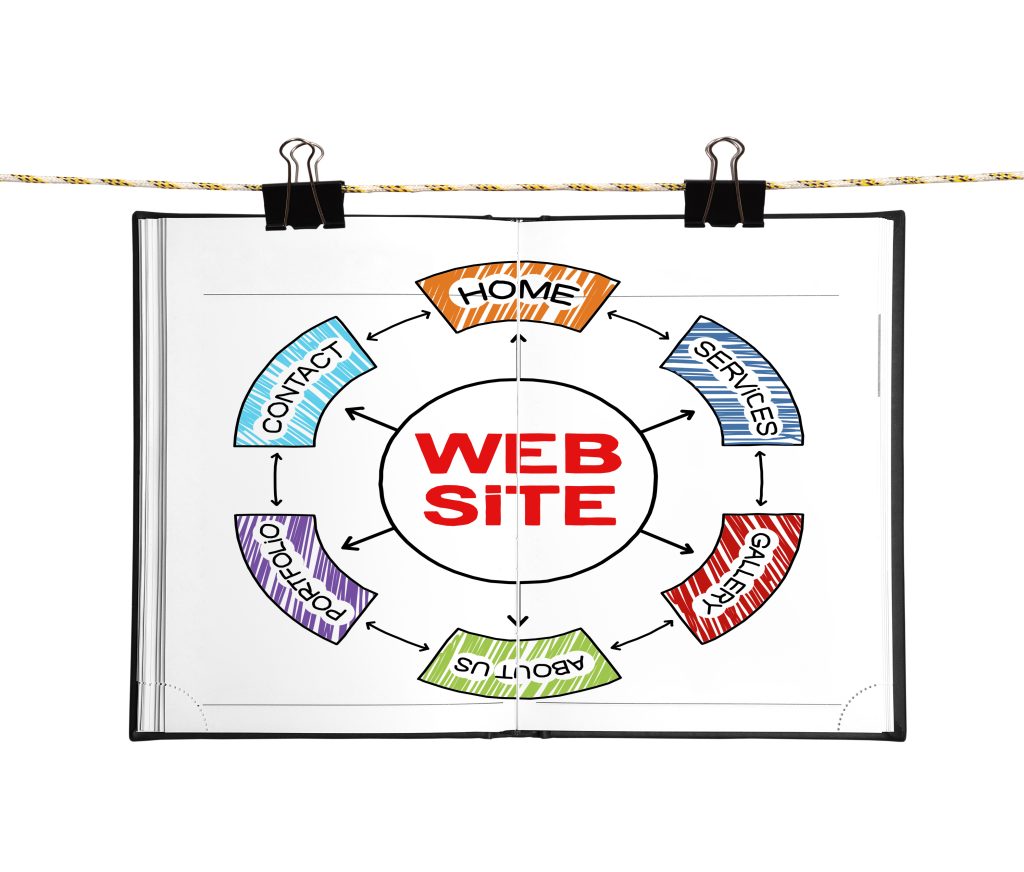
Internal links are the links that point from one page on your website to another page on the same website.
They are easy to overlook because they feel ordinary, but they do a lot of quiet work. They help visitors find useful information, support your website structure and give search engines a clearer understanding of how your pages fit together.
Good internal linking is not about stuffing links into every paragraph. It is about helping people take the next sensible step.
Internal links help visitors
Someone reading one page will often need related information.
If a visitor is reading about WordPress security, they may also want to know about updates, backups or secure hosting. If they are reading about domain names, they may need help with DNS or renewal reminders.
Internal links make those routes easier. Instead of forcing people back to the menu or asking them to search, you can guide them naturally to the next useful page.
Internal links help search engines discover pages
Search engines use links to find pages. If an important page is not linked from anywhere useful, it can be harder to discover and easier to ignore.
Every page you care about should be linked from at least one other relevant page. Important service pages, guides and category pages should usually have several sensible links pointing to them.
This is especially useful on larger websites where older articles can become buried over time.
Anchor text matters
Anchor text is the clickable wording of a link.
Good anchor text tells people what to expect. A link that says “read our WordPress security guide” is more useful than a vague “click here”.
Clear anchor text also gives search engines more context about the page being linked to. Keep it natural, concise and relevant to the page you are pointing towards.
Link related topics together
Internal links work best when they connect related ideas.
For example, a page about ecommerce product pages might link to a guide on website speed, because faster pages can improve the buying experience. A blog post about professional email might link to a domain name article, because both are part of a business’s online identity.
These links feel useful because they match the reader’s likely next question.
Avoid overdoing it
Too many links can make a page feel cluttered and distracting.
If every sentence contains a link, visitors may not know what matters. Search engines may also have a harder time understanding which links are genuinely important.
Use links where they add value. A handful of well-placed links is usually better than a long list of loosely related pages.
Support your key pages
Some pages are more important than others. These might be your main service pages, cornerstone guides or high-value landing pages.
Make sure relevant supporting articles link back to those key pages. This helps visitors move from helpful advice to a practical service and it helps reinforce the importance of those pages within your website structure.
Review older content
Internal linking is not just something to think about when publishing a new article.
When you add a useful new guide, go back to older related posts and add links where they make sense. This keeps your older content working and helps new pages gain visibility within the site.
It is also a good opportunity to remove links to outdated, missing or redirected pages.
Keep the Next Step in Mind
Strong internal links feel helpful, not forced.
Before adding a link, ask whether it helps the visitor understand the topic, compare an option or take a useful next step. If the answer is yes, it probably belongs there.
Internal links are simple, but they can make a website easier to use, easier to crawl and easier to manage.